Platform
Your Brand, Your Platform
Make every step feel like part of your academy.
- Your identity
- Your learning space
- Your launch
Your brand. Your prep community.
Give students one white-label home for your courses, practice, events, updates, and premium materials under your academy brand.
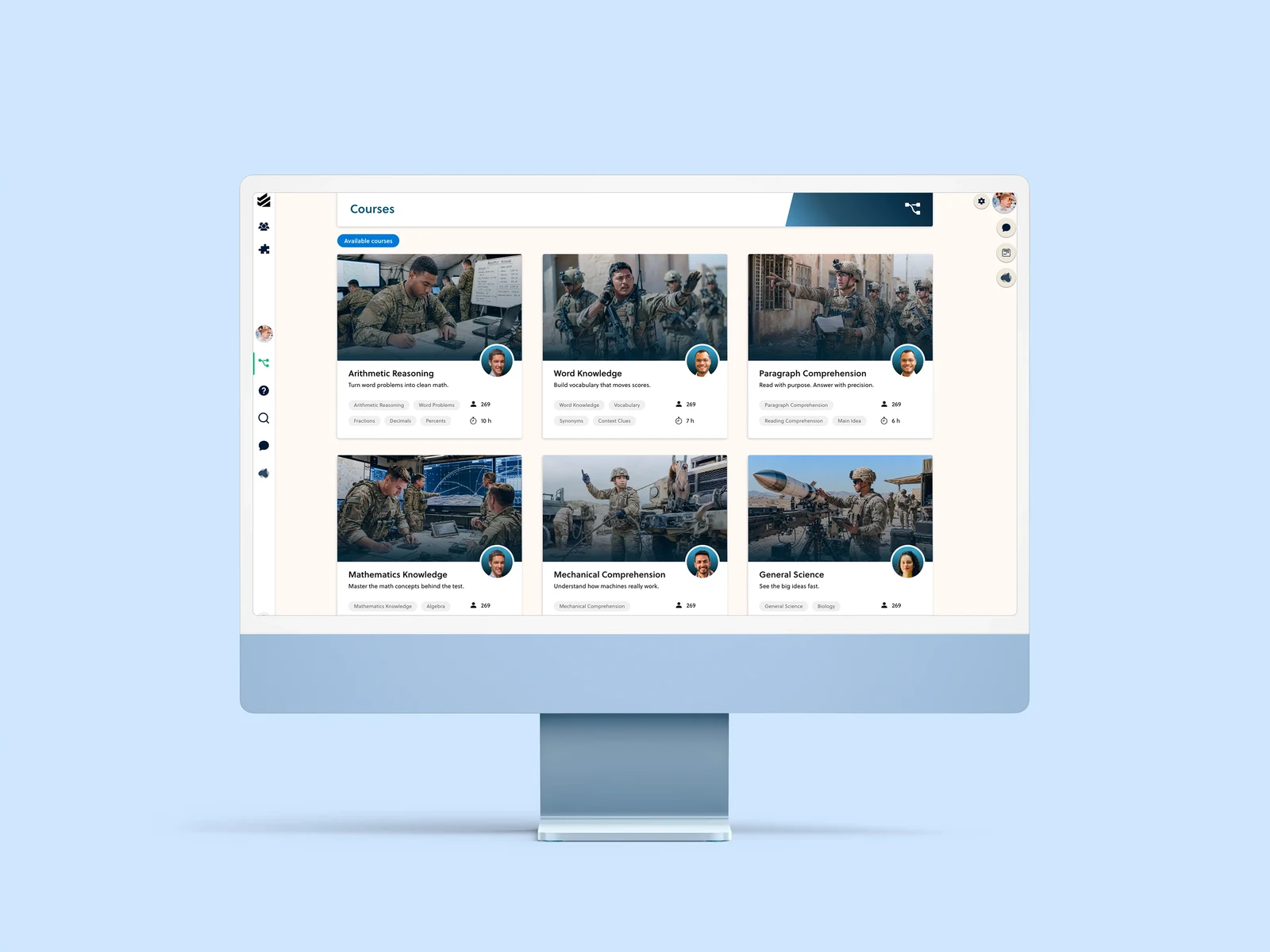
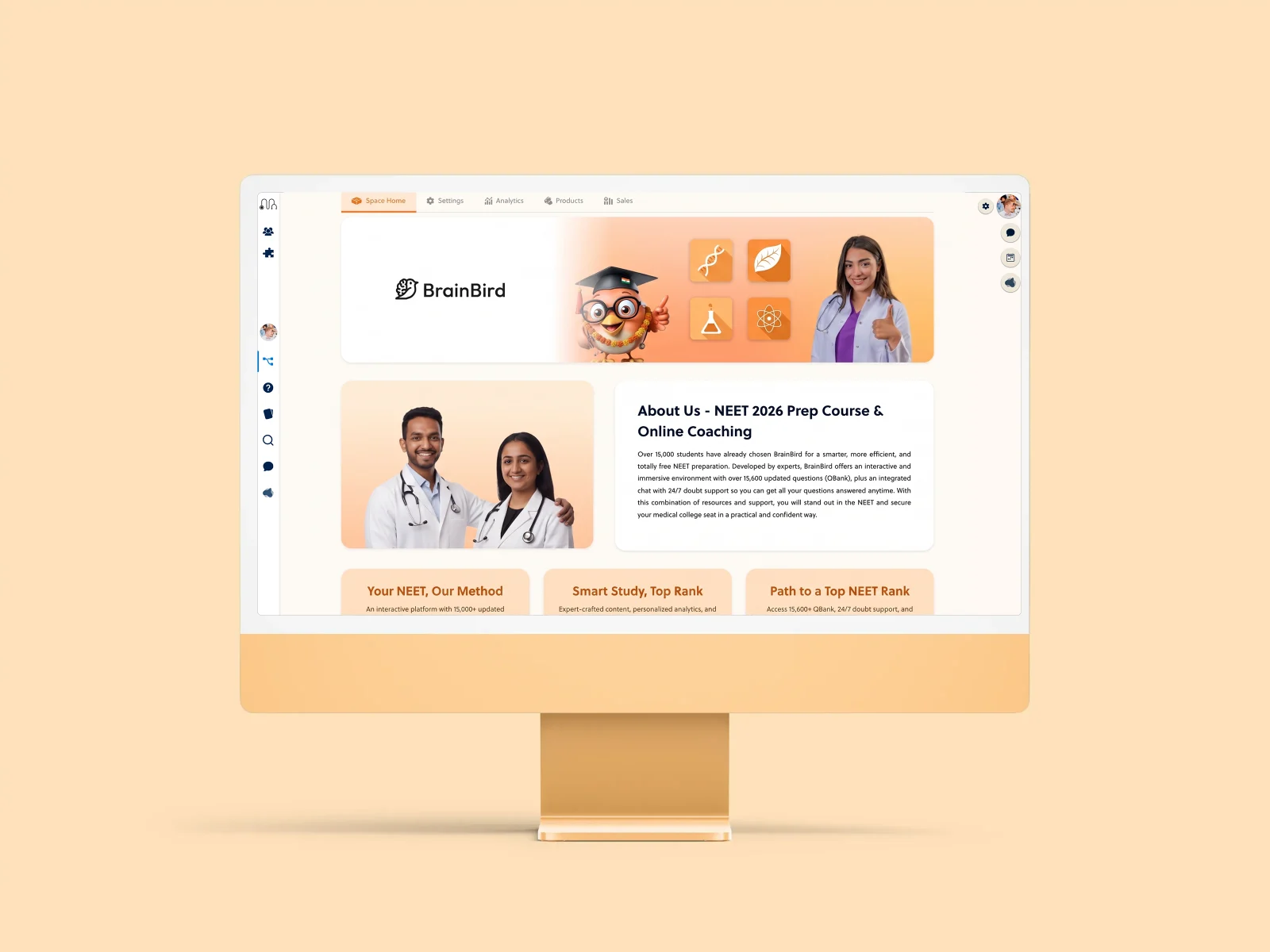
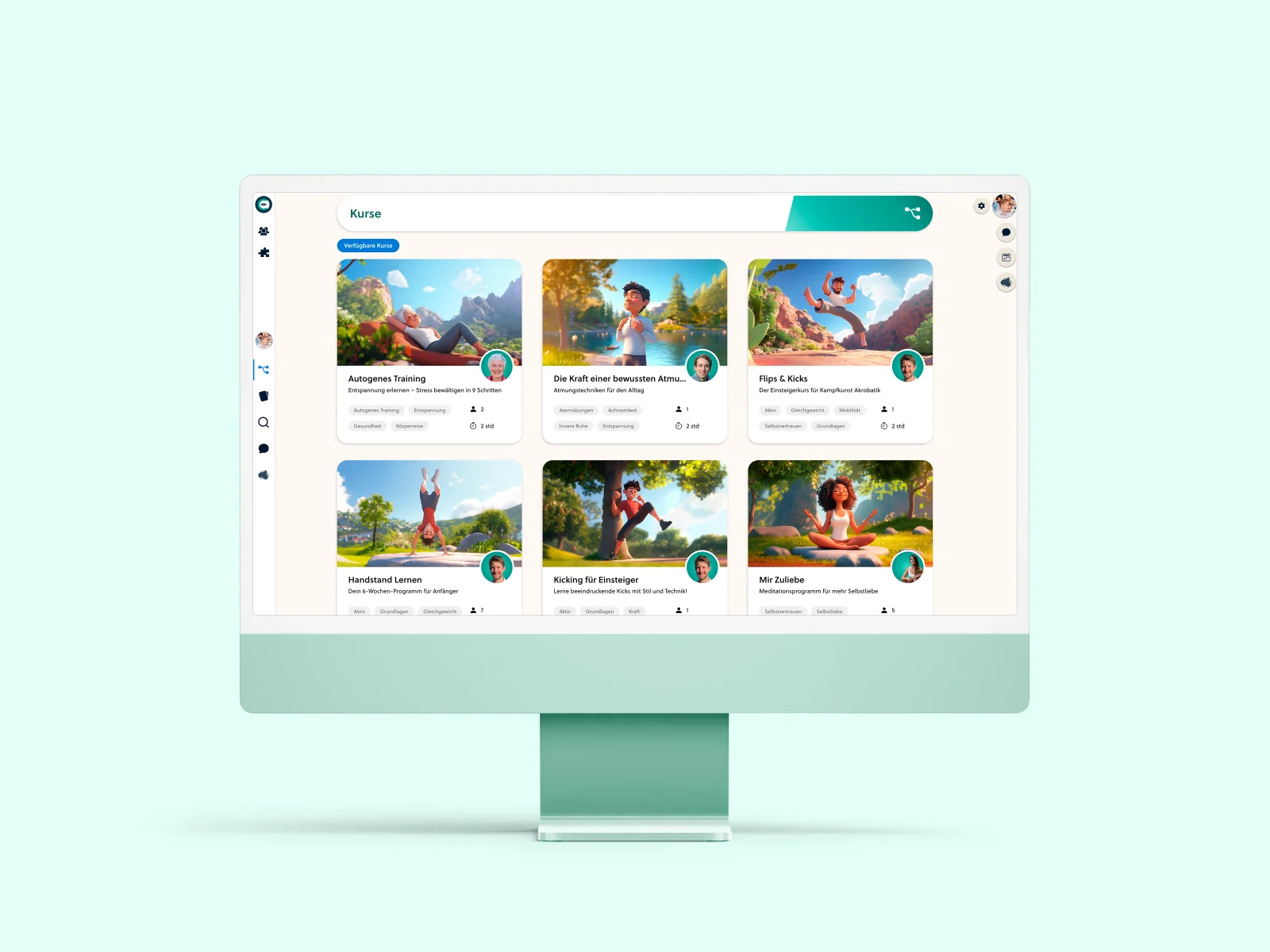
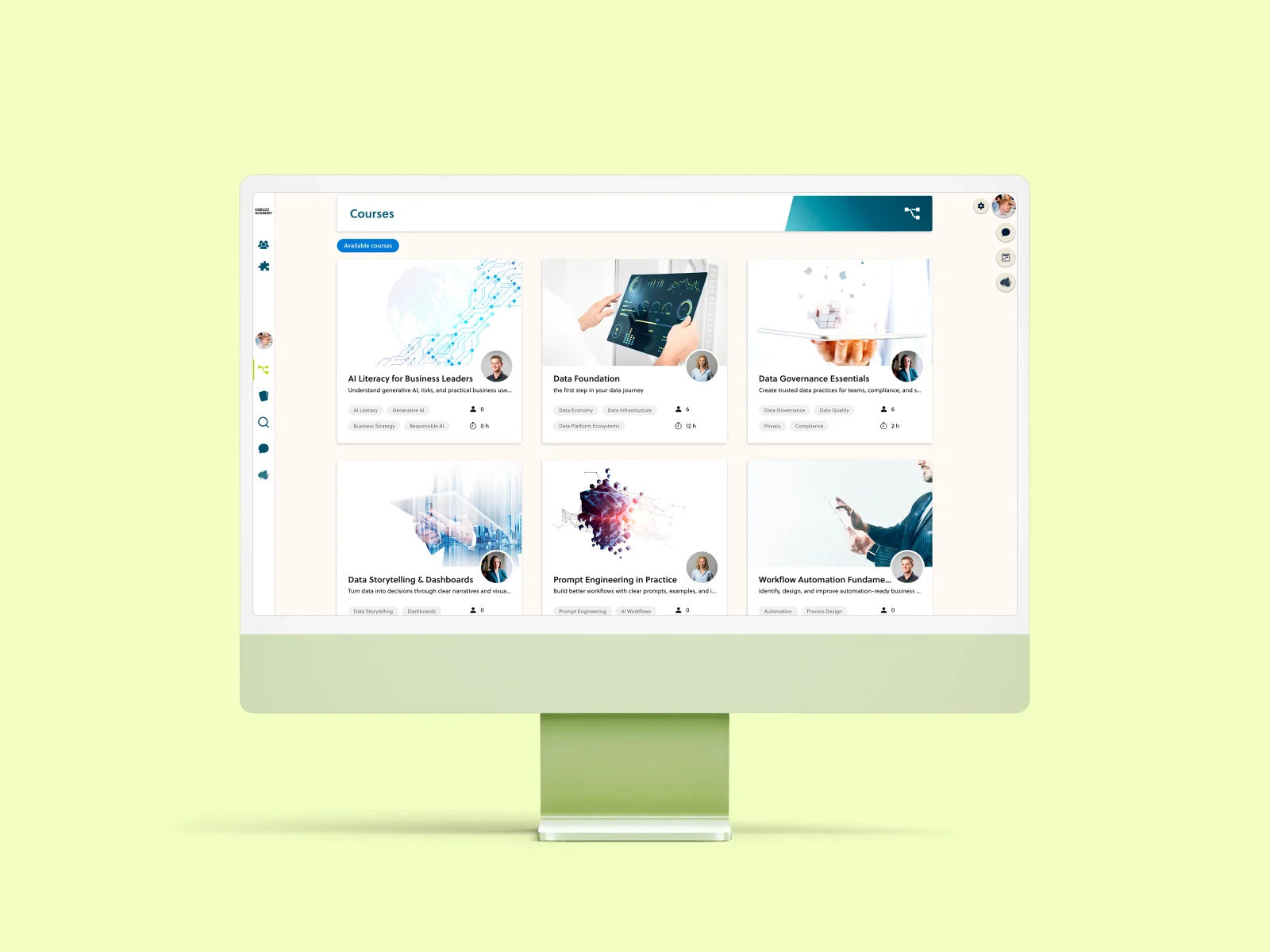
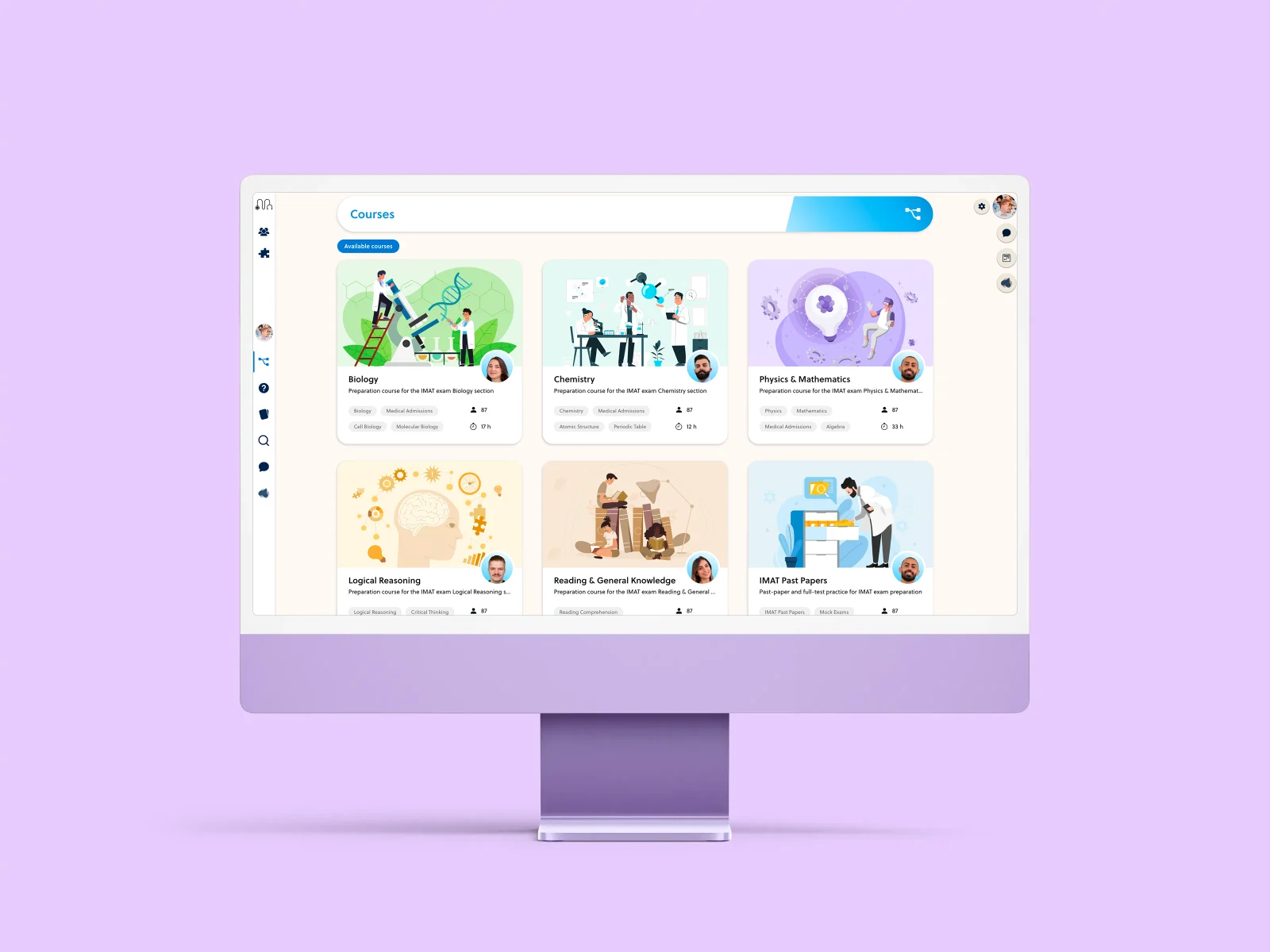
More than a logo in the corner.
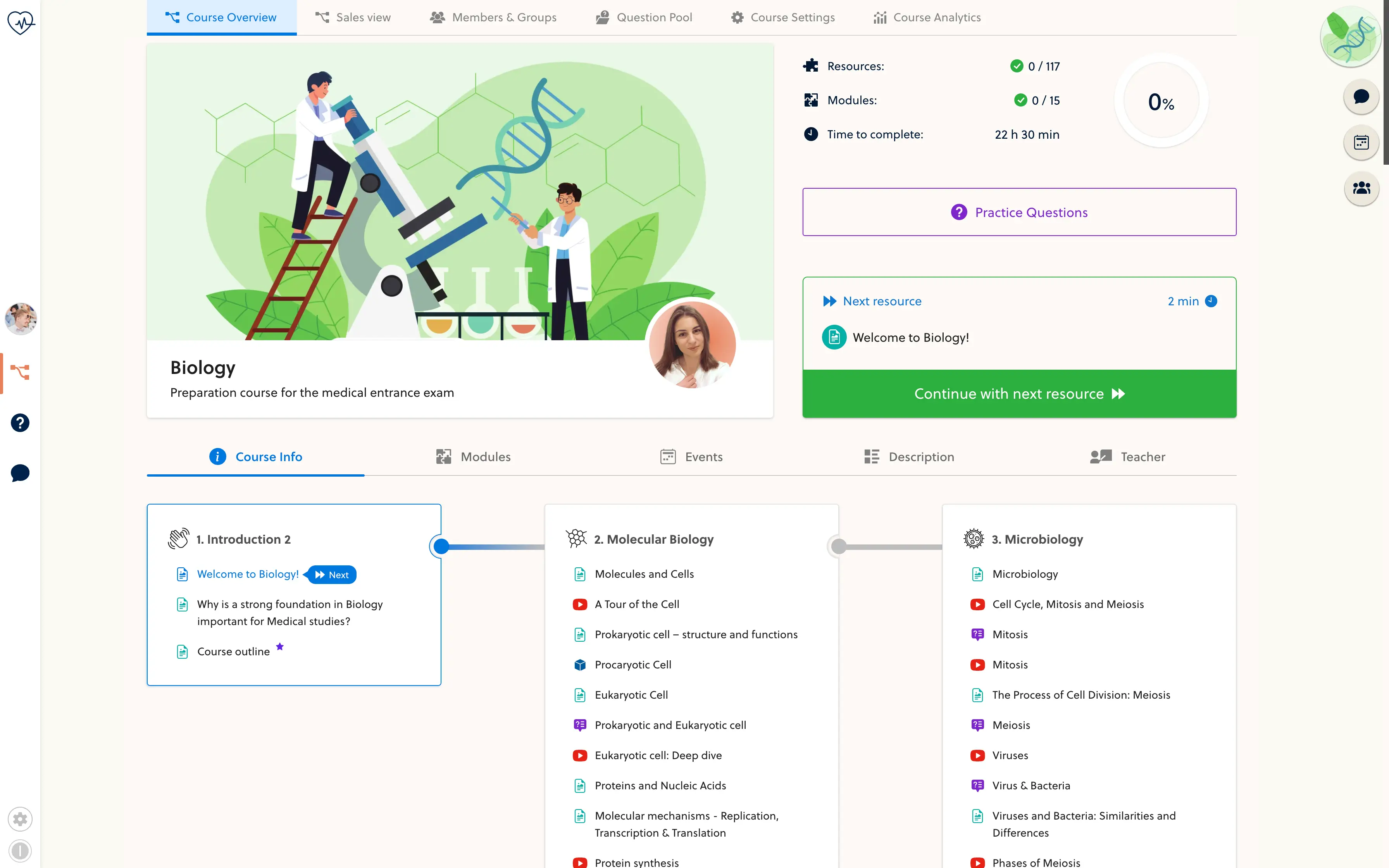
Carry your identity through the places students use every day. Set the name, logo and color treatment for your space, then give the course catalog its own covers and imagery.
- Academy name
- Logo and wordmark
- Brand colors
- Browser favicon
- Course covers
- Space imagery
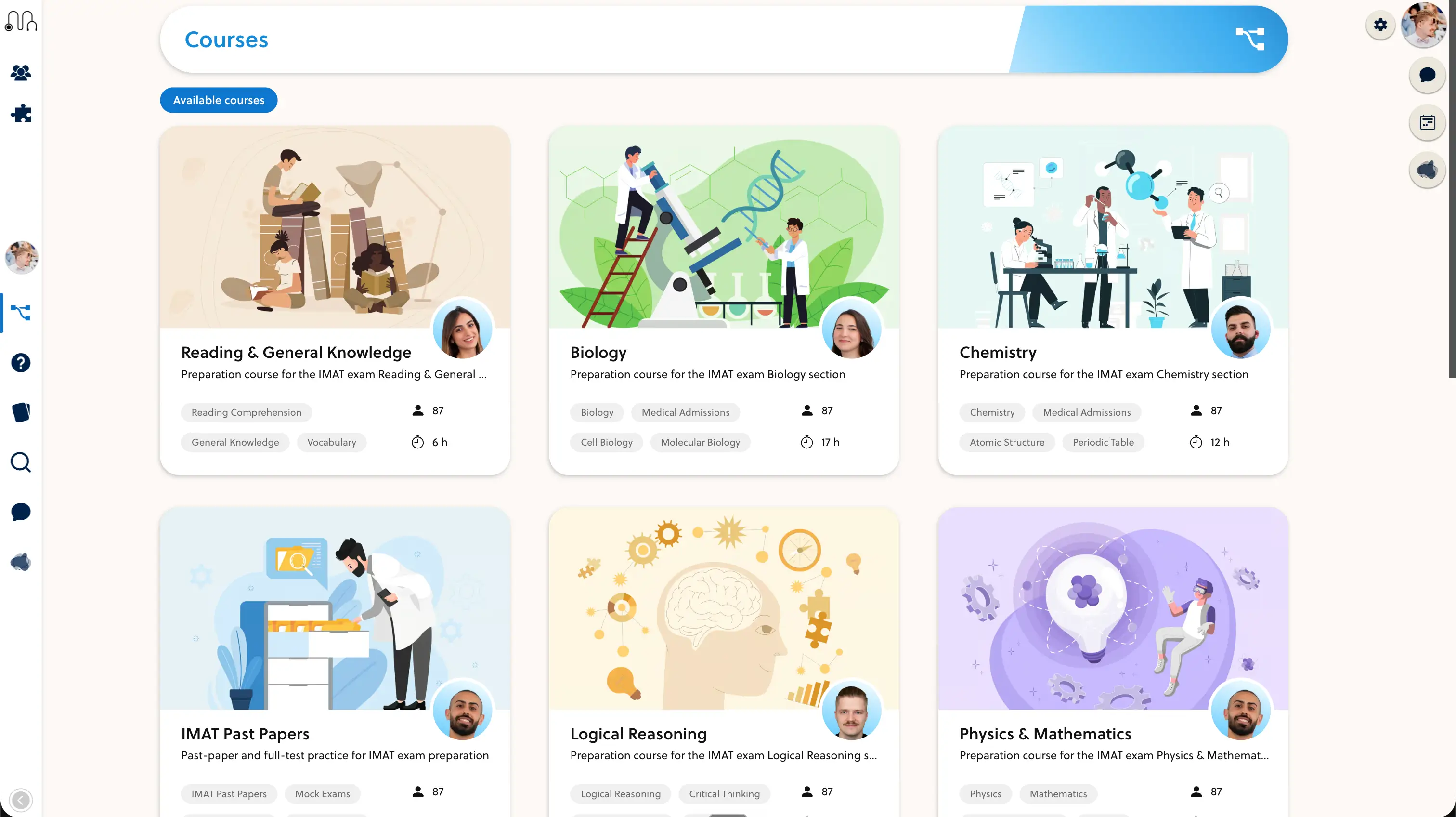
A familiar home from the first visit.
Bring the public offer and the learning space together under your brand. A custom domain gives students a recognizable address; setup includes checking DNS, sign-in and the route into their courses.
- Use your own academy address
- Connect public pages with the student portal
- Keep course navigation consistent
Keep your identity on every screen.
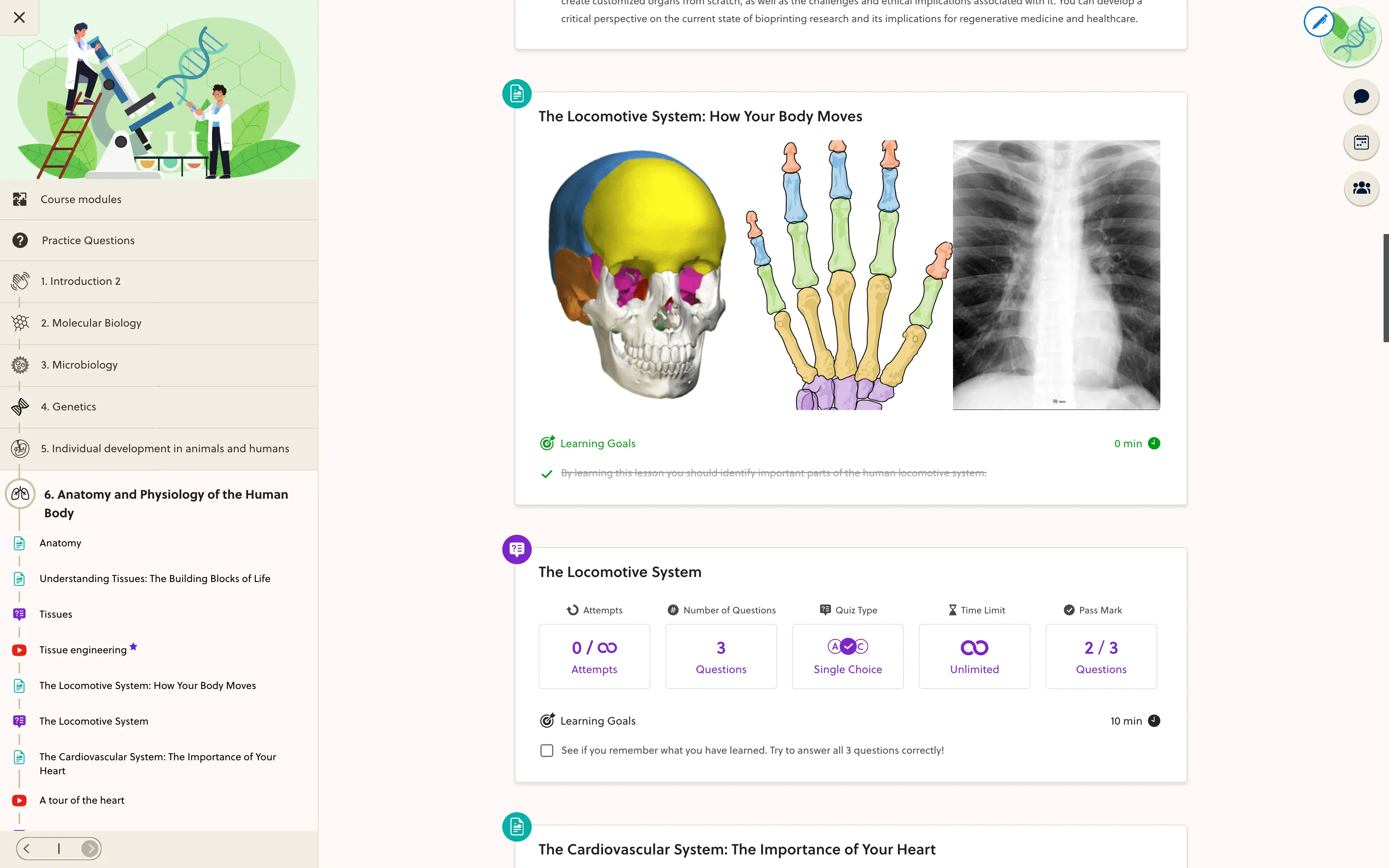
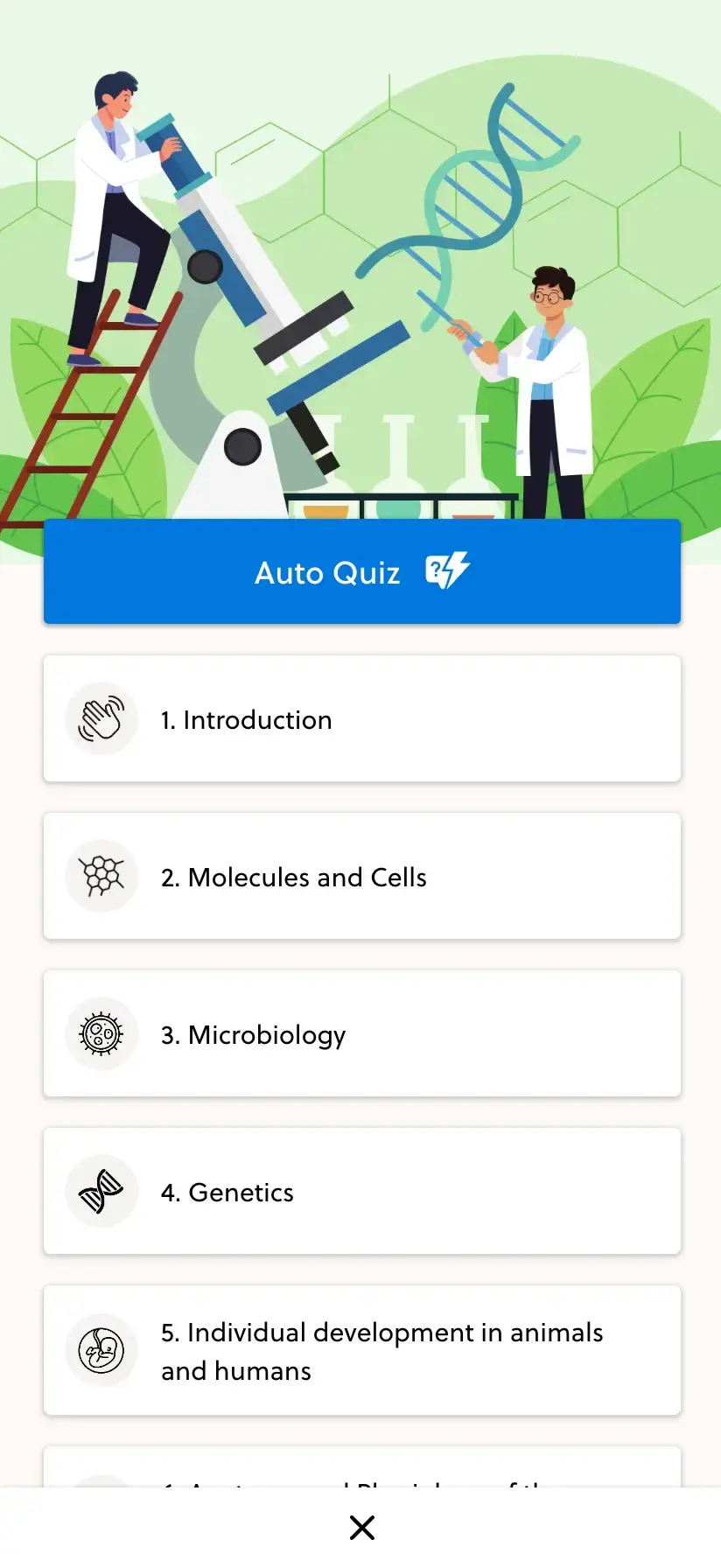
Your students move between laptops and phones. Review logos, contrast, course covers and the mobile journey together, so the brand remains clear without getting in the way of learning.
- Choose your identity and domain
- Review the student experience on both screen sizes
- Check sign-in and course access before launch
Frequently asked questions
What can I brand in PrepOS?
Your space supports its own name, logo, wordmark, favicon and theme colors, alongside course covers and imagery. We review the exact surfaces and settings during setup.
Can I use my own domain?
Yes. A custom domain can be connected through the domain setup process. Domain ownership, DNS records and sign-in need to be checked before activation.
Can different spaces have different identities?
Yes. Branding belongs to the individual space. The spaces included in your setup and their domains are agreed as part of your platform scope.
Is every screen freely redesignable?
No. Branding works within the platform's interface and supported theme settings. Bespoke layouts or behavior require a separate scope review.
Are branded emails included?
Supported transactional emails can use space branding. The sender, template and delivery setup depend on the message type; we confirm these separately rather than promise a visual editor for every email.
See PrepOS through your brand.
Bring your website, logo and a course example. We will walk through how your academy could look.