Platform
Mobile App
Keep your courses within reach, wherever study happens.
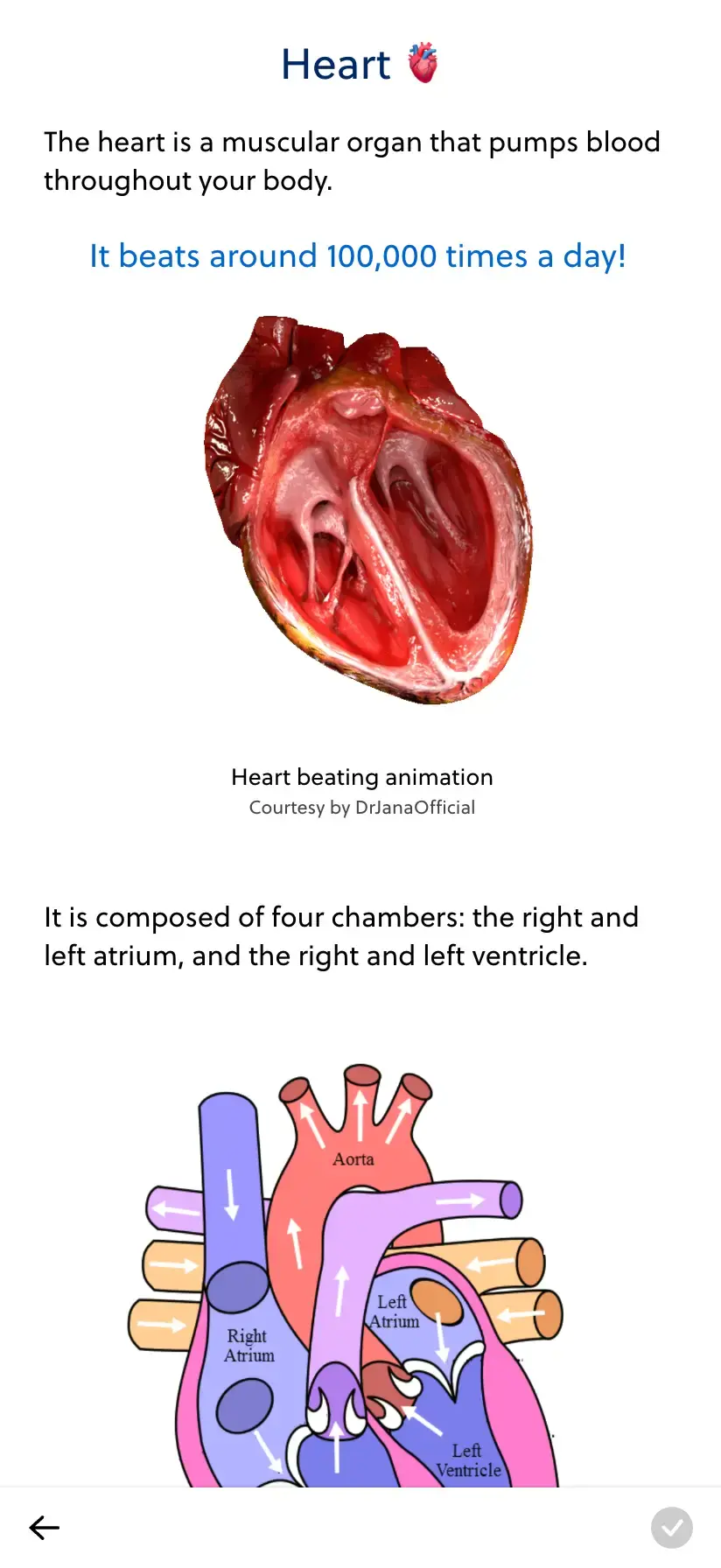
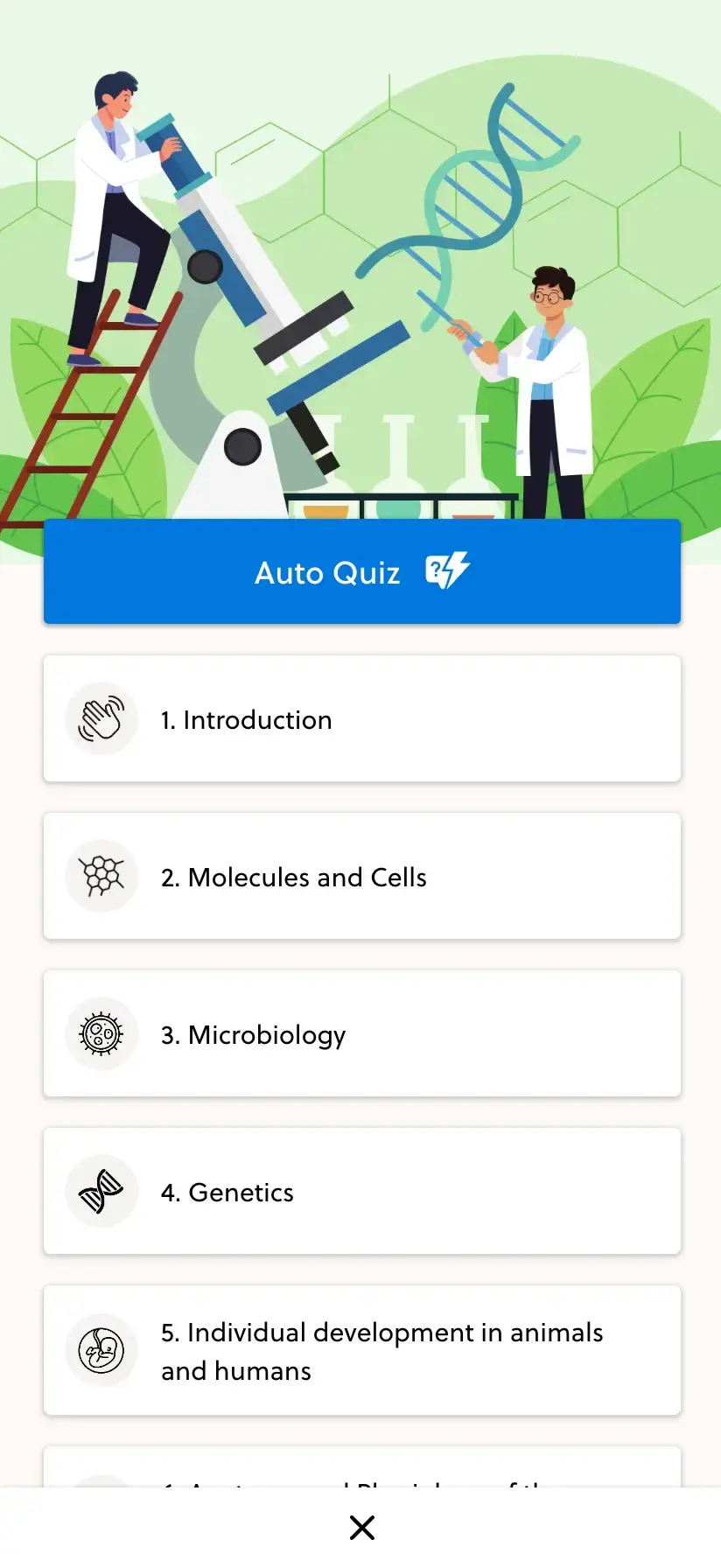
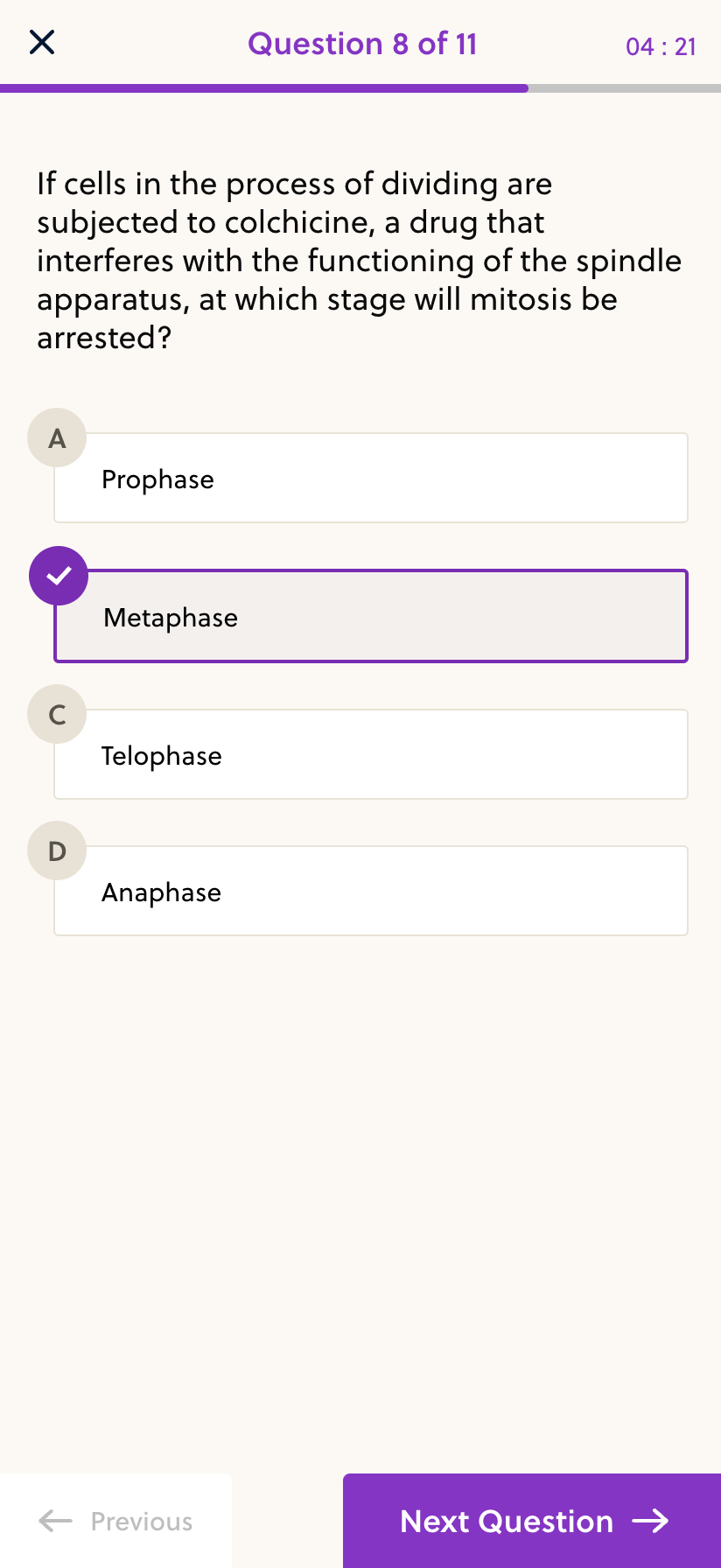
- Open your course
- Study on your phone
- Pick up again
Your course, sized for a study break.
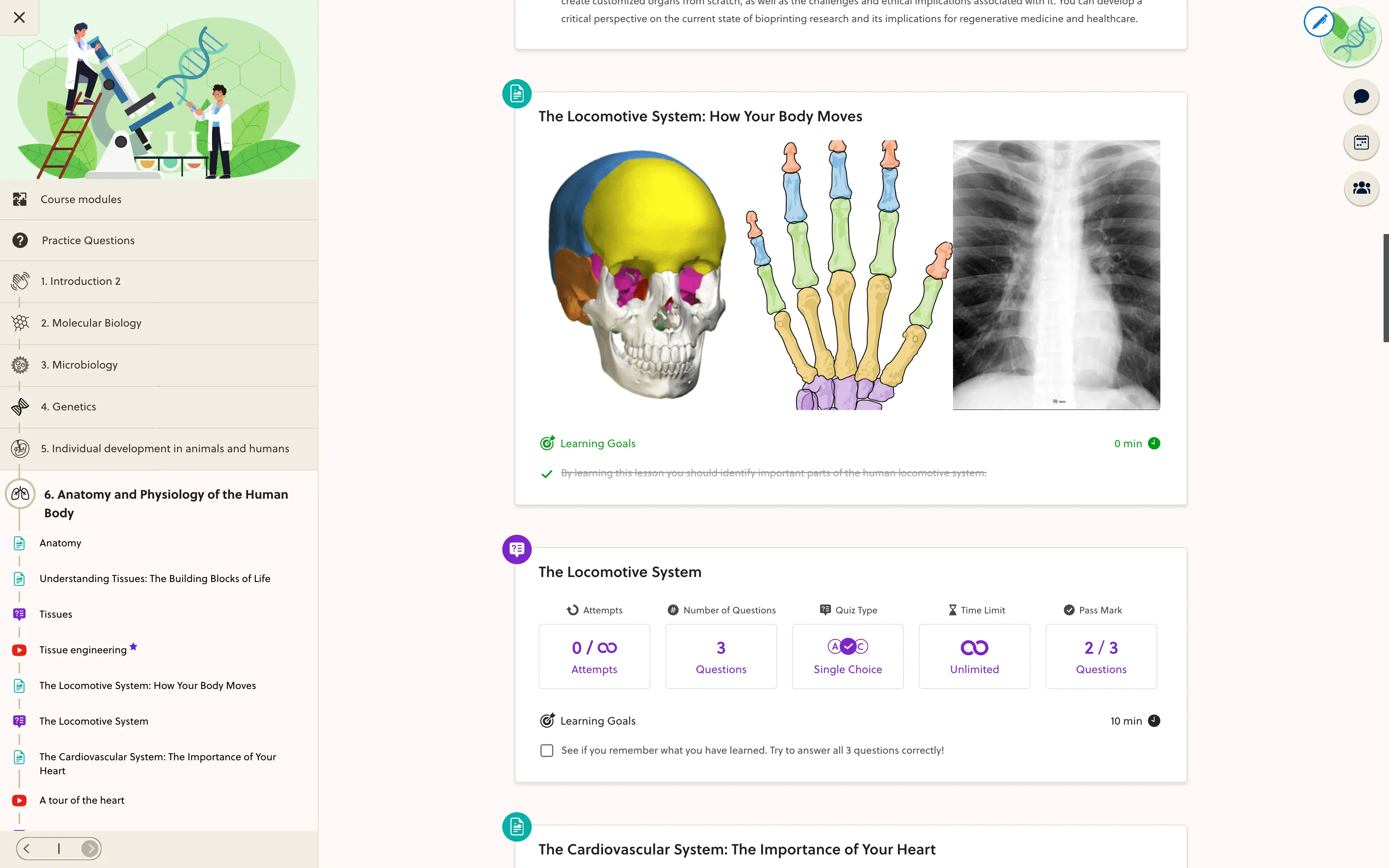
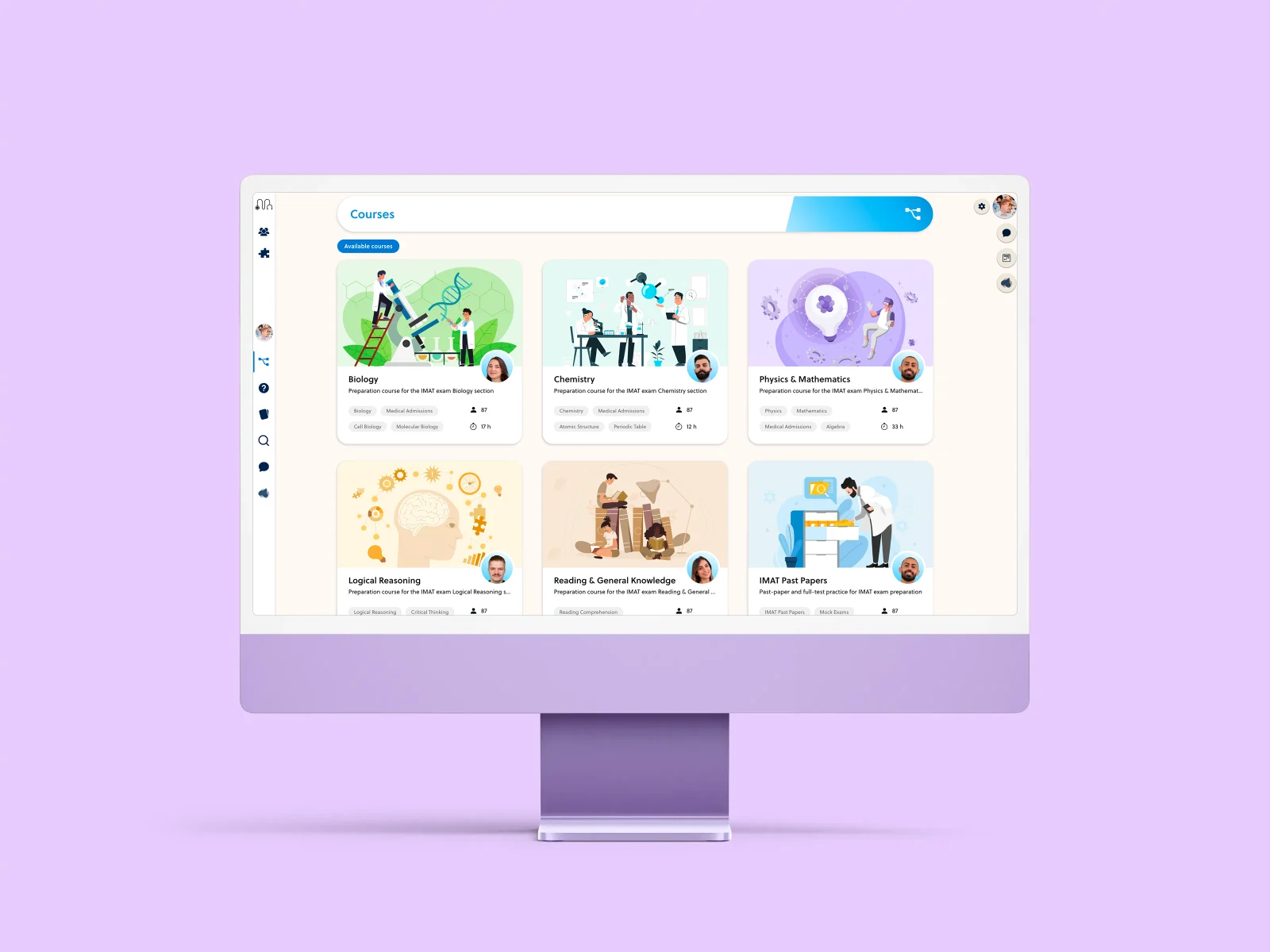
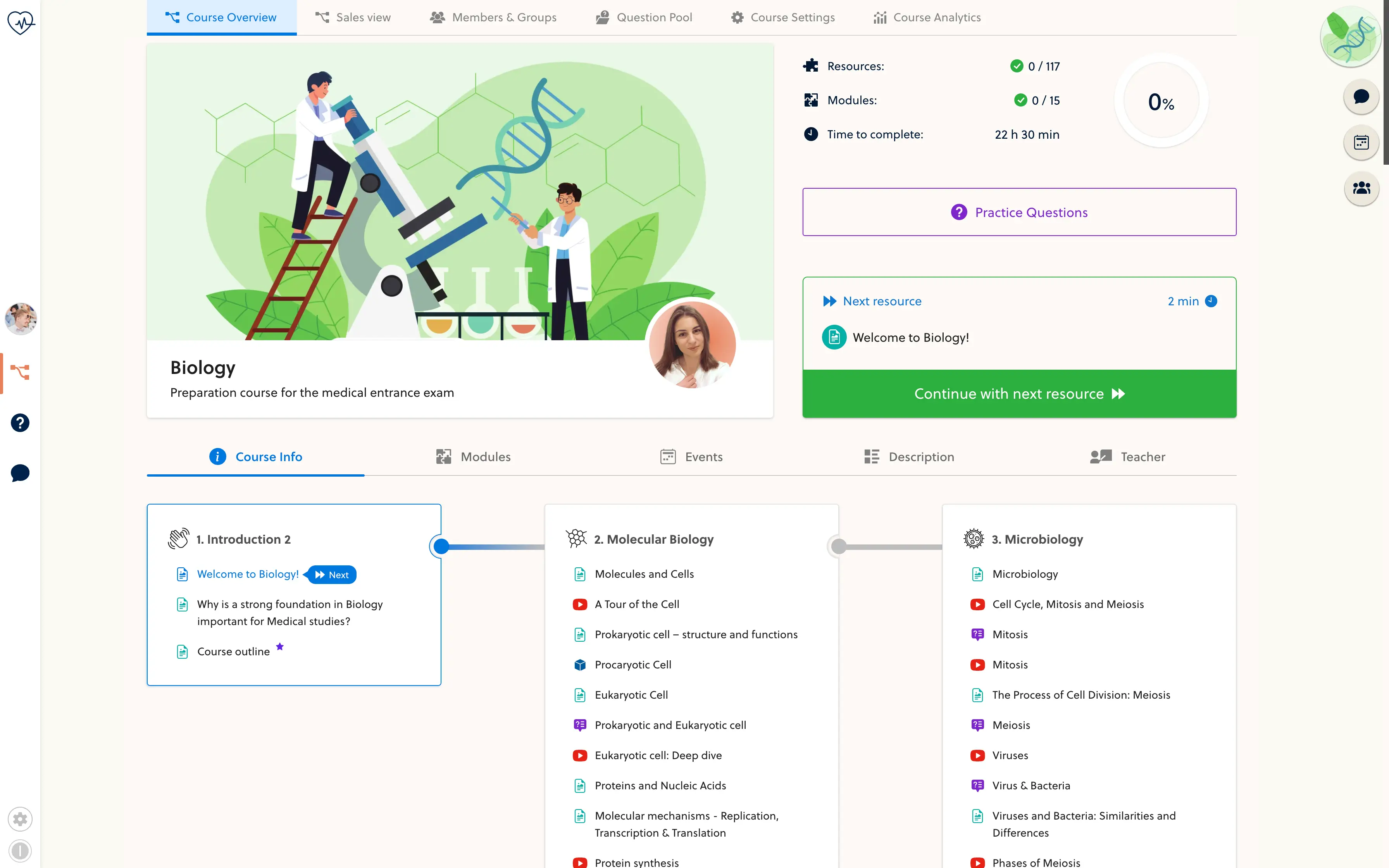
Students can move through course modules and open learning resources from a phone. The mobile experience keeps their course structure close without needing a desktop-sized workspace.
- Course modules
- Lesson resources
- Video lessons
- Practice questions
- Course progress
- Branded navigation
Use a few minutes for meaningful practice.
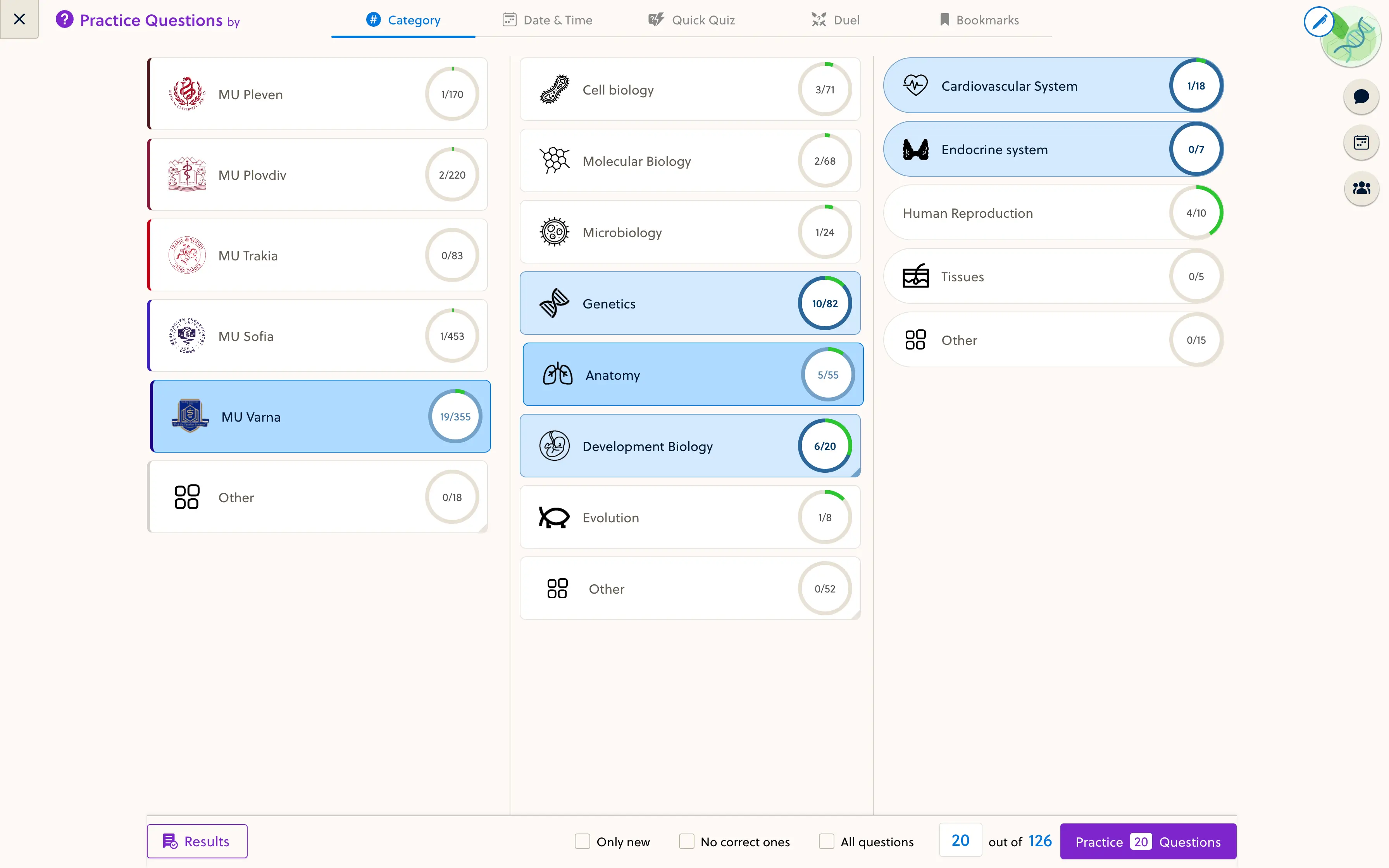
Bring practice into the same course experience as the teaching material. Students can work through questions and review explanations on their phone, with the options available in their course.
- Open a course practice session
- Work through questions on a small screen
- Return to the relevant learning material
One account across your study routine.
Keep the student's course access and recorded progress tied to their account. Review the exact mobile journey for your program, including any specialist interactions and the native companion app plan.
- Check access with a student account
- Test your lessons and practice on real phones
- Confirm the distribution plan for your academy
Frequently asked questions
Can students use PrepOS in a mobile browser?
Yes. The learning experience includes mobile views for courses, lessons and practice. Check your actual resources on the devices your students use, especially specialist interactive content.
Is a native app available for every academy?
Native companion apps are handled per academy. Availability, branding, store distribution and release readiness must be confirmed for your setup; this page is not an App Store or Google Play release announcement.
Does it support offline learning?
Do not assume offline downloads or full offline course access. Plan for an internet connection unless a specific offline capability has been confirmed for your setup.
Is progress connected across devices?
Recorded learning progress belongs to the signed-in account. Students should use the same account and allow online activity to save before switching devices.
Can students buy courses in the native app?
The companion app focuses on access to existing learning content. Purchase flows and store-policy requirements are reviewed separately; web checkout should not be assumed to appear inside the native app.
See your course on a student's phone.
Bring a lesson and a practice set. We will review the mobile experience and your academy's app options.