Content Creation
Course Creation
Turn your curriculum into a clear learning path.
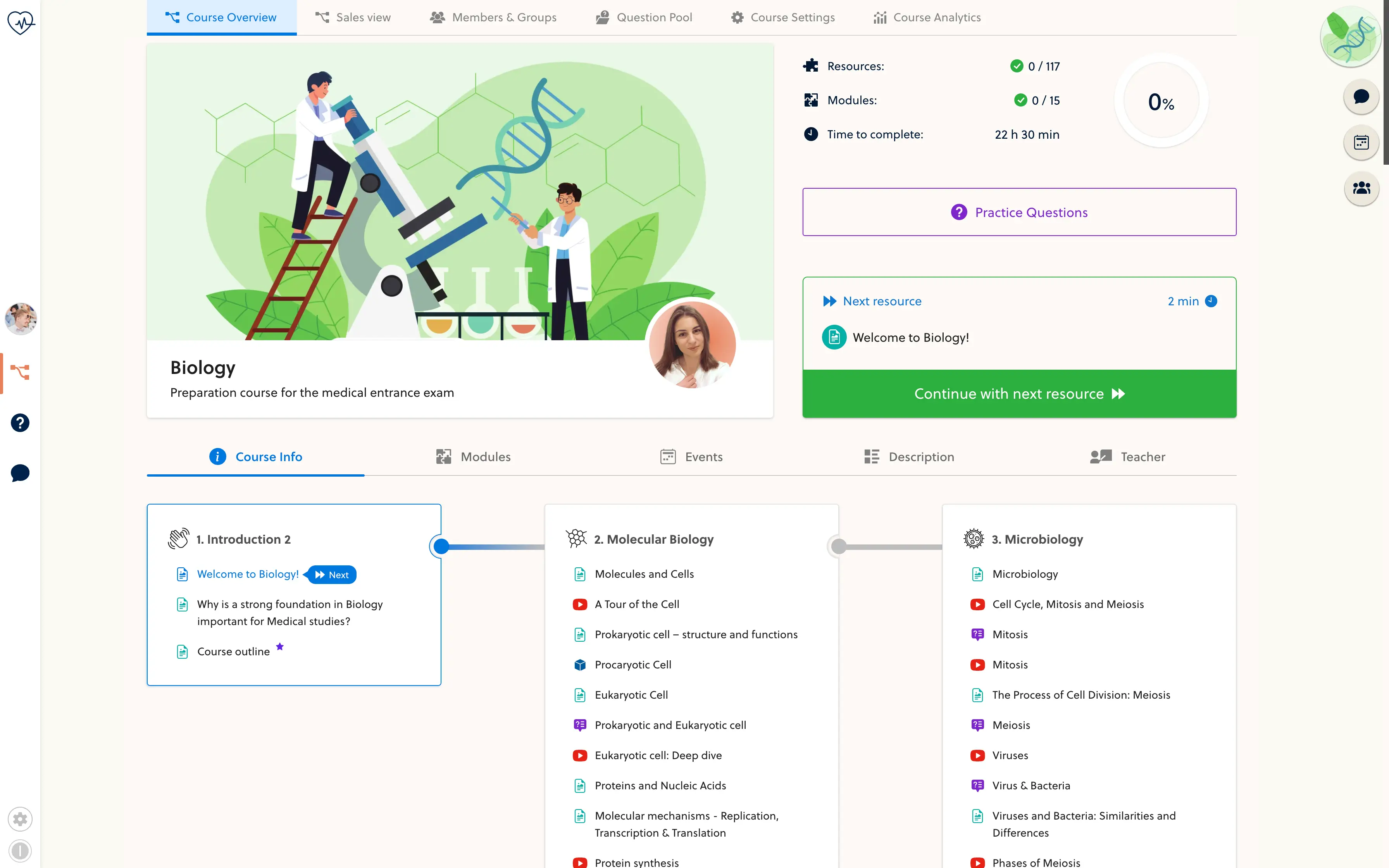
- Map the curriculum
- Build each module
- Review the journey
Give every lesson a place.
Group a subject into modules, then arrange the resources in the order you want students to study. Keep the explanation, examples and practice together instead of leaving learners to piece together a folder of files.
- Course overview
- Modules
- Lesson sequence
- Resource titles
- Learning objectives
- Estimated study time
Start with one coherent module. You can add to the course as your material is ready.
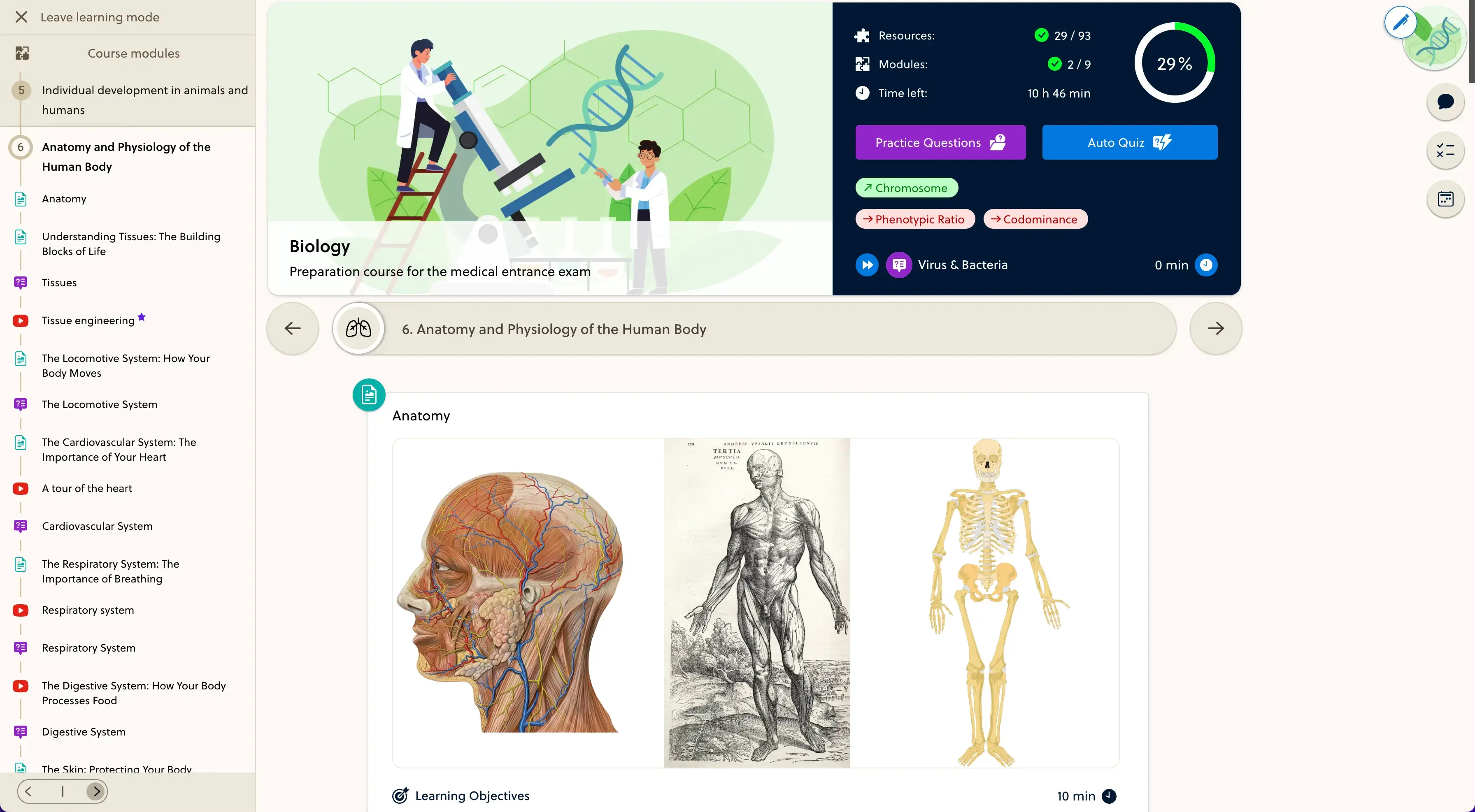
Build a course from the material you teach.
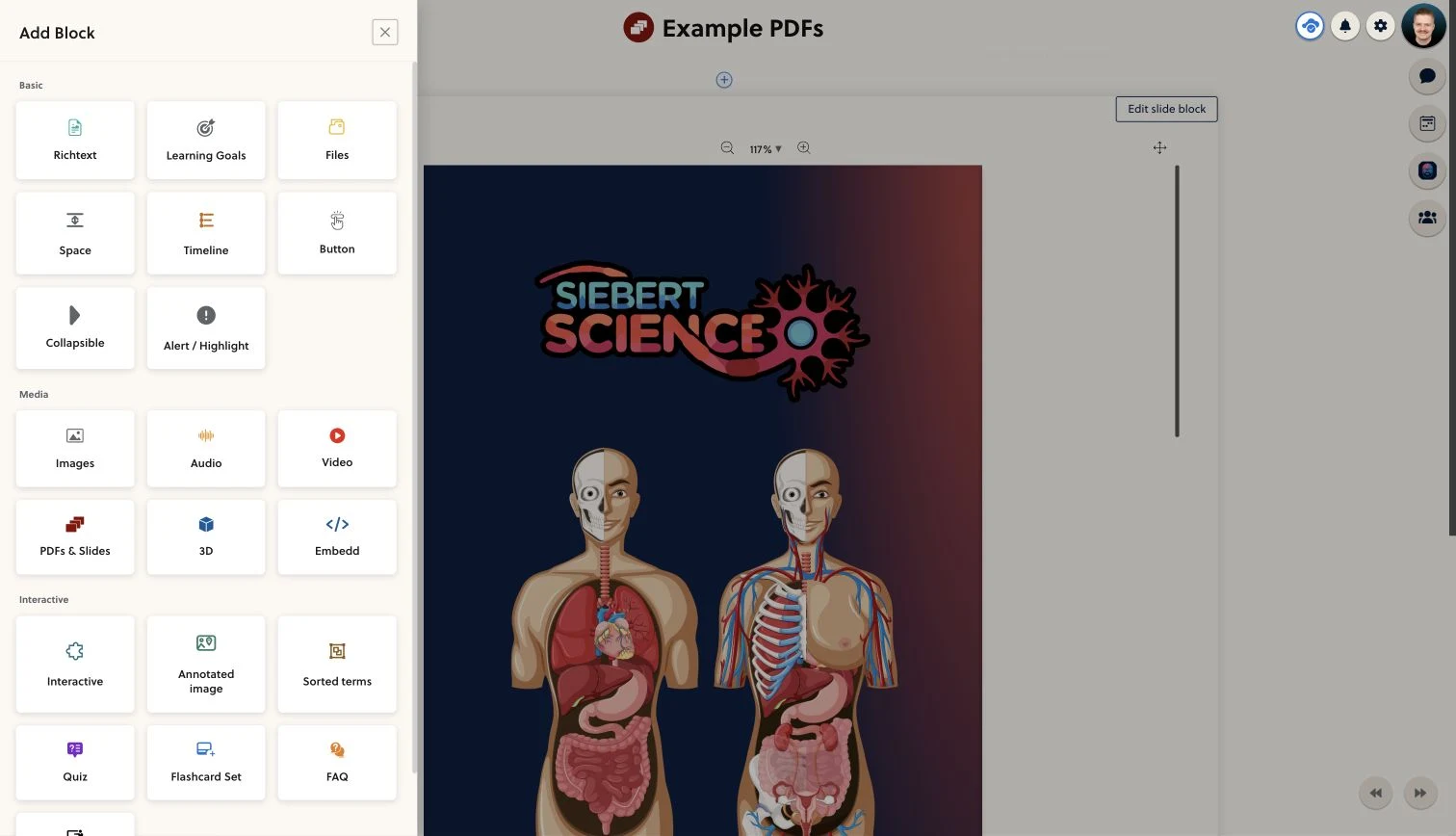
Combine written lessons, videos, PDFs and practice in the same curriculum. Use the content editor to add context around existing material, so a video or worksheet becomes part of a lesson rather than a disconnected link.
- Use existing videos and documents
- Add explanations and learning objectives
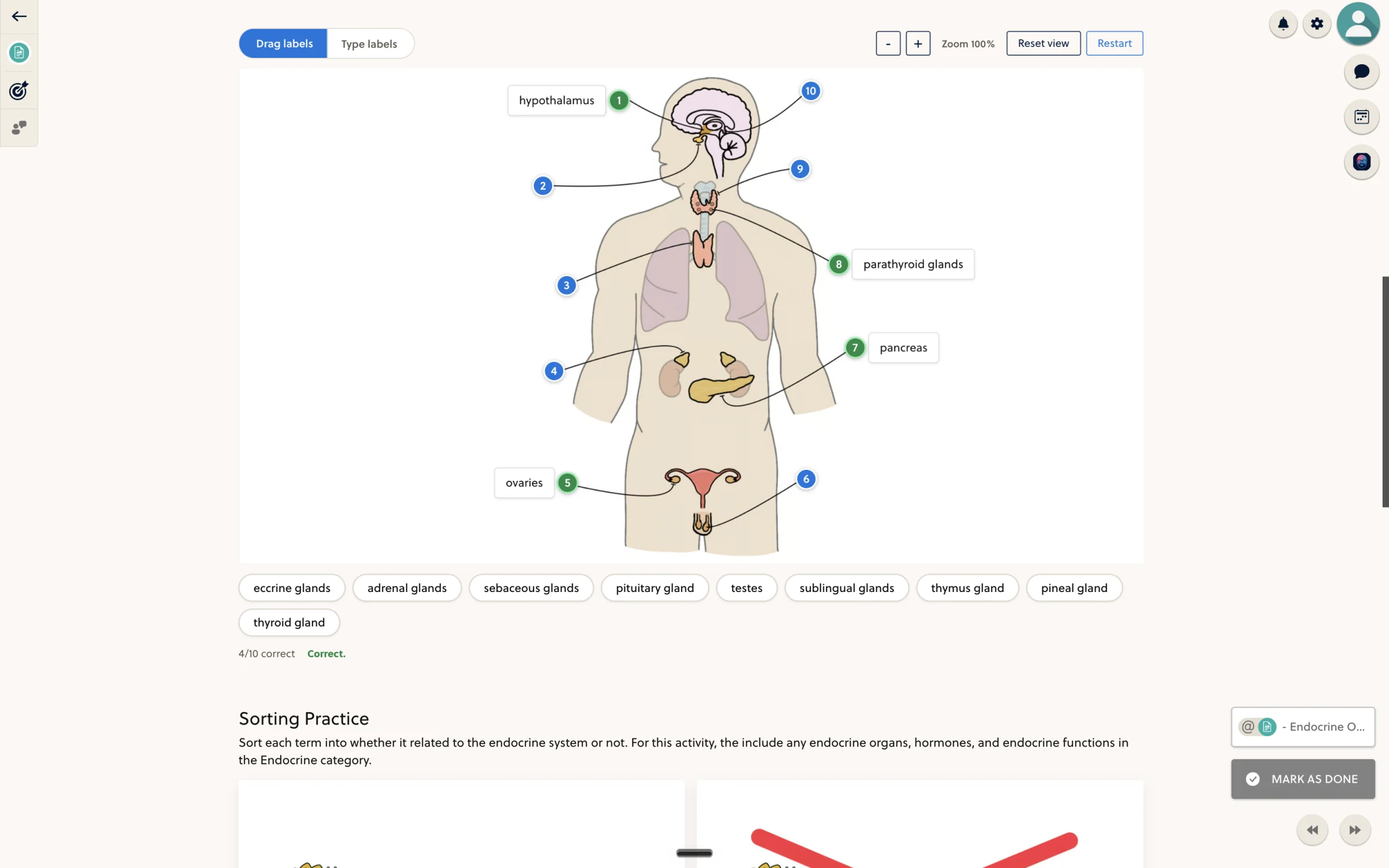
- Place practice beside the lesson
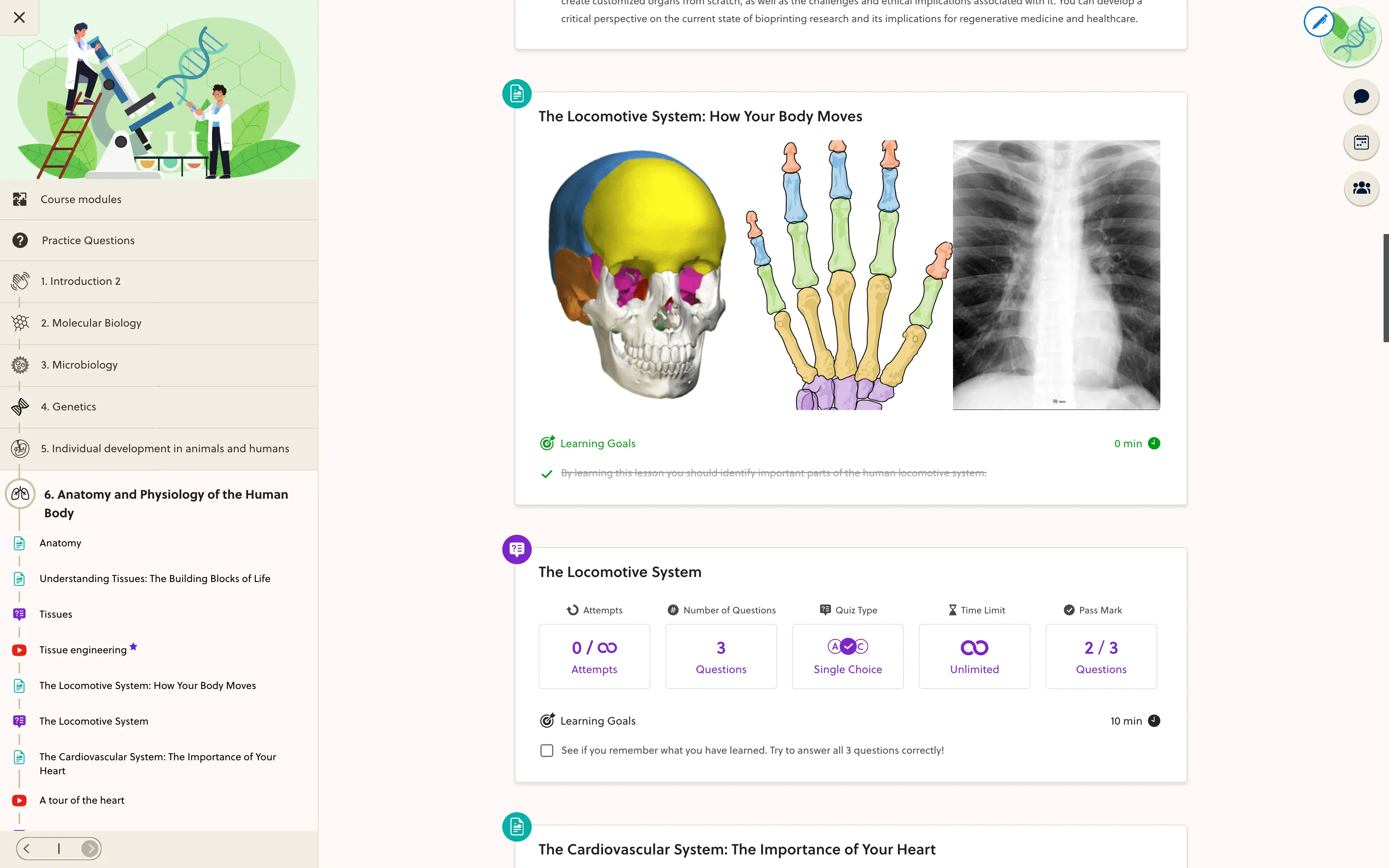
Check the path your students will follow.
Review the course outline and open the lessons in the learner view. Keep unfinished resources in draft, check the navigation on desktop and mobile, and publish the material you are ready to teach.
- Review the module sequence
- Check lessons in the learner view
- Publish the prepared resources
Frequently asked questions
How are courses organized?
A course is organized into modules containing resources. You choose the lesson sequence and combine suitable resource formats around the topic you are teaching.
Can I start with my existing material?
Yes. Use existing text, videos and documents as the starting point, then add explanations and practice. Moving a complete existing platform is a separate migration scope.
Do I have to finish the whole course first?
No. You can prepare resources in draft and publish them when they are ready. Plan which material students should have access to before inviting them into the course.
Can one course combine lessons and practice?
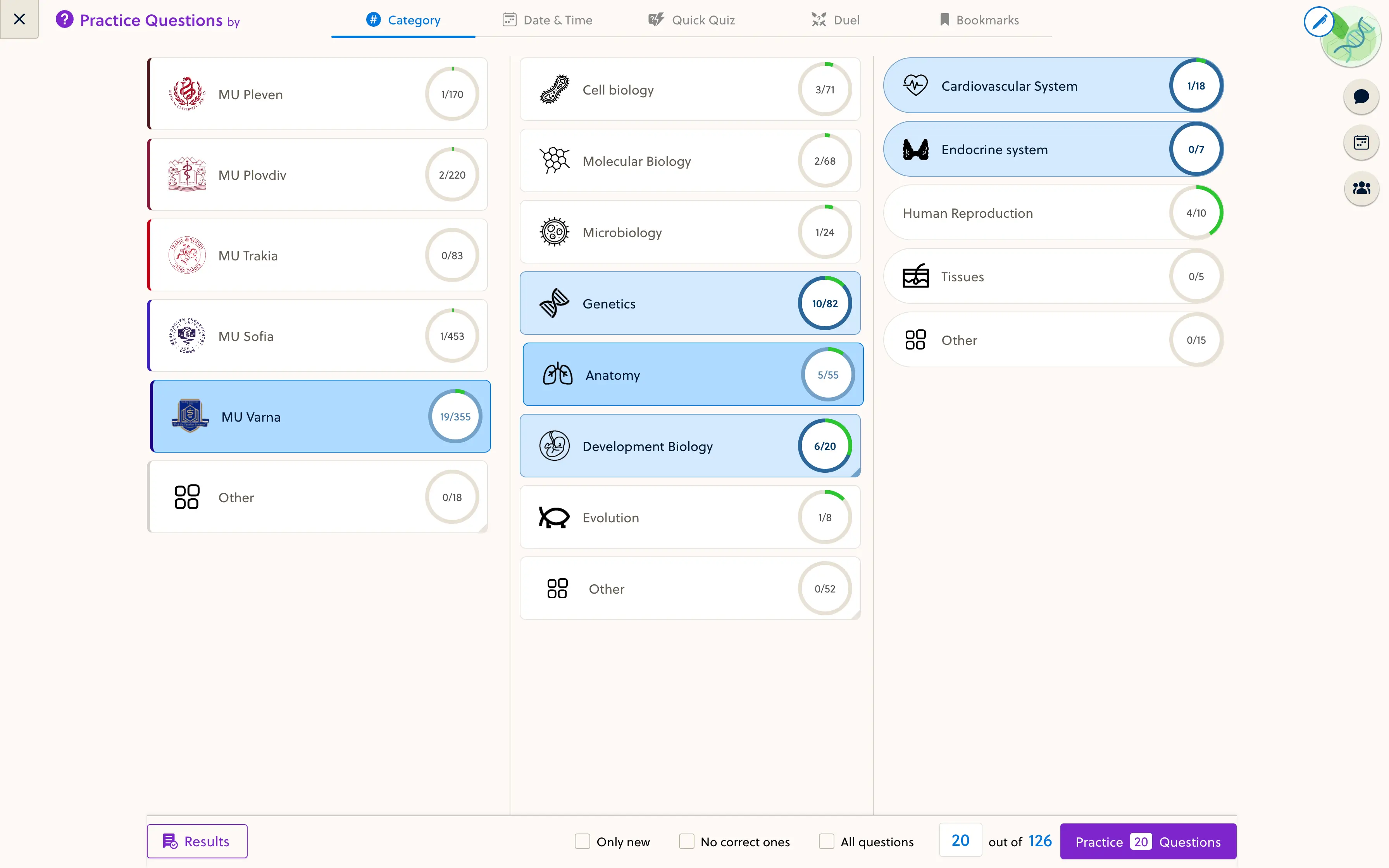
Yes. Lessons, quiz resources and supported practice blocks can sit in the same curriculum. Available specialist formats and question-bank access depend on the course setup.
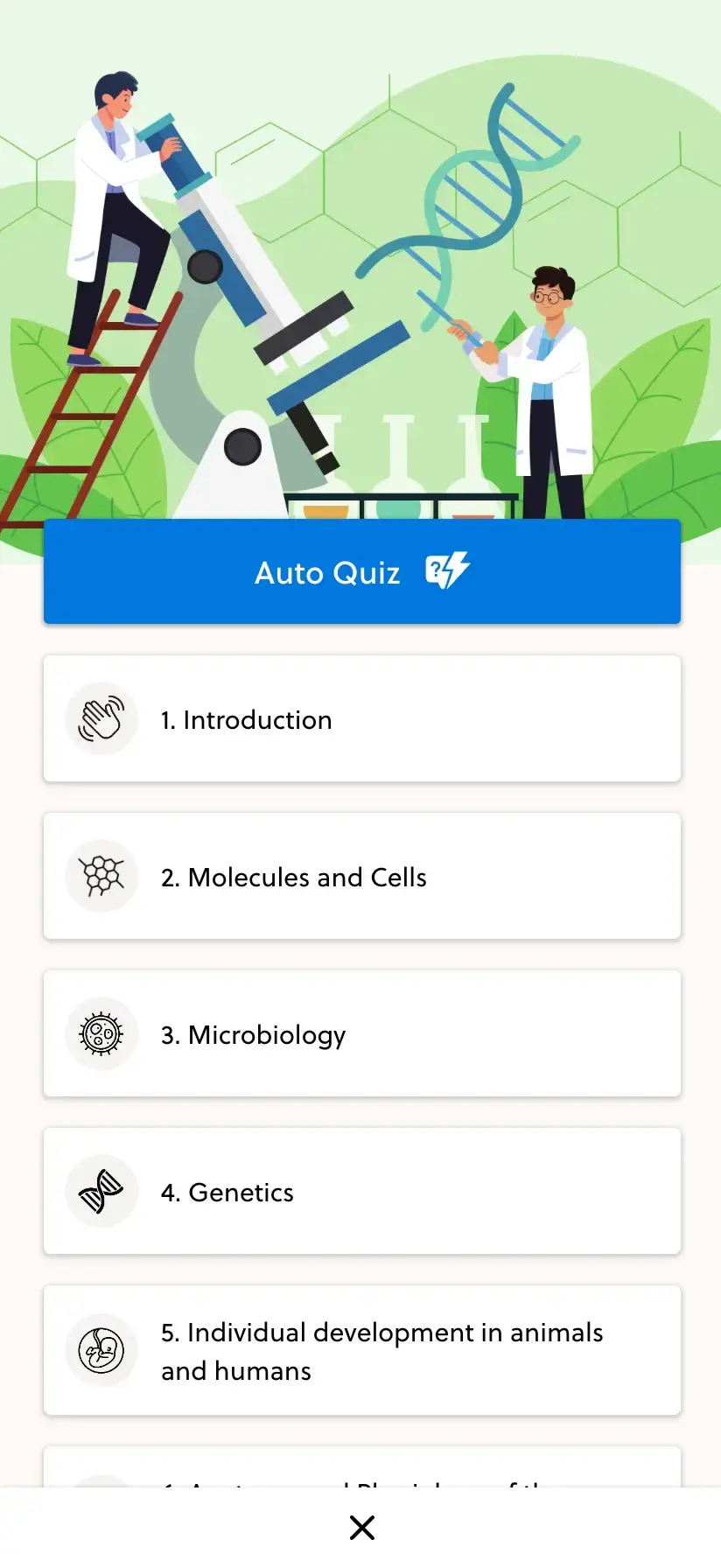
Will students be able to use the course on mobile?
The learner interface includes mobile course and resource views. Check your own documents, embeds and interactive material on a phone before launch; external content may have its own limitations.
Bring your course outline. Build the path around it.
Walk through one module with the founder and discuss how your lessons, materials and practice fit together.