Content Creation
Content Editor
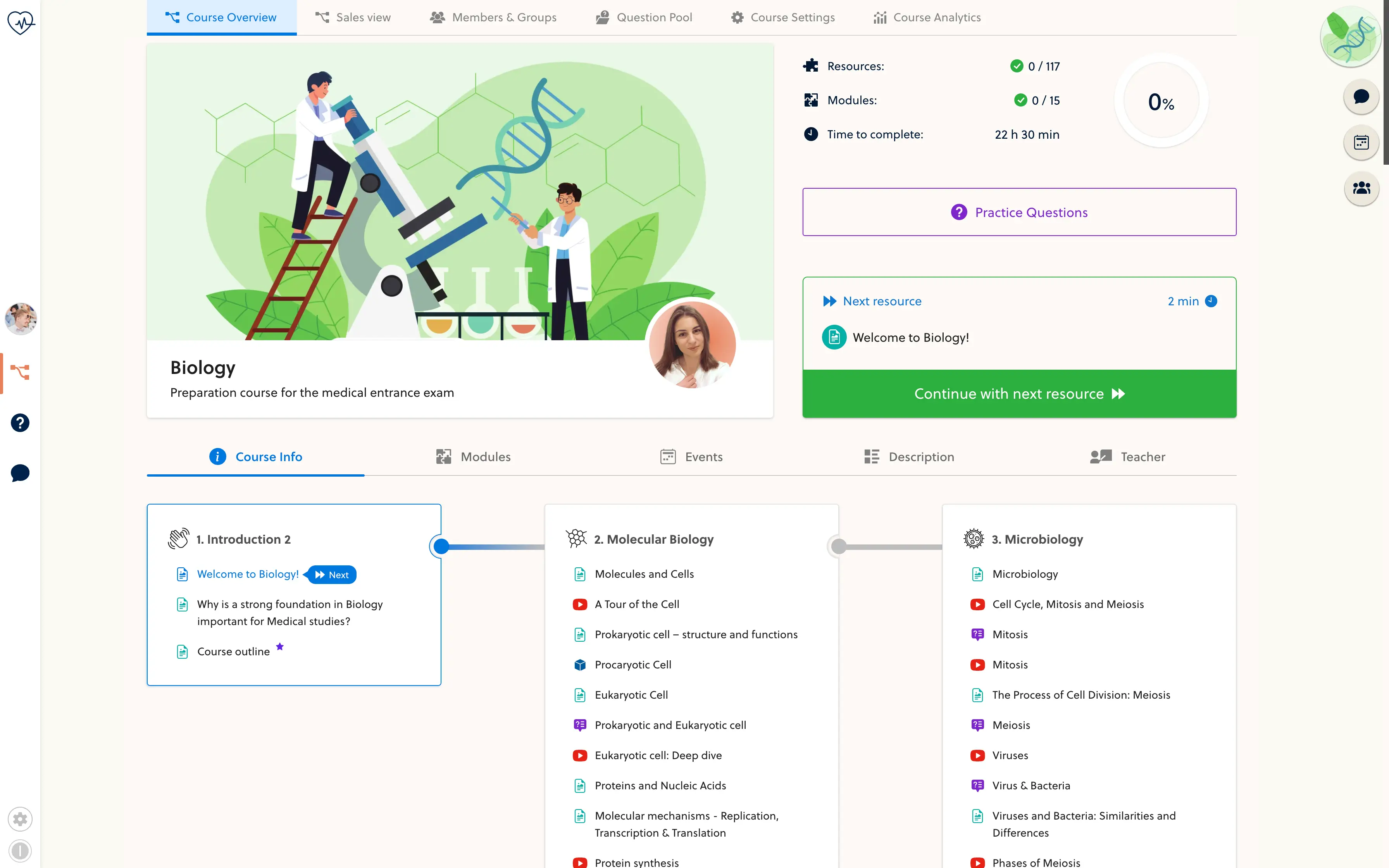
Bring your whole lesson together.
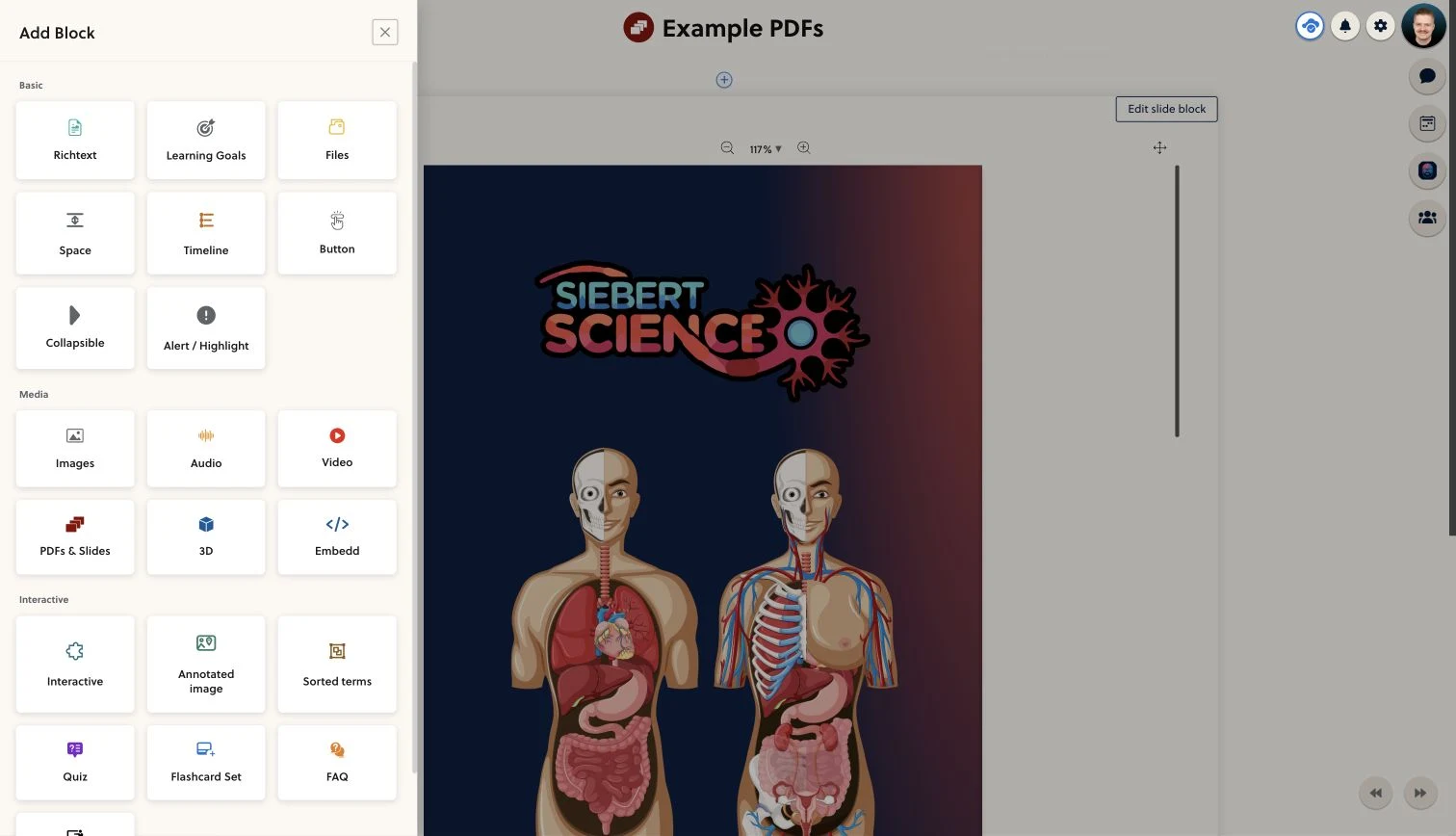
- Build the explanation
- Make room for practice
- Review, then publish
A lesson, not a collection of links.
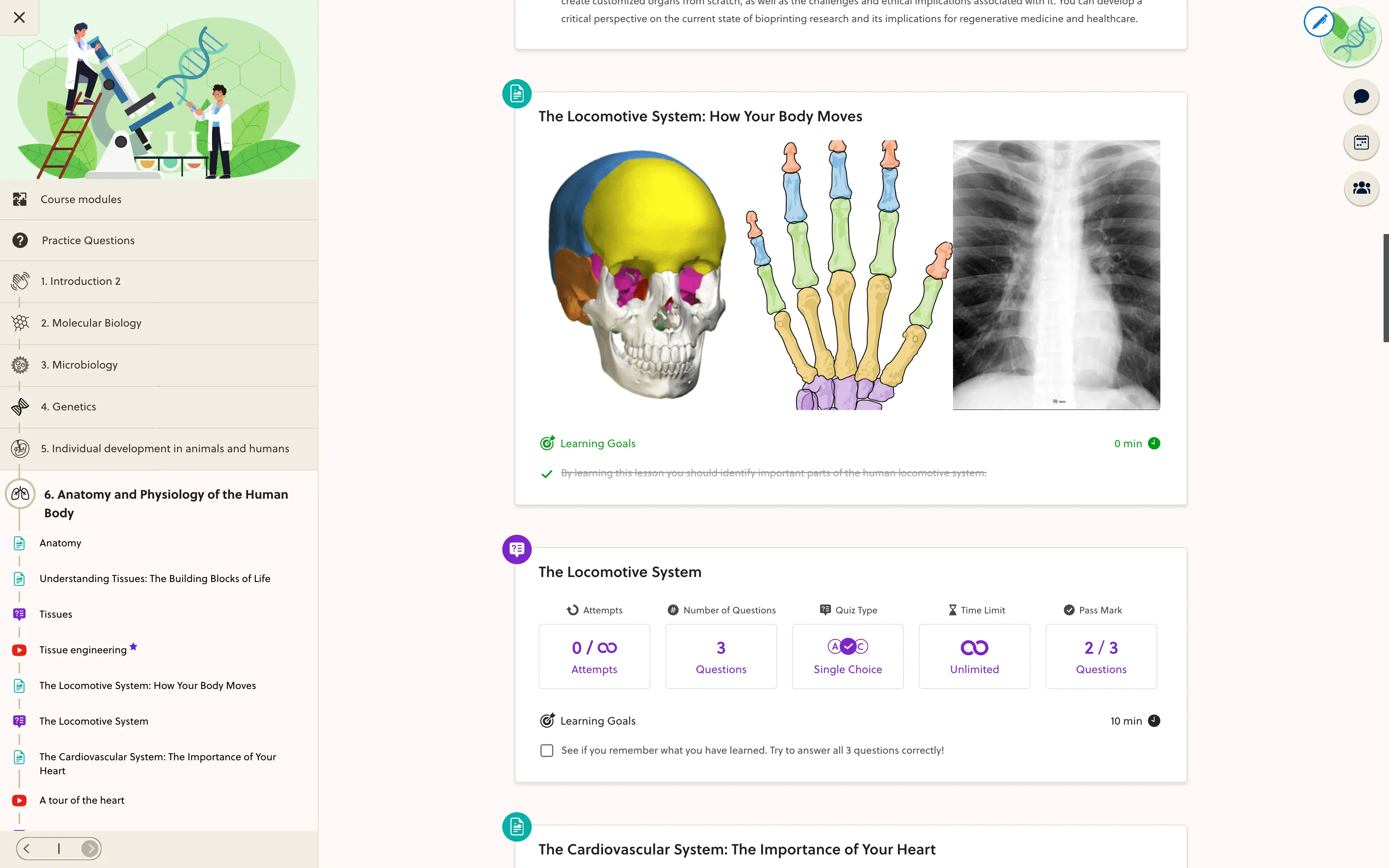
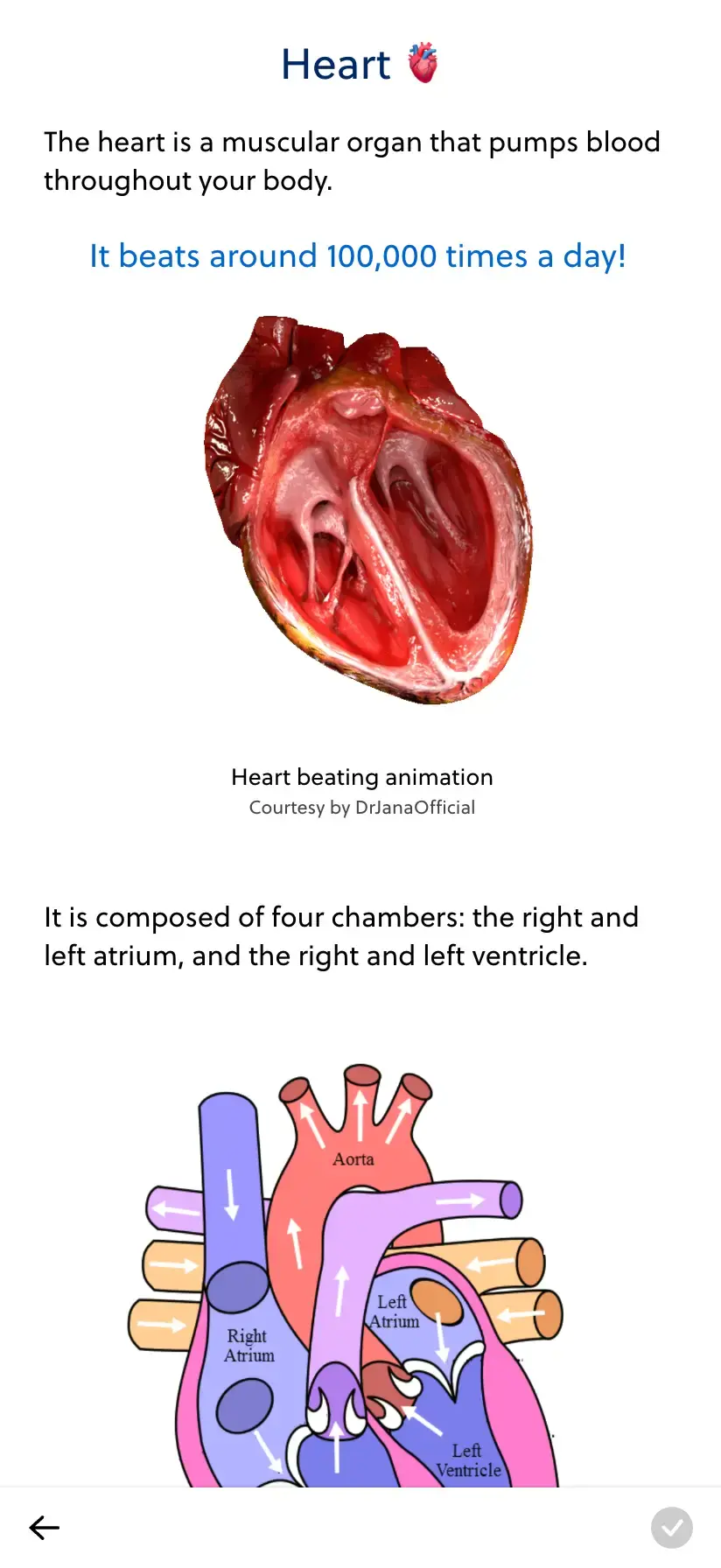
Write the explanation, add a video, and keep supporting material in the same lesson. Choose the blocks that fit your subject and arrange them in the order you want to teach.
- Rich text
- Video
- Audio
- Files
- Embeds
- Learning objectives
Start with the material you already have. Add depth one block at a time.
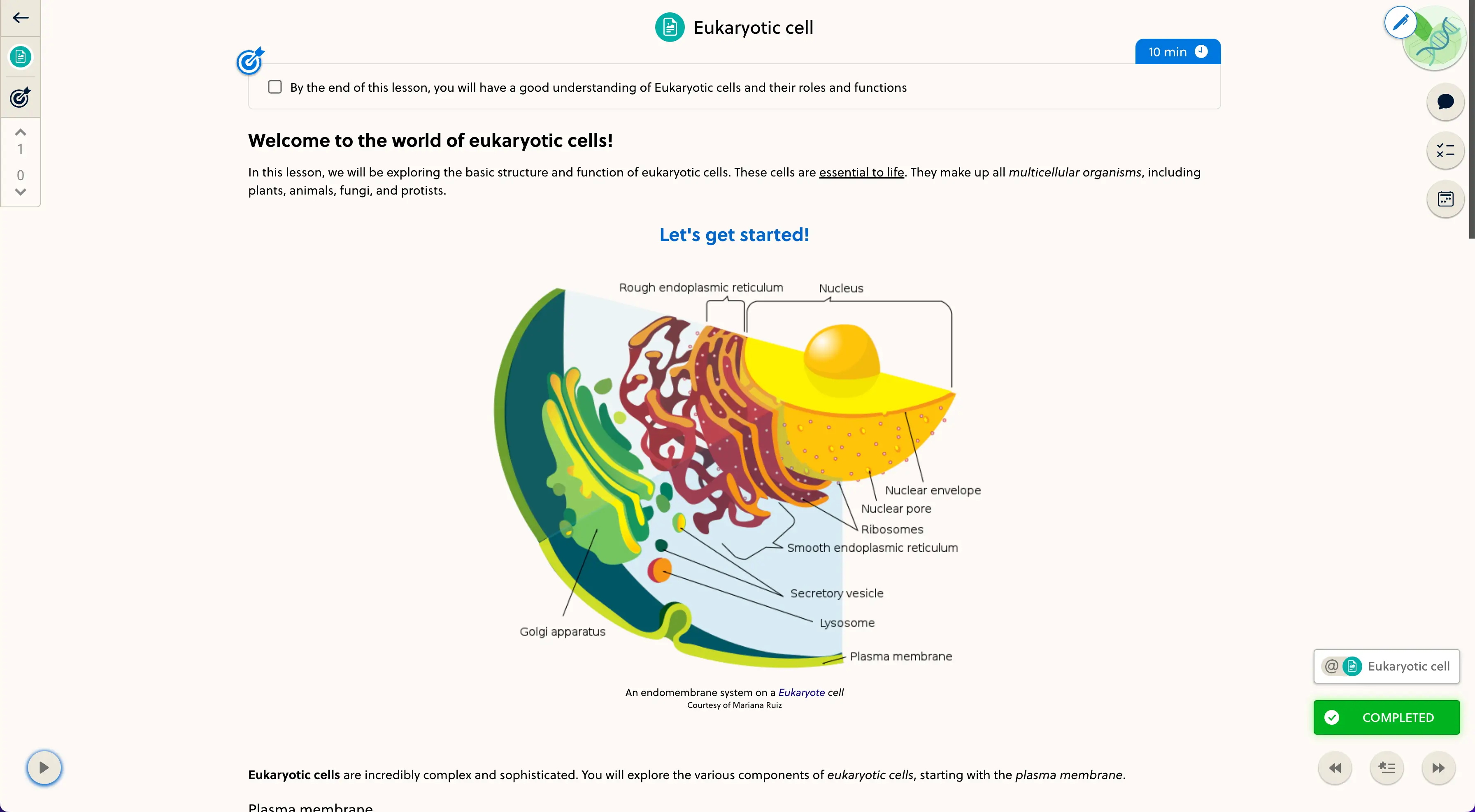
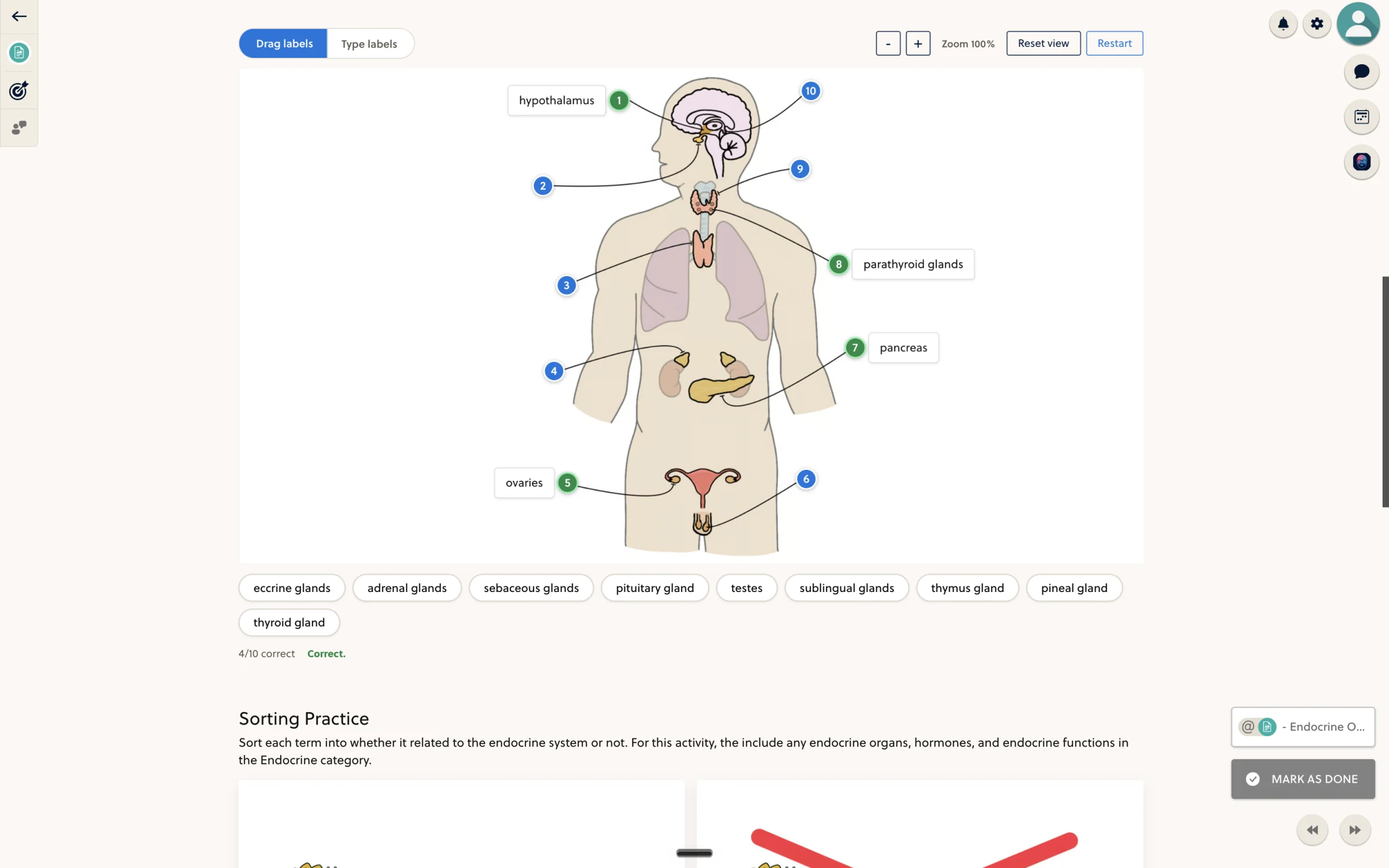
Let students do something with what they learn.
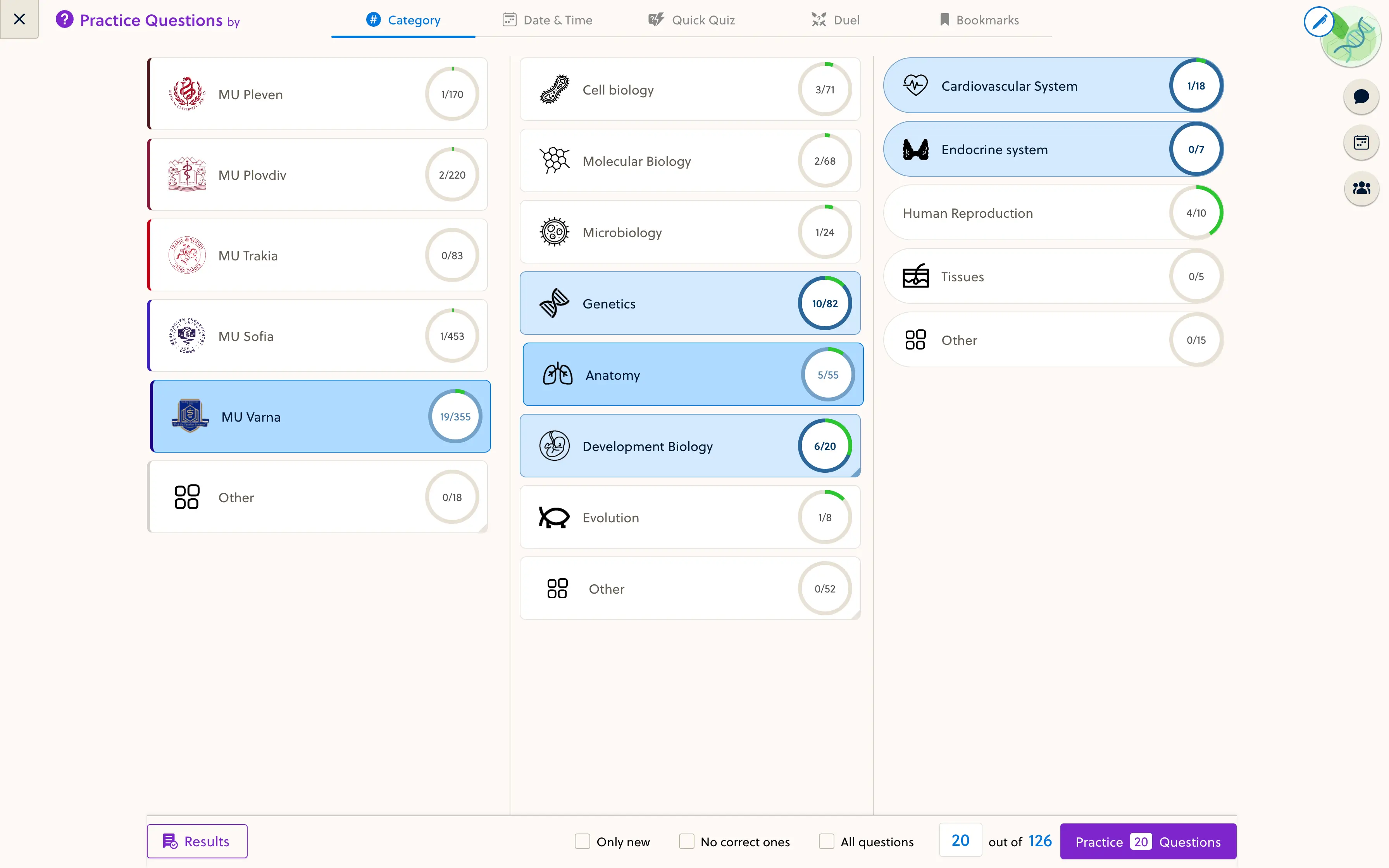
Put a knowledge check beside the explanation. Combine quiz questions, flashcards, labeled diagrams, and sorting activities without sending students to another tool.
- Questions & flashcards
- Image labeling
- Sorting activities
Get it ready. Then let students in.
Keep a resource in draft while you work, check the learner experience, and publish when it is ready. Come back to update the lesson as your teaching evolves.
- Work on a draft
- Check the learner view
- Publish the resource
Frequently asked questions
Do I need to code a lesson?
No. Standard lessons use content blocks for text, video, audio, files, embeds, questions, flashcards, and more. You choose and configure the blocks in the editor.
Can I use my existing content?
Yes. You can bring text, videos, audio, and downloadable files into a lesson, and use embed blocks for compatible external content. A full course migration is a separate service we can discuss.
Can I mix explanations and practice?
Yes. Quiz, flashcard, annotated-image, and sorting blocks can sit alongside the lesson material, so students can practice without leaving the resource.
Are custom interactives and 3D models self-serve?
These are specialist formats with access restrictions. Talk to us about the activity or model you want to use so we can confirm availability and the support required.
Can I prepare a resource before students see it?
Yes. Resources can remain in draft while you prepare them. Review the content and learner view before publishing the resource to your course.
Bring one lesson. See what it could become.
Walk through PrepOS with the founder and discuss the content you want to teach.