Content Creation
Interactive Content
Give students something to work out, not just read.
- Choose the activity
- Connect it to the lesson
- Check the experience
Match the activity to the idea.
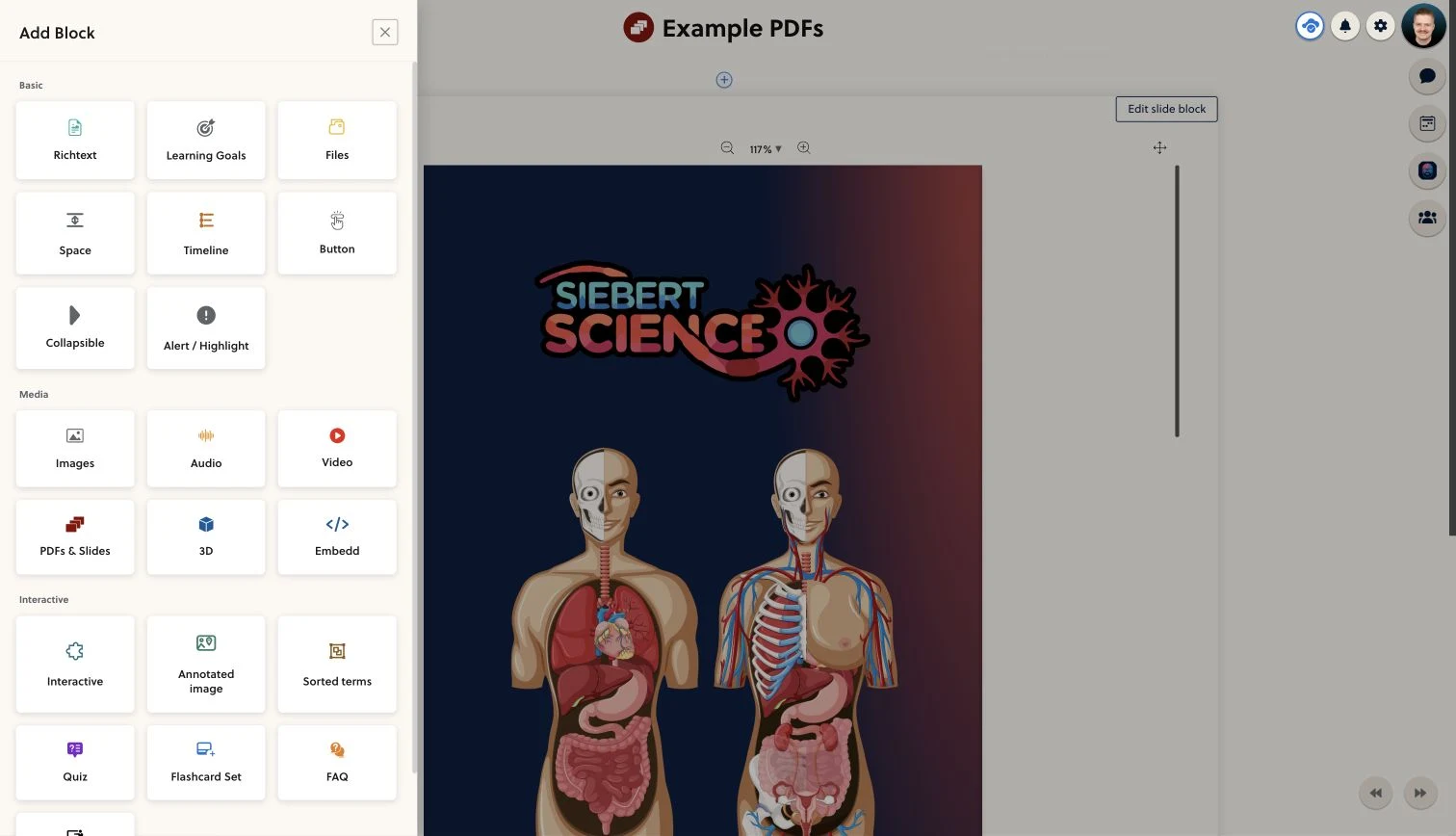
Ask students to identify a structure, put terms in order or retrieve an answer. Choose a block that makes them use what you have just explained, rather than adding interaction for its own sake.
- Labeled images
- Sorting activities
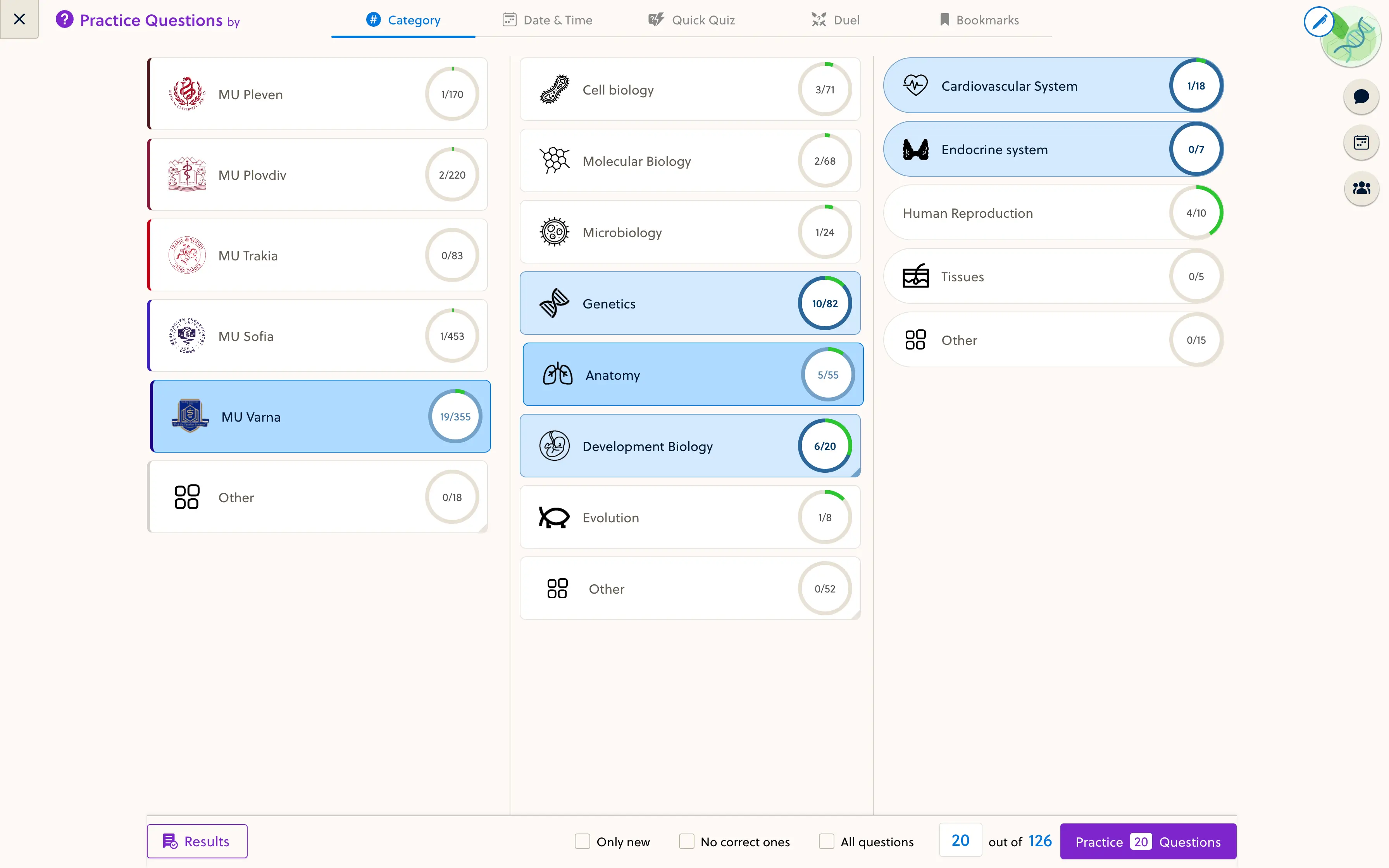
- Quiz questions
- Flashcard sets
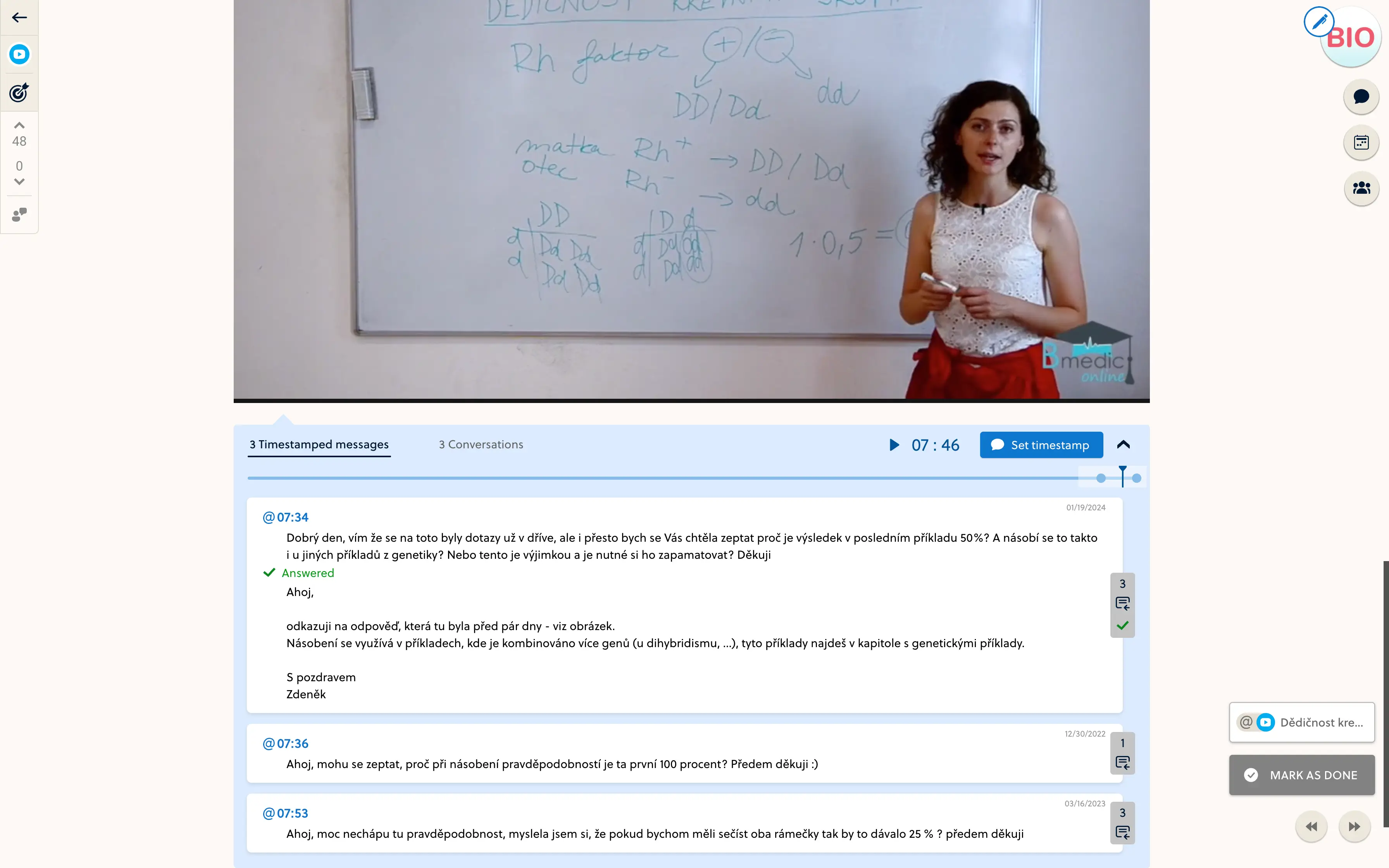
- Video context
- Learning objectives
3D models and custom interactive blocks require an enabled setup. Confirm the formats you need during the demo.
Keep explanation and practice together.
Introduce a concept, show the diagram, then let students work with it in the same resource. A clear prompt gives the activity a purpose and keeps the student focused on the subject.
- Explain the concept before the activity
- Use diagrams from your teaching material
- Follow with a focused knowledge check
Go beyond the flat diagram where it helps.
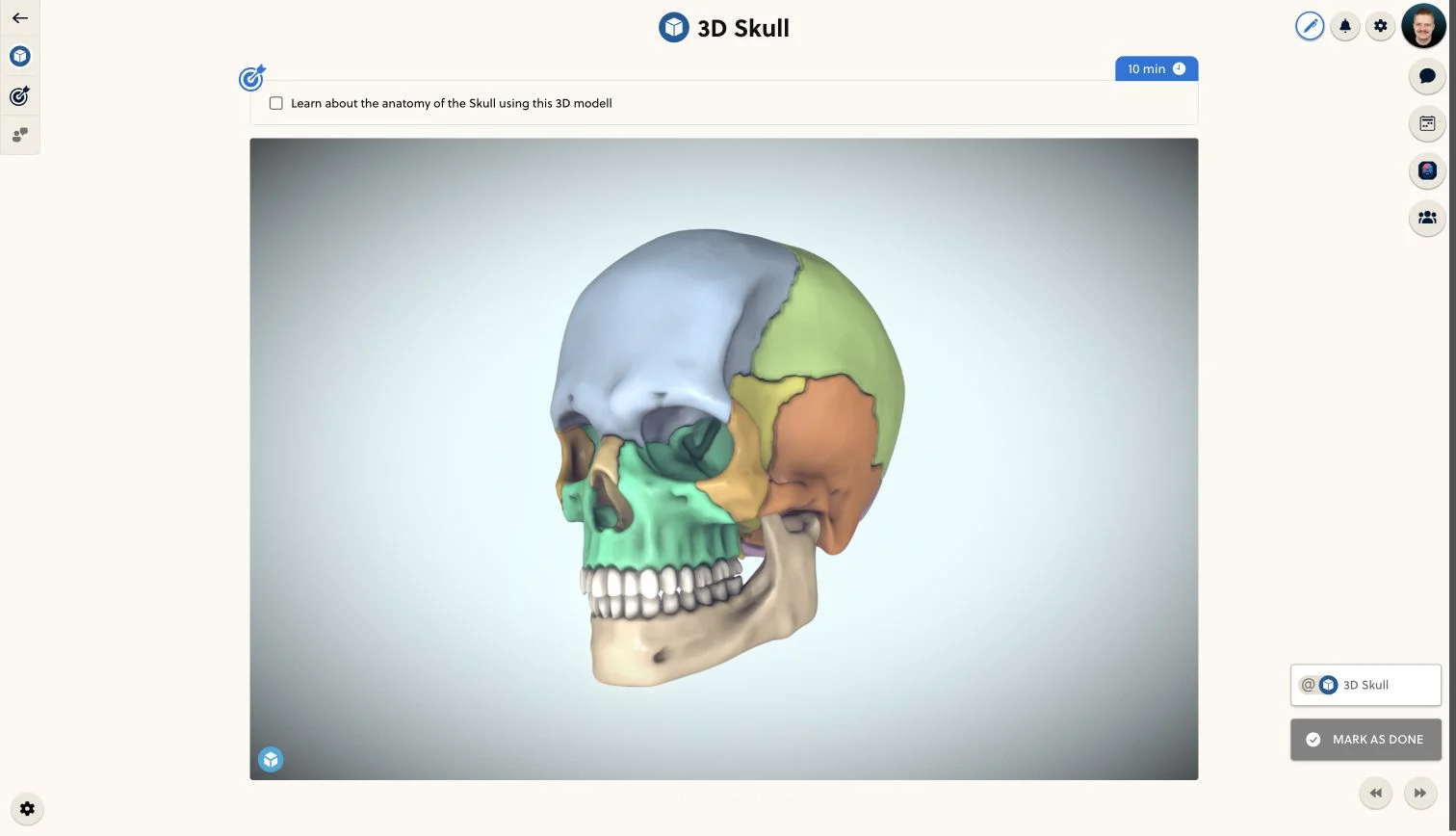
For spatial topics, an available 3D model can add a different view of the subject. Check the model rights, supported integration and device behavior before making it part of your course.
- Confirm the format and access requirements
- Review the activity as a learner
- Test the content on a real phone
Frequently asked questions
Which activities can I add?
The editor supports labeled-image activities, sorting, quizzes and flashcard sets alongside lesson content. The exact options available depend on your space, permissions and course configuration.
Can I use my own diagrams?
Yes. Use images you have the rights to teach with, and prepare the labels or prompts around your learning objective. Check that small details remain readable on mobile.
Are 3D and custom interactions included by default?
No. These blocks require an enabled setup and suitable content. Discuss the particular model or interaction you need so we can confirm access, integration and licensing requirements.
Does every activity produce a grade?
No. A diagram activity, flashcard session and quiz serve different purposes and have different result behavior. Use a configured quiz when you need an assessed question set.
Do external embeds work on every device?
That depends on the embedded content and provider. Test the actual activity on your students' devices, especially for touch controls, narrow screens and demanding 3D scenes.
Bring a difficult concept. Make it an activity.
Show the founder one lesson and explore which supported interactions fit the way you teach it.