The right people
Course and group membership give conversations their context. Review access as part of your academy setup.
The conversation belongs with the course.
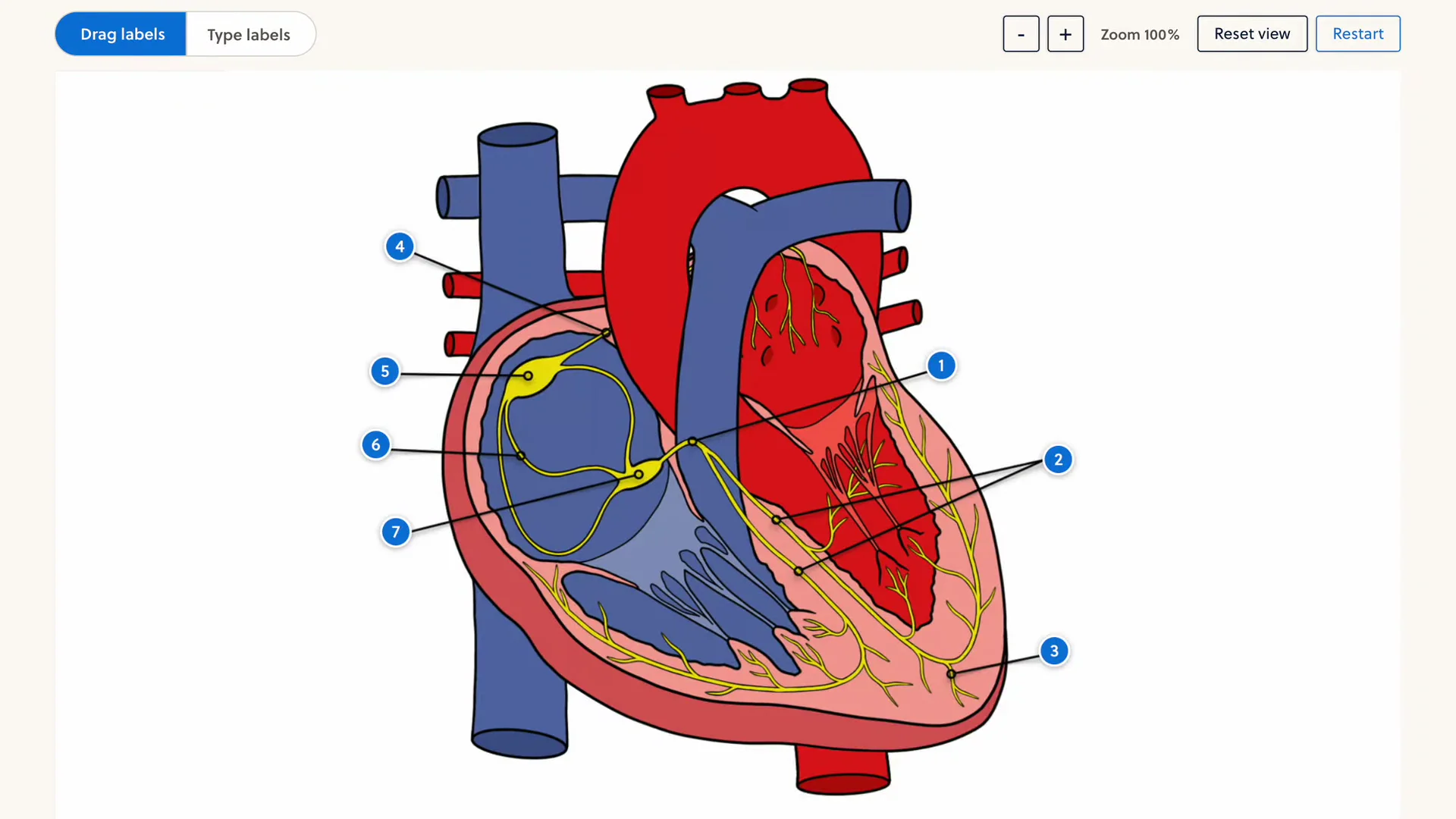
Could someone walk me through this part of the lesson?
2 replies3Start with the overview, then work through each label. Let's take it one step at a time.
SolutionThe learning platform behind

From a quick question to a whole study group. Keep it connected to the learning.
What helped you understand this week's topic?
2 replies3Explaining the diagram to someone else made it click for me.
Give learners and teachers a common place to talk. Replies stay in threads, so the next conversation can carry on.
Could someone walk me through this part of the lesson?
2 replies3Start with the overview, then work through each label. Let's take it one step at a time.
SolutionA question can point to a specific learning resource. Teachers can mark a helpful reply as the solution, right beside the discussion.
Bring your questions from this week's lessons. We'll work through them together.
Give course news its own channel. Share reminders and new material without mixing them into everyday student conversations.
Which topic should we go over together?
2 replies3Let's start with the questions from the last module.
Bring the people in a course group together. Keep group-specific questions close to the program they share.
Your name, colors and learning space. One connected experience, from the first lesson to the conversation after it.
Explore branding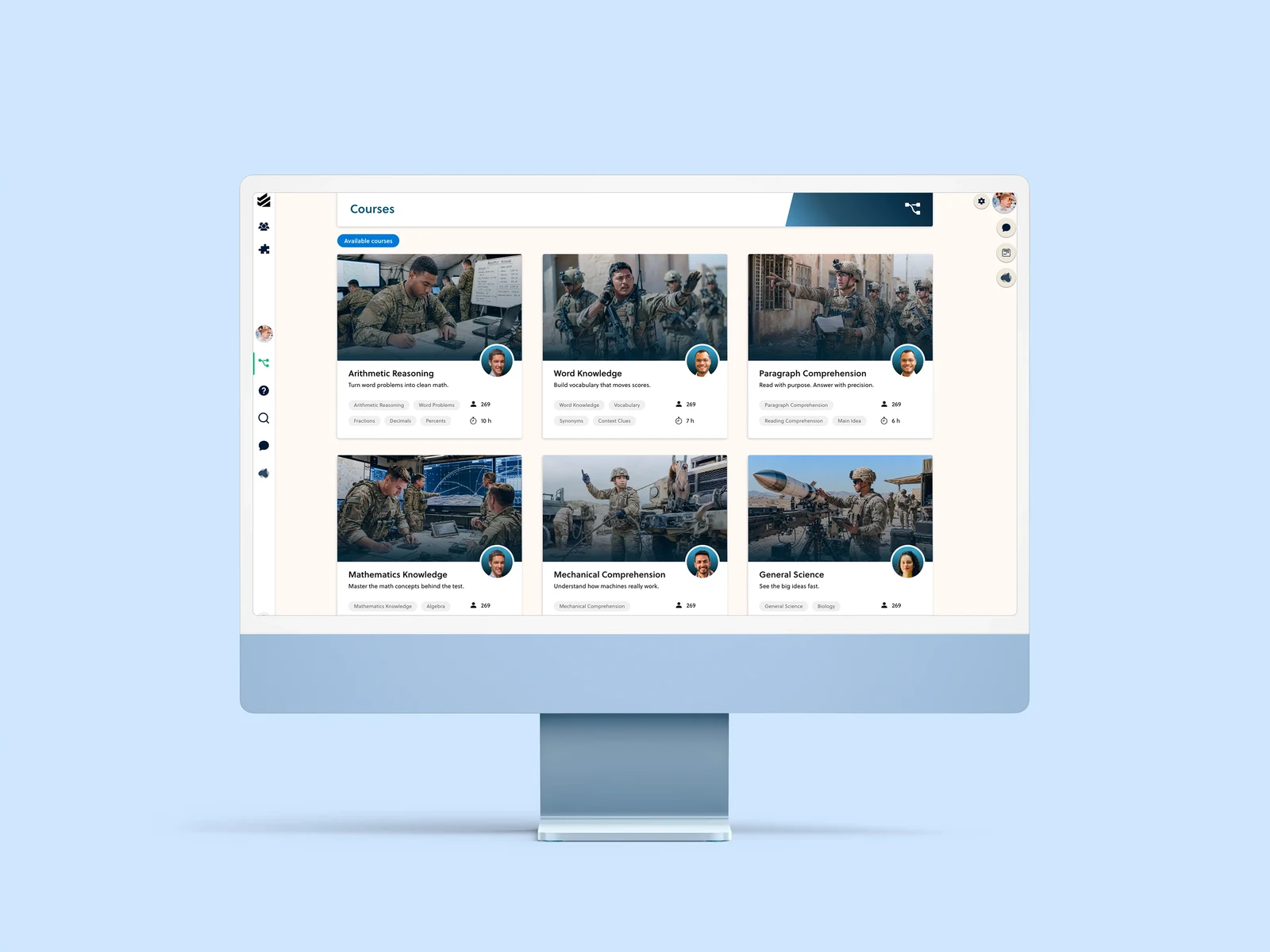
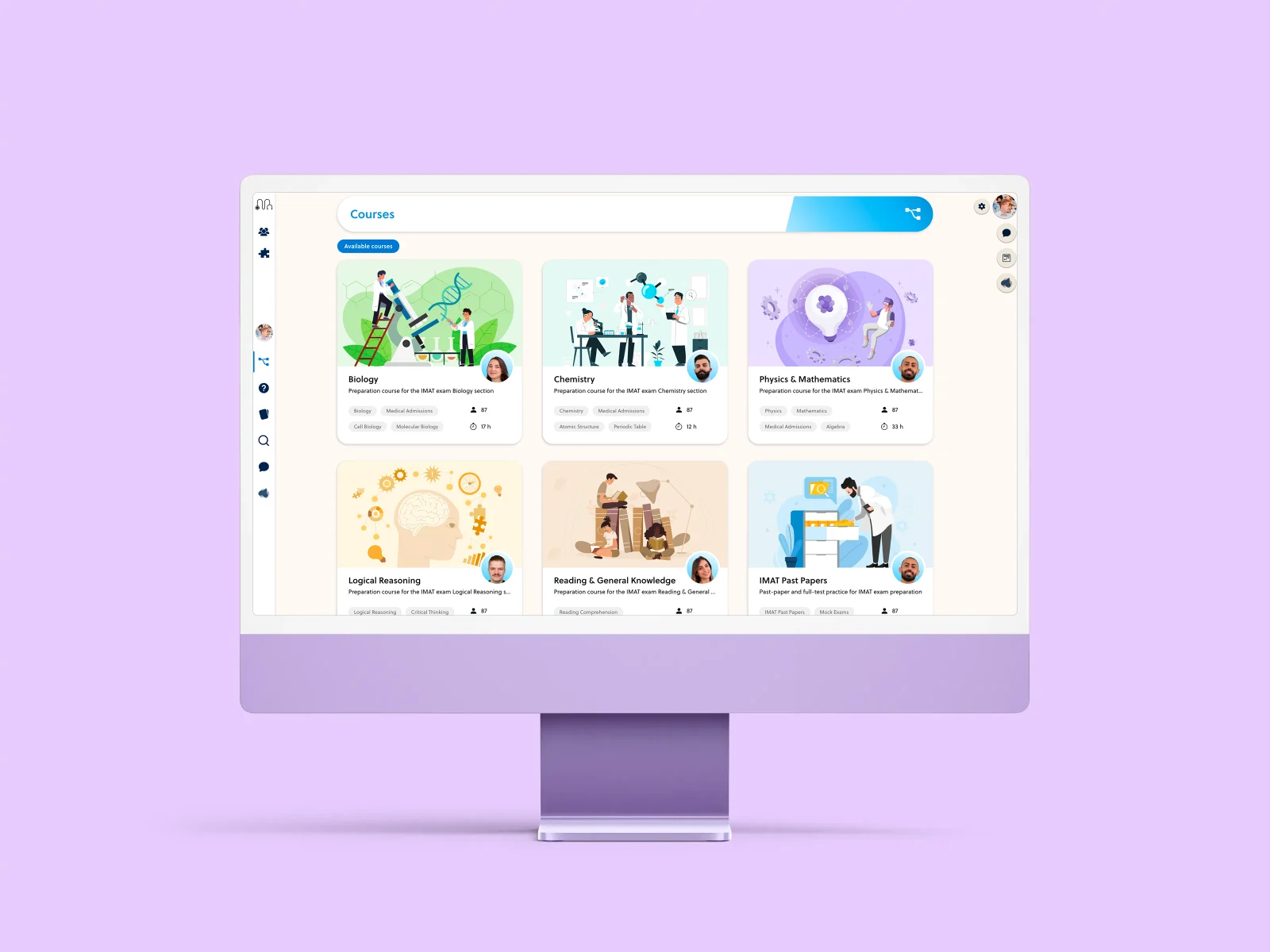
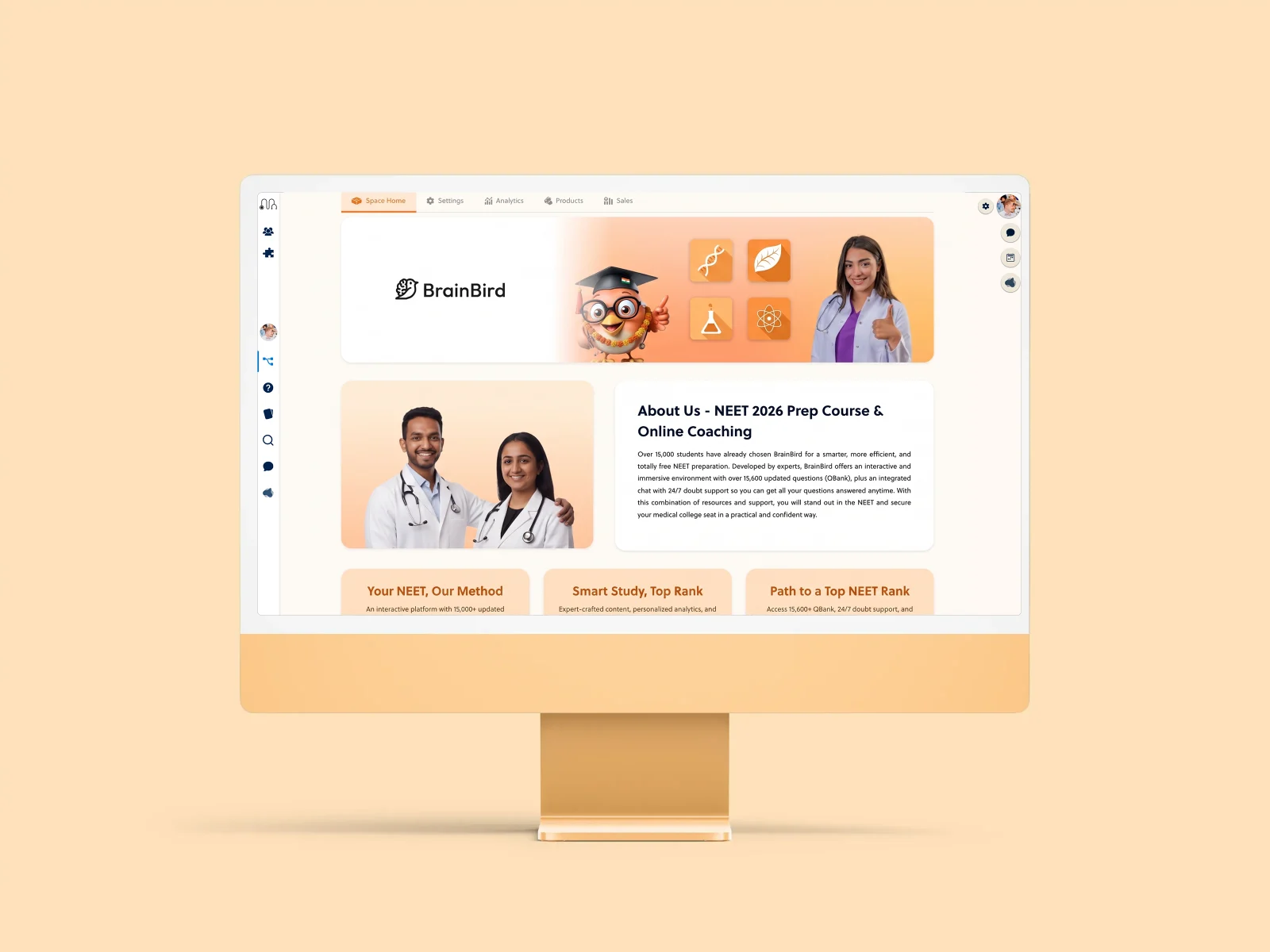
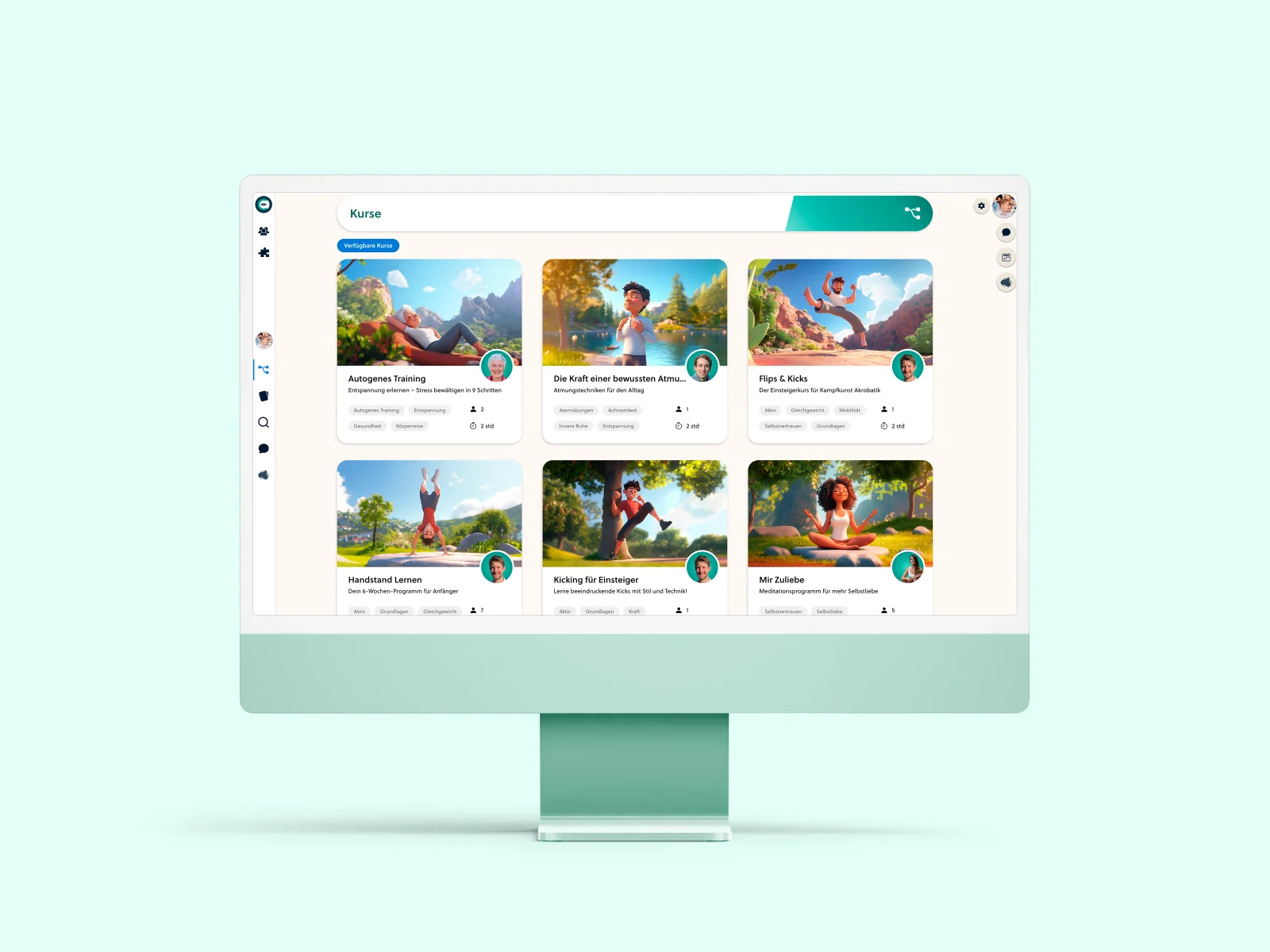
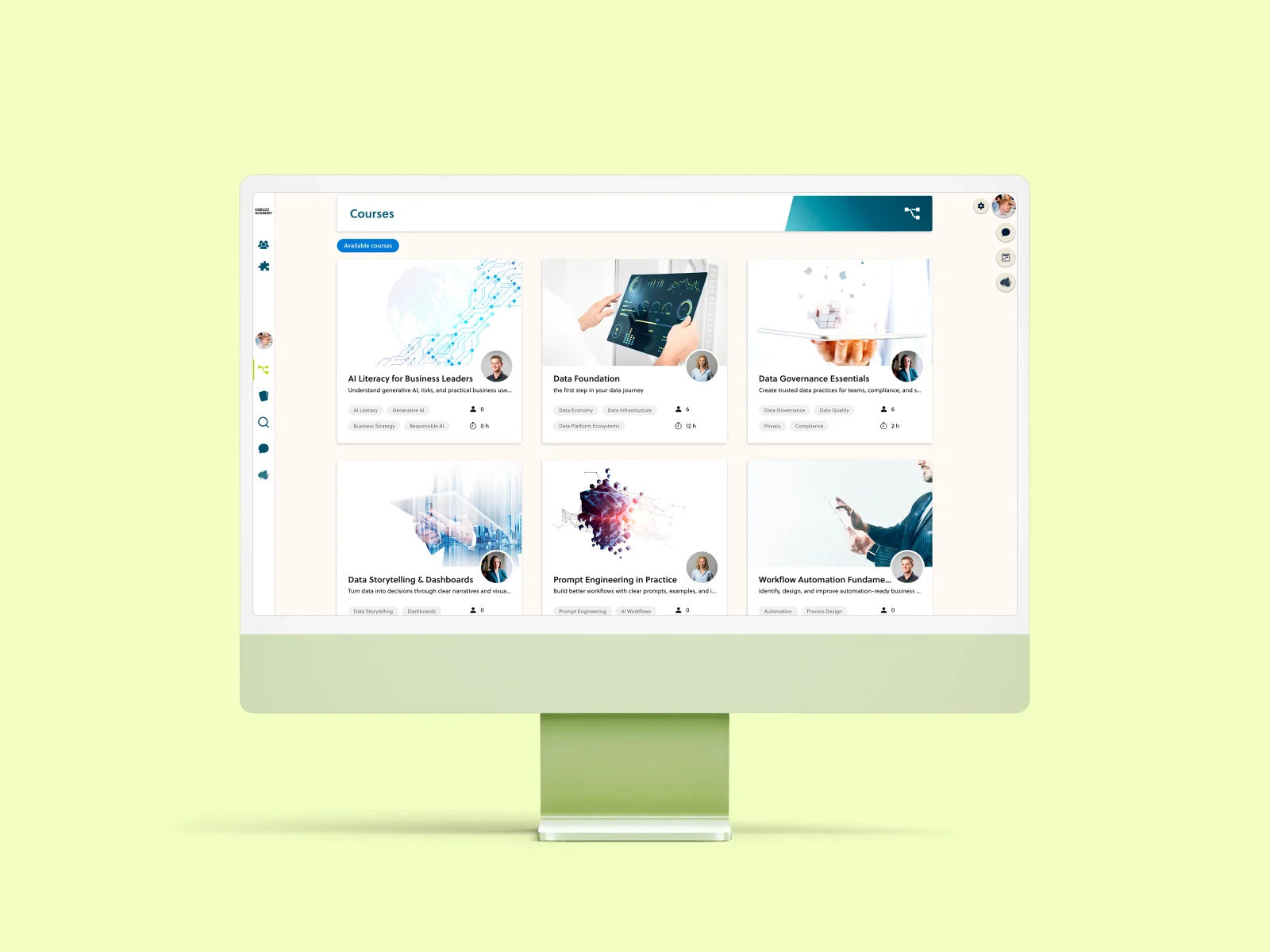
No need to explain which lesson you mean. Learners can open the conversation from the course and keep the resource in view.
Course and group membership give conversations their context. Review access as part of your academy setup.
Teachers and curators can mark a reply as the solution, making the useful explanation easier to spot.
Authorized curators can edit or remove messages. Announcement posting is controlled by role.
No. PrepOS includes course channels and group conversations within the learning space. Resource-linked questions can connect the discussion directly to a lesson.
Announcement channels are intended for updates from authorized roles. Threaded student conversation belongs in general, resource or group channels.
Yes. Message editing, deletion and solution marking depend on the user's role and course or space access. We review the appropriate setup with you.
Those mechanics are not part of the community functionality presented here. PrepOS focuses on course conversations, threaded replies, resource context and clear answers.
The learning space has a responsive web experience. Native app distribution and push notifications are separate topics; confirm the current options for your academy.
Walk through your courses, cohorts and community with the founder.