High-Tech
Data Security
Give the right people the right access.
- Sign in
An identified account
- Space membership
A place in your academy
- Course access
The right learning materials
- Access rules
- Content protection
- Your launch review
Start with who can do what.
Keep learner access and staff responsibilities distinct. Review membership, teacher and curator roles, and access to individual courses so people have the scope they need for their work.
- Space membership
- Learner access
- Teacher roles
- Curator roles
- Course permissions
- Account settings
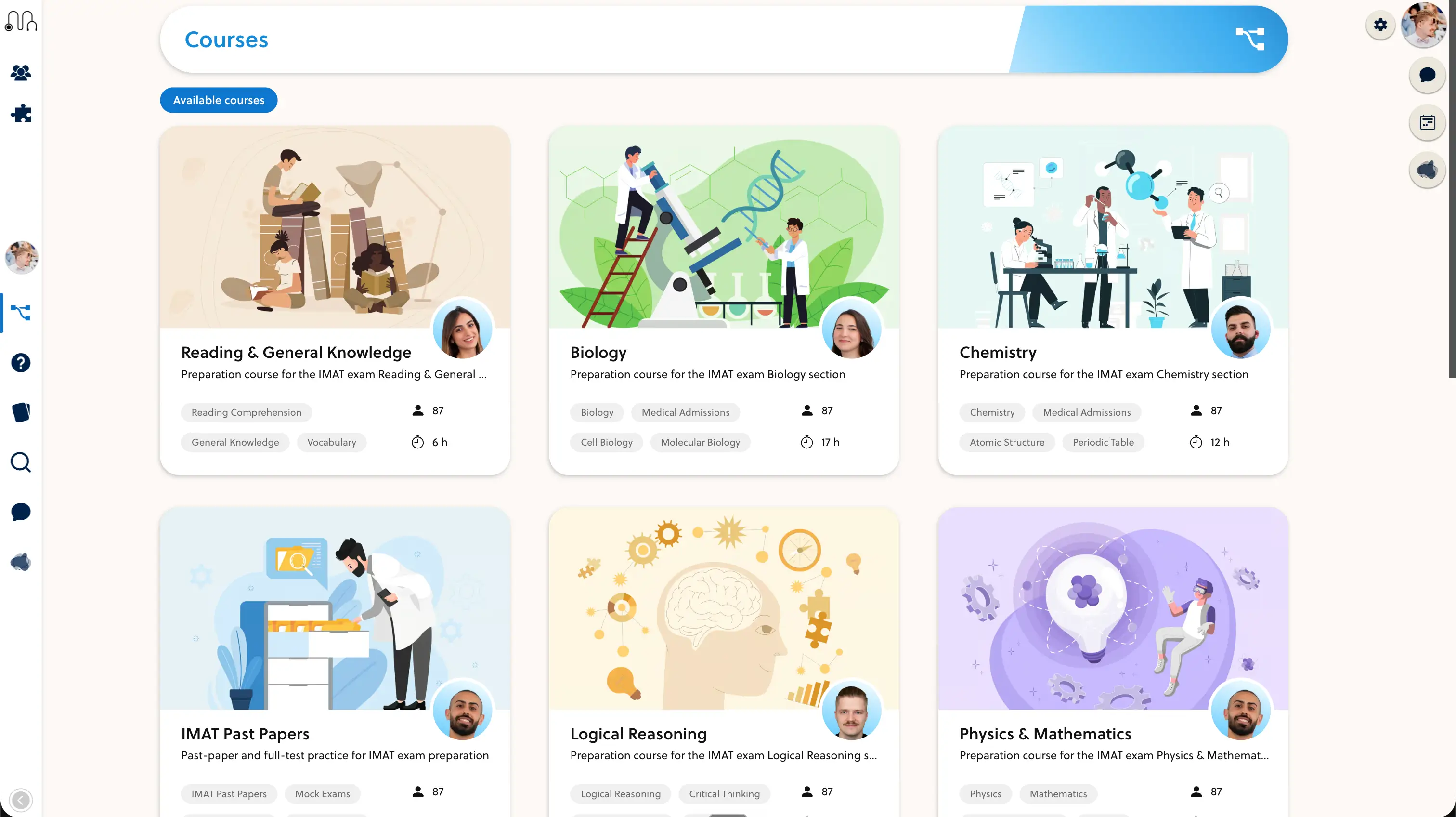
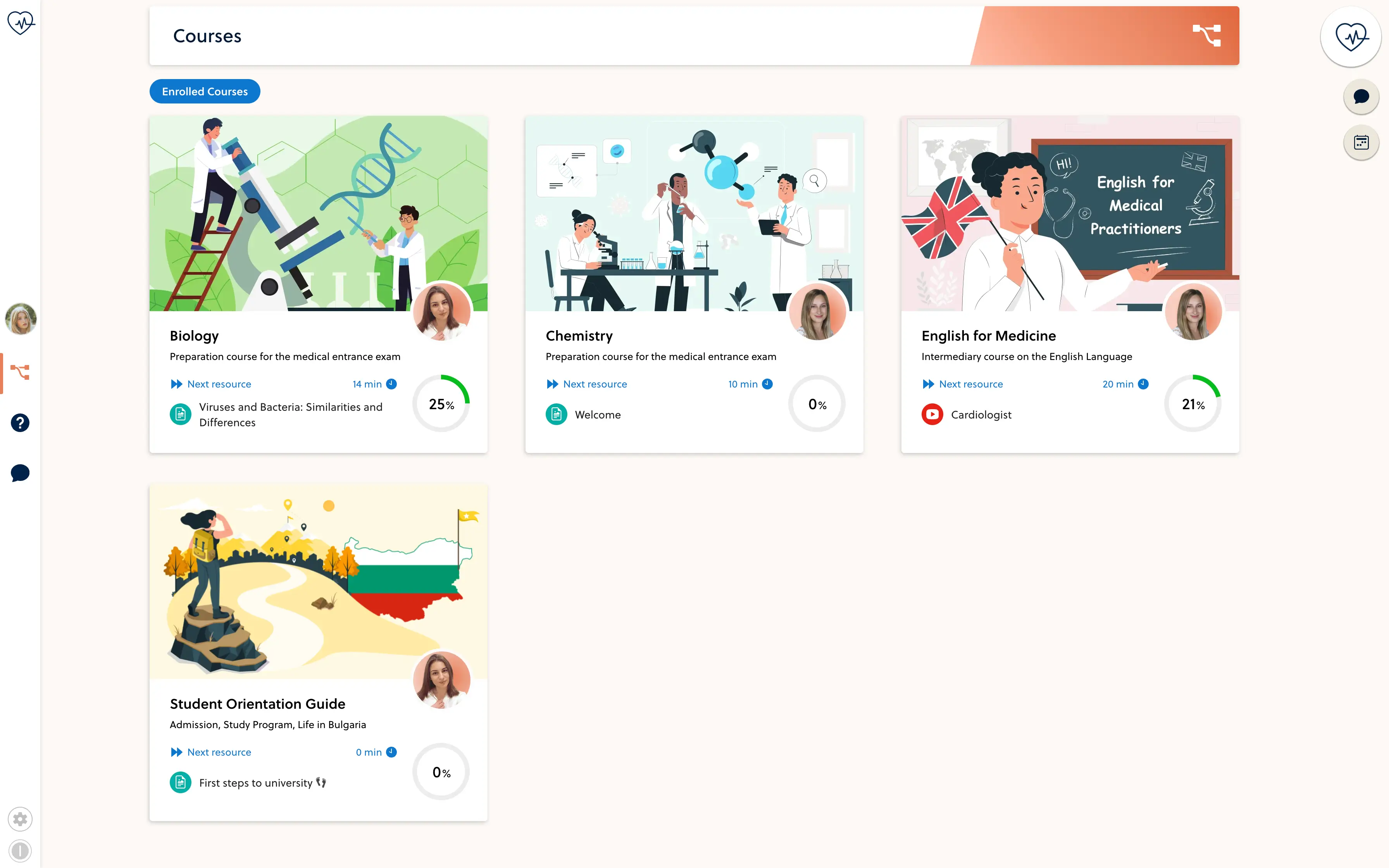
Study the courses they can access
Teach within their assigned scope
Manage the space within their permissions
Review the session limit
Check content and printing settings
Verify the supported player
Add protection around your materials.
Your space includes settings for simultaneous sessions, PDF and text protection, printing restrictions and watermarks. Choose them with your students' reading and accessibility needs in mind, then verify the supported content types.
- Review session limits
- Choose appropriate content protections
- Test the student experience
Protection settings are deterrents, not a guarantee against screenshots, recording or copying.
Make the review part of the launch.
Walk through real access scenarios before opening enrollment. Bring your privacy, retention and hosting requirements to the setup discussion so the team can confirm the applicable configuration and documentation.
- Test learner and staff accounts separately
- Review course access and account security
- Confirm your data-handling requirements
Frequently asked questions
Can staff and students have different access?
Yes. Space membership, staff roles and course access are separate parts of the setup. Review the exact teacher and curator permissions with the courses and groups they will manage.
Can I limit simultaneous sessions?
The space settings include a configurable simultaneous-session limit. Test the selected policy with the sign-in methods and devices used by your academy.
Are account security options available?
Account settings include multi-factor security, and staff password policies have a dedicated enforcement flow. Availability and requirements depend on the account and authentication setup.
Can content protection stop every copy?
No. Printing restrictions, document protection and watermarks can discourage misuse, but no page setting guarantees prevention of screenshots, recording or redistribution.
Where can I confirm data-handling requirements?
Raise hosting location, retention, access and contractual requirements during the platform review. The team must confirm the applicable configuration and documents; this page is not a certification or a legal compliance guarantee.

Review your academy's access needs.
Walk through learner roles, staff responsibilities and your data-handling requirements with the founder.