High-Tech
Video Hosting
Give every lesson a place in your course.
- Your video library
- Your lessons
- Ready to watch
A library your courses can share.
Upload recordings into a collection, check processing status and choose a thumbnail. Select the finished video from the library when you build a lesson, instead of managing a new embed for every course.
- Video uploads
- Library collections
- Processing status
- Custom thumbnails
- Chapter markers
- Reusable lesson videos
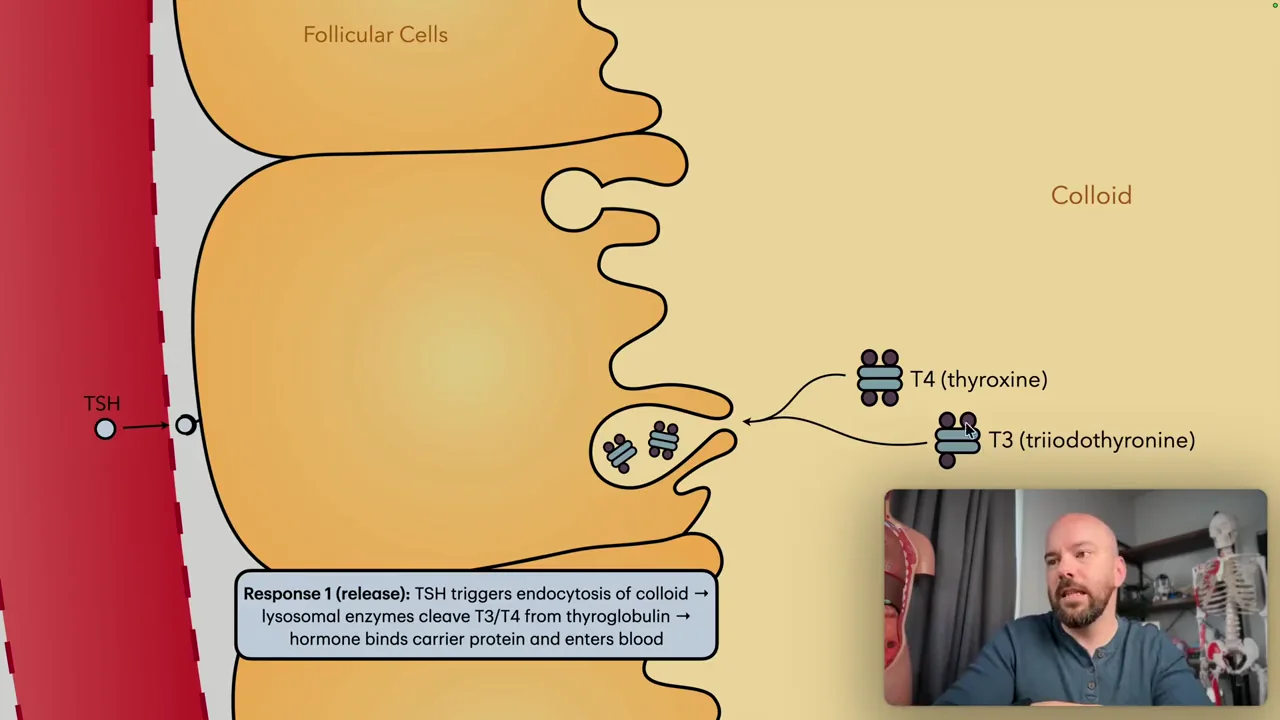
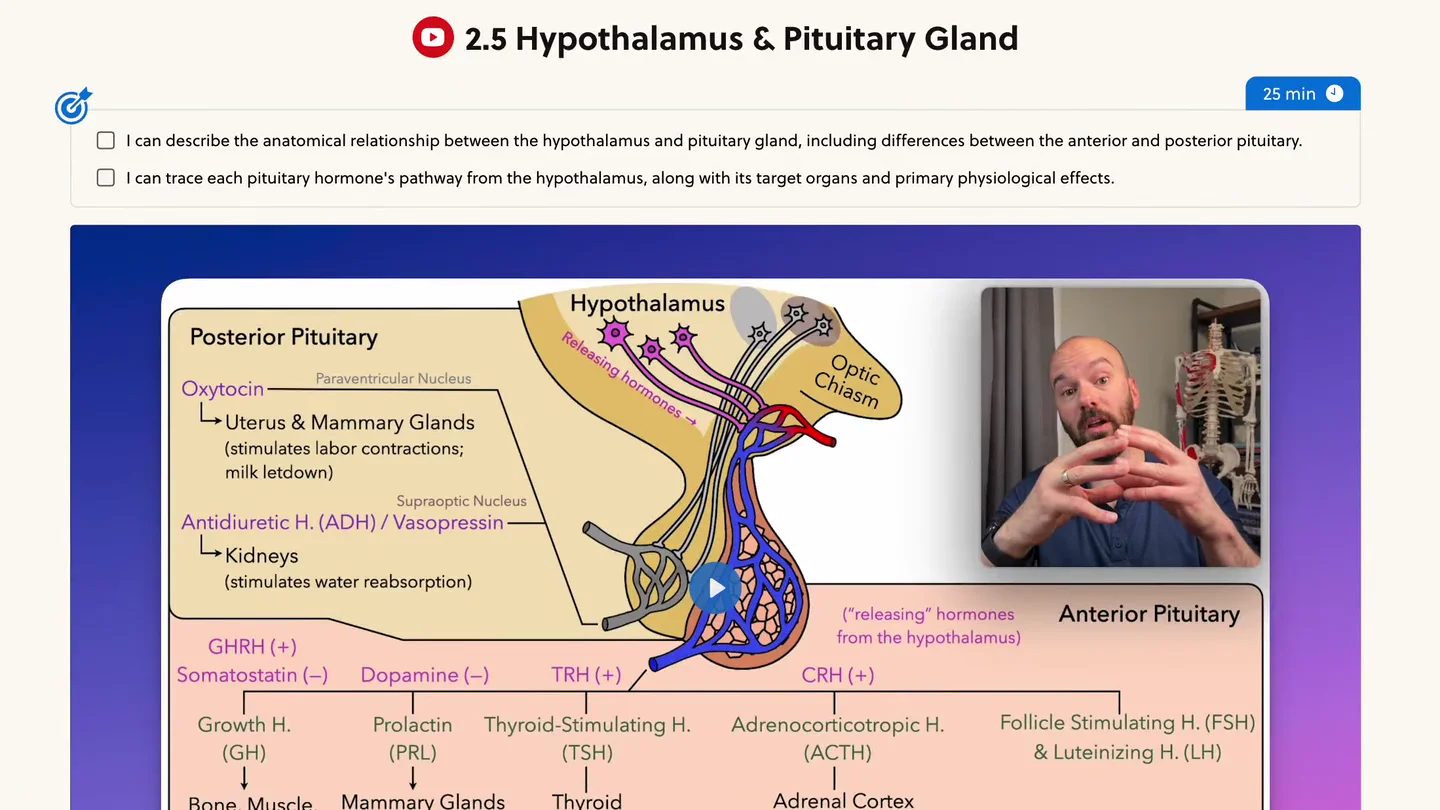
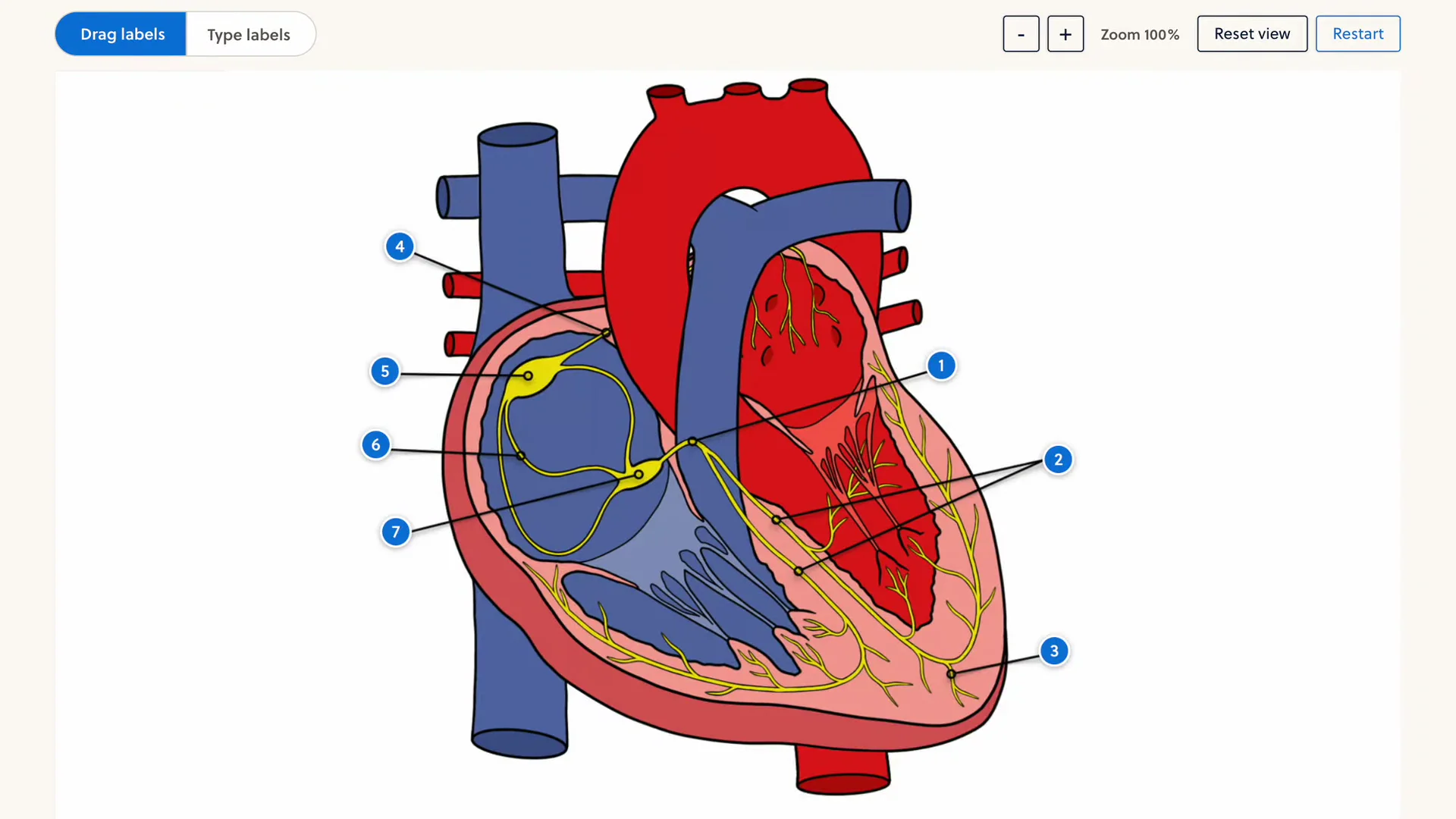
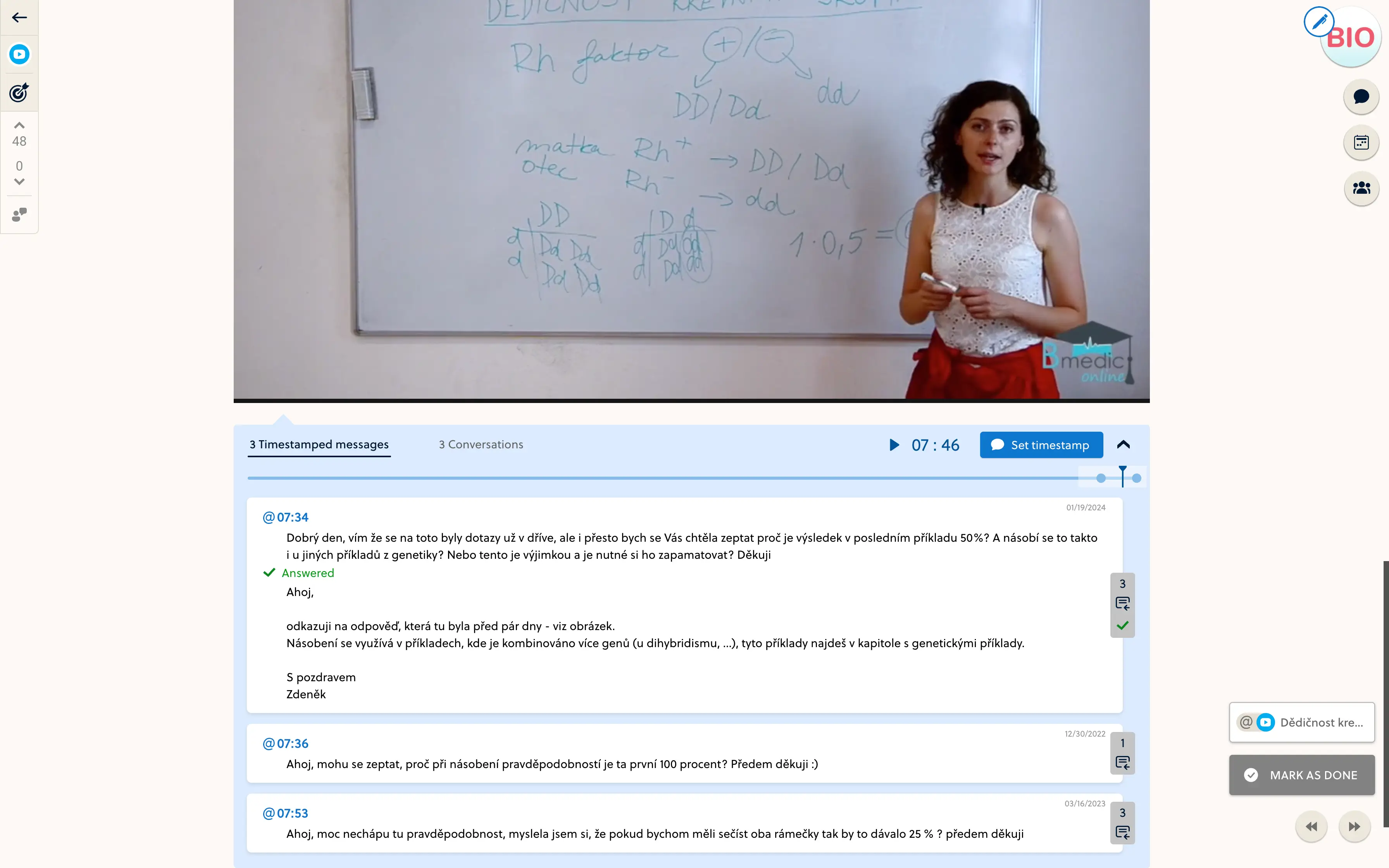
Keep the conversation beside the video.
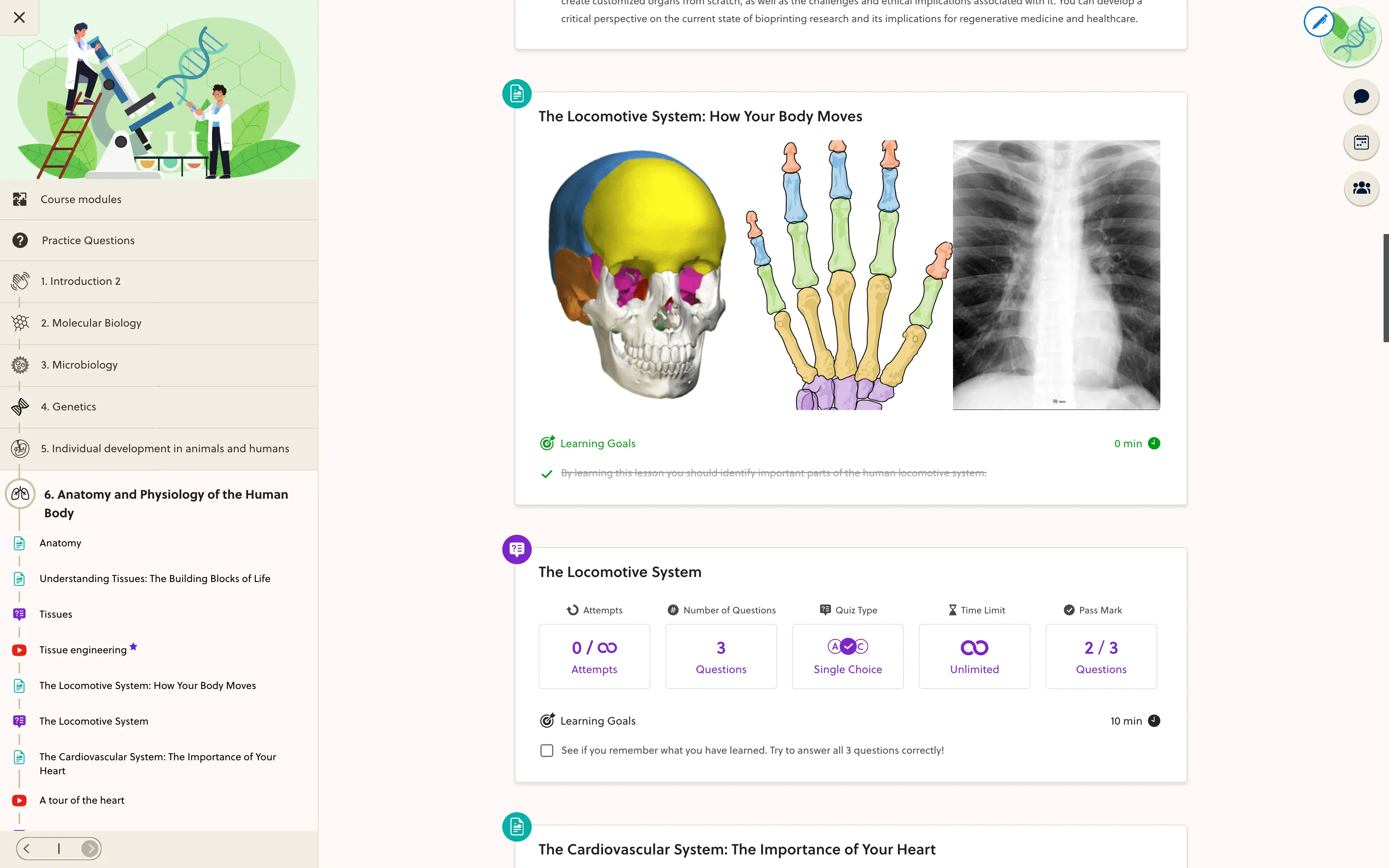
A recording is part of the lesson, not the whole course. Place it alongside explanations, practice and discussion so students can move from watching to asking a question or trying the next activity.
- Add videos to structured lessons
- Keep questions close to their context
- Connect recordings with practice
Check the experience before students press play.
Review playback, chapters and course access on the devices your learners use. External providers have their own privacy and playback settings, so check those as part of the lesson too.
- Confirm that video processing is complete
- Review the lesson and its chapter markers
- Test playback with a student account
Frequently asked questions
Can I upload my own videos?
Yes. Once video hosting is configured, upload recordings into a video-library collection. Wait for processing to finish before checking playback and adding the video to a lesson.
Can I use YouTube or Vimeo?
The lesson editor supports YouTube and Vimeo video sources. Availability, privacy settings and playback depend on the provider and the particular video.
Can I add chapters?
Library videos support chapter titles and start times after processing finishes. Save the markers and check that the chapter update has reached playback.
Is hosting unlimited?
Storage, delivery and provider setup depend on your platform scope. We confirm expected video volume and usage before launch; this page does not promise unlimited hosting.
Does hosting prevent copying?
Course access and available protection settings help control the learning experience. They cannot guarantee that a viewer will never record or copy content, and provider protection varies.
Put your video library to work.
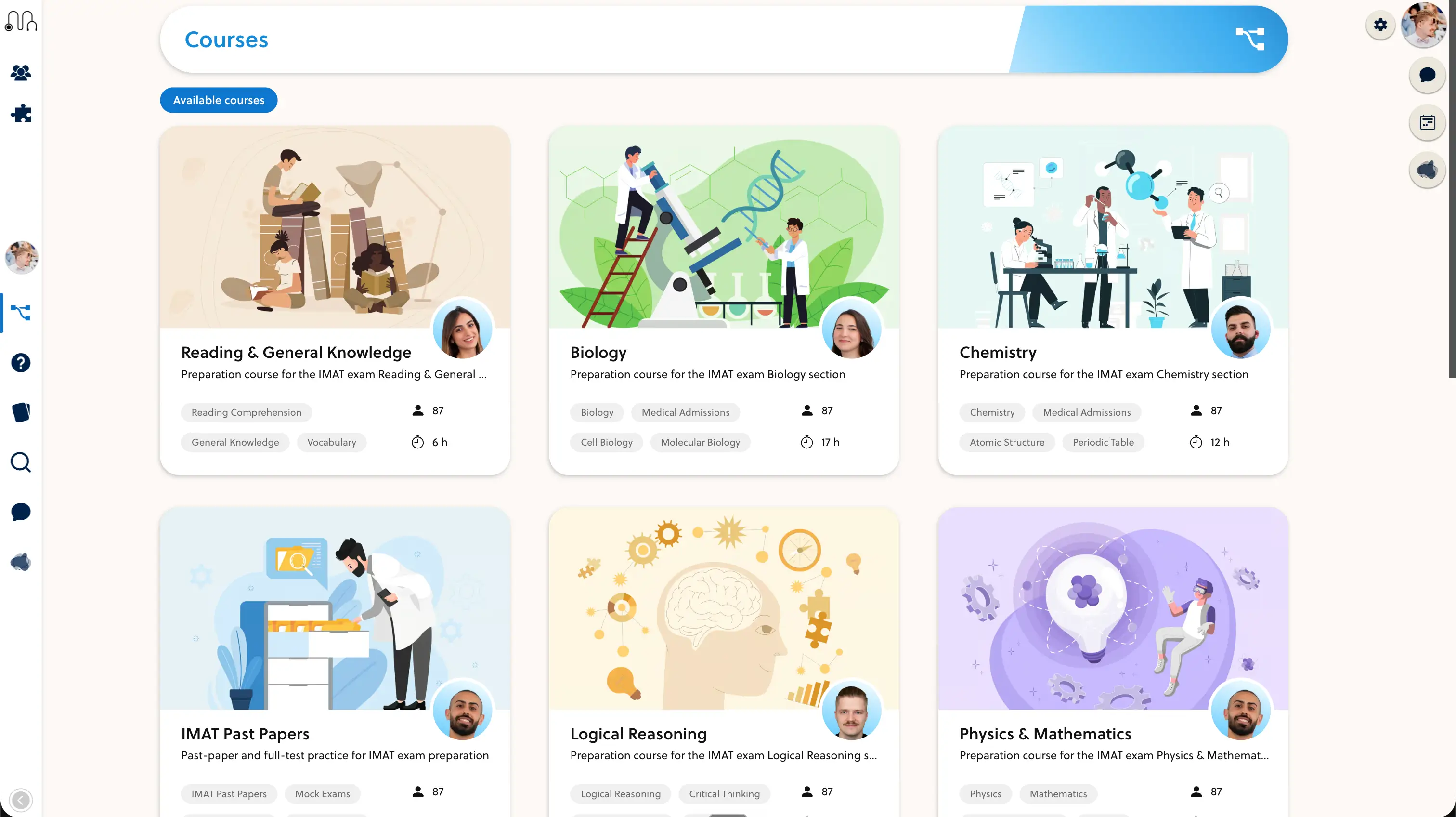
Bring a recording and a course outline. We will walk through the journey from upload to lesson.