Platform
Feedback
Find the confusing question. Improve the next learning moment.
Could you explain how this step differs in meiosis?
We added a comparison to the explanation. Thank you for pointing it out.
- Listen in context
- Review together
- Close the loop
Hear from students where they get stuck.
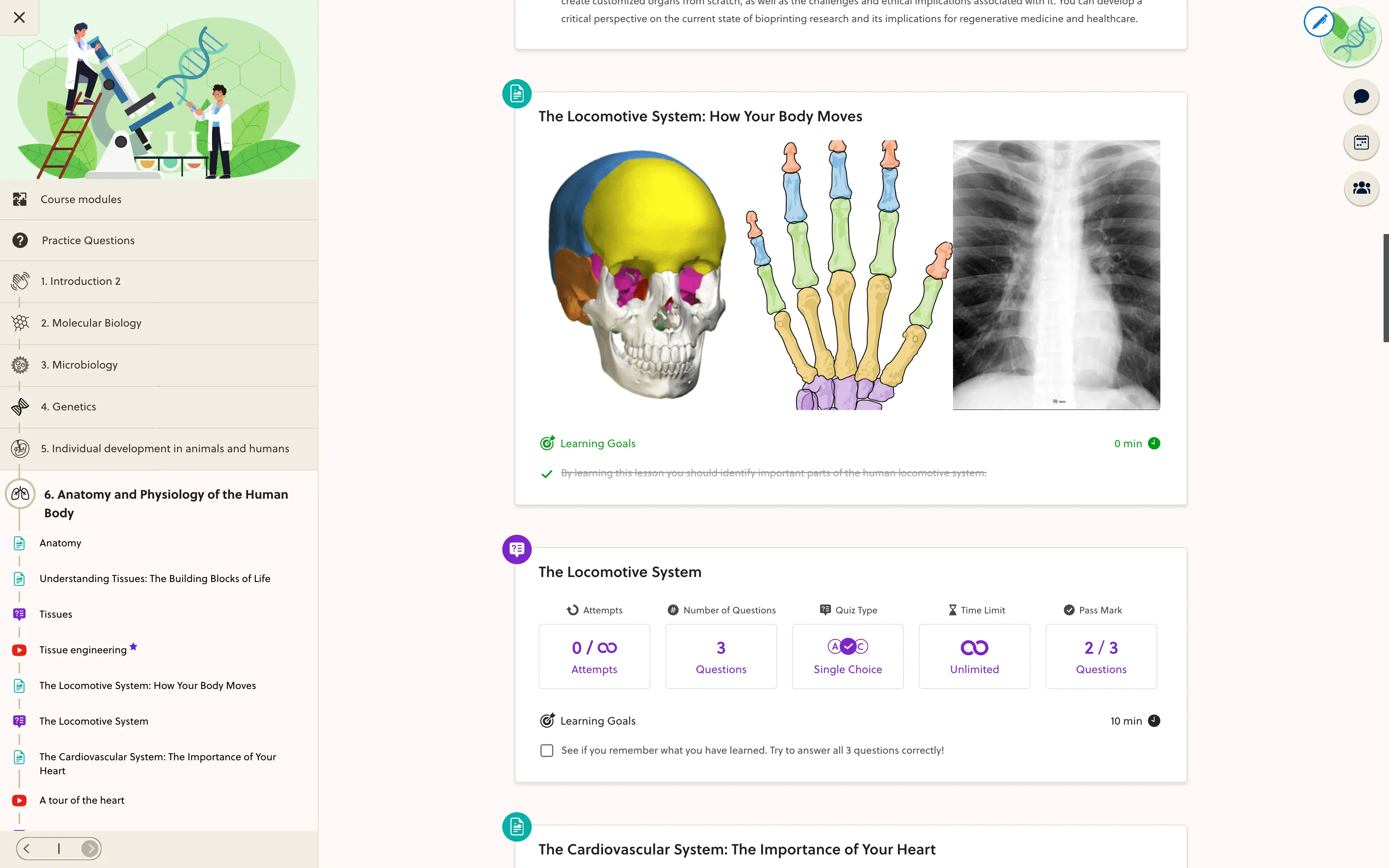
A vague message is hard to act on. Lesson feedback and practice-question reports keep comments connected to the material, so your team can investigate the explanation or exercise that needs attention.
- Lesson ratings
- Written comments
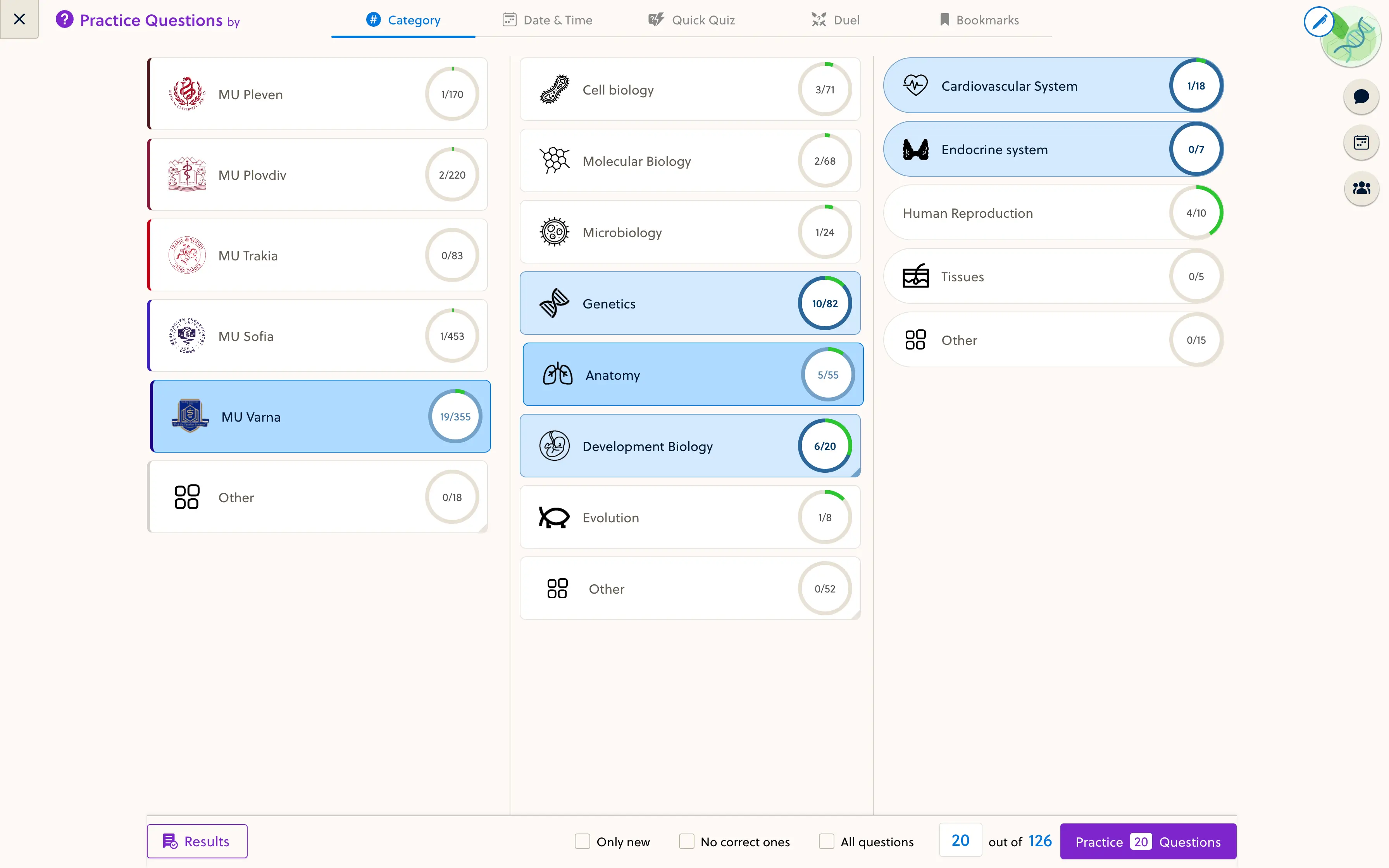
- Question reports
- Course context
- Linked resources
- Student replies
Could you explain how this step differs in meiosis?
Could you explain how this step differs in meiosis?
Please check the wording of option B.
Give your team one review queue.
Review incoming feedback in the course or space view. Open the relevant material, reply with context and mark completed items as done so unresolved comments remain easy to find.
- Review feedback by course
- Return to the relevant content
- Keep resolved items out of the active queue
Show students their feedback led somewhere.
Use a reply to explain the correction or answer the question. Then review the source material itself, so the clarification helps the next student too.
- Check the original question or lesson
- Update the explanation when needed
- Reply and mark the issue as done
Frequently asked questions
Can students rate lessons?
Yes. The lesson feedback form supports a star rating and a written comment. Feedback remains connected to the resource and course context.
Is question feedback included?
Practice questions support feedback and reports. Their availability in a course review view depends on the question setup and the team's permissions.
Can teachers reply directly?
Authorized team members can reply in the feedback workflow. Students can find replies in the supported student views; feedback is not automatically a public community post.
How do we track what has been handled?
The review view supports marking feedback as done and showing or hiding completed items. That helps separate new work from previously handled comments.
Does this replace assignment grading?
No. This is feedback on learning materials and question content. Assignment assessment and private submission workflows are a separate topic to review for your program.
Make student feedback part of your course routine.
Walk through reporting, review and replies with the founder.