Content Creation
Assignments
Make the next piece of work clear.
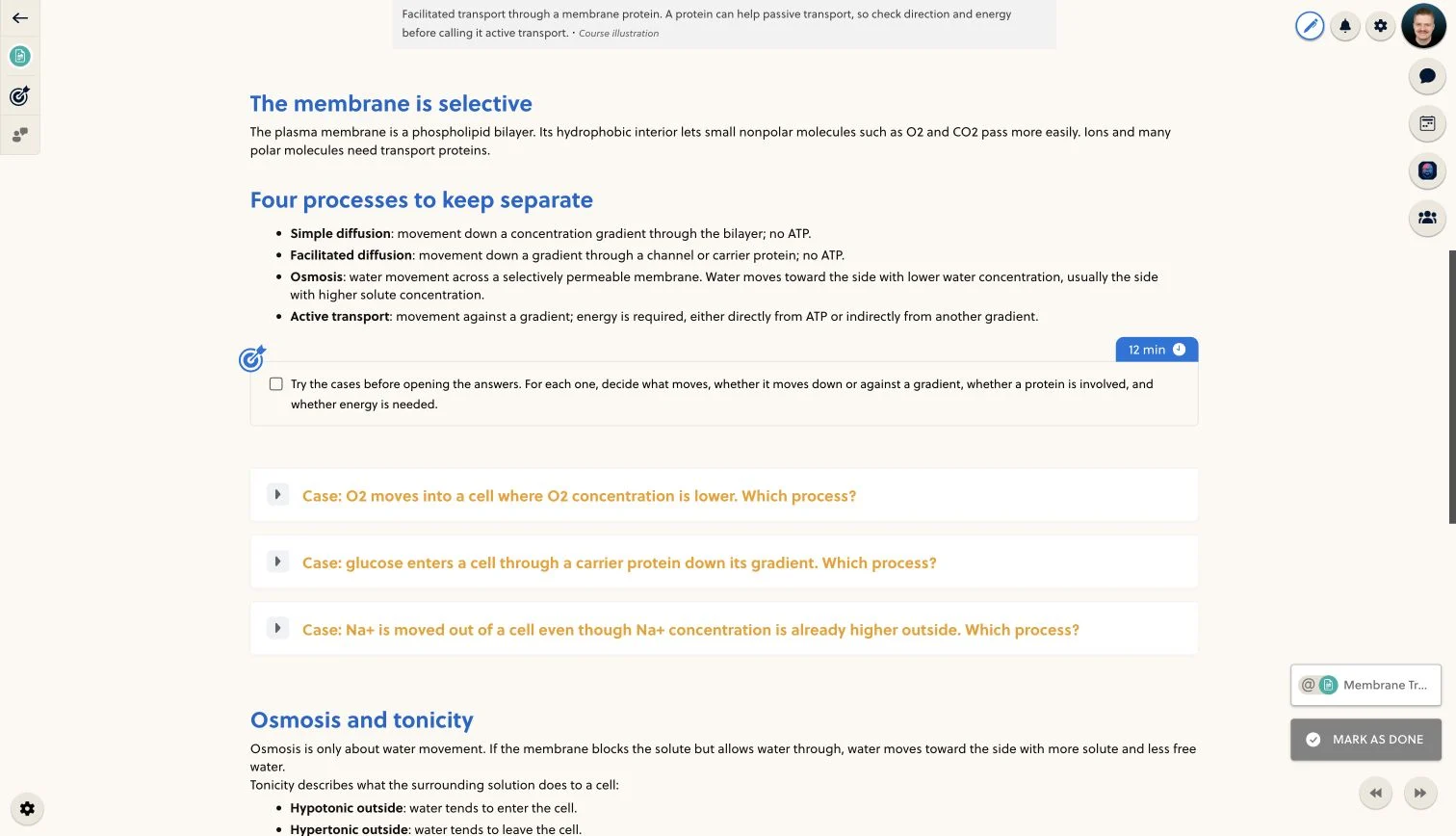
- Write the brief
- Add the material
- Connect the next step
Tell students what they need to do.
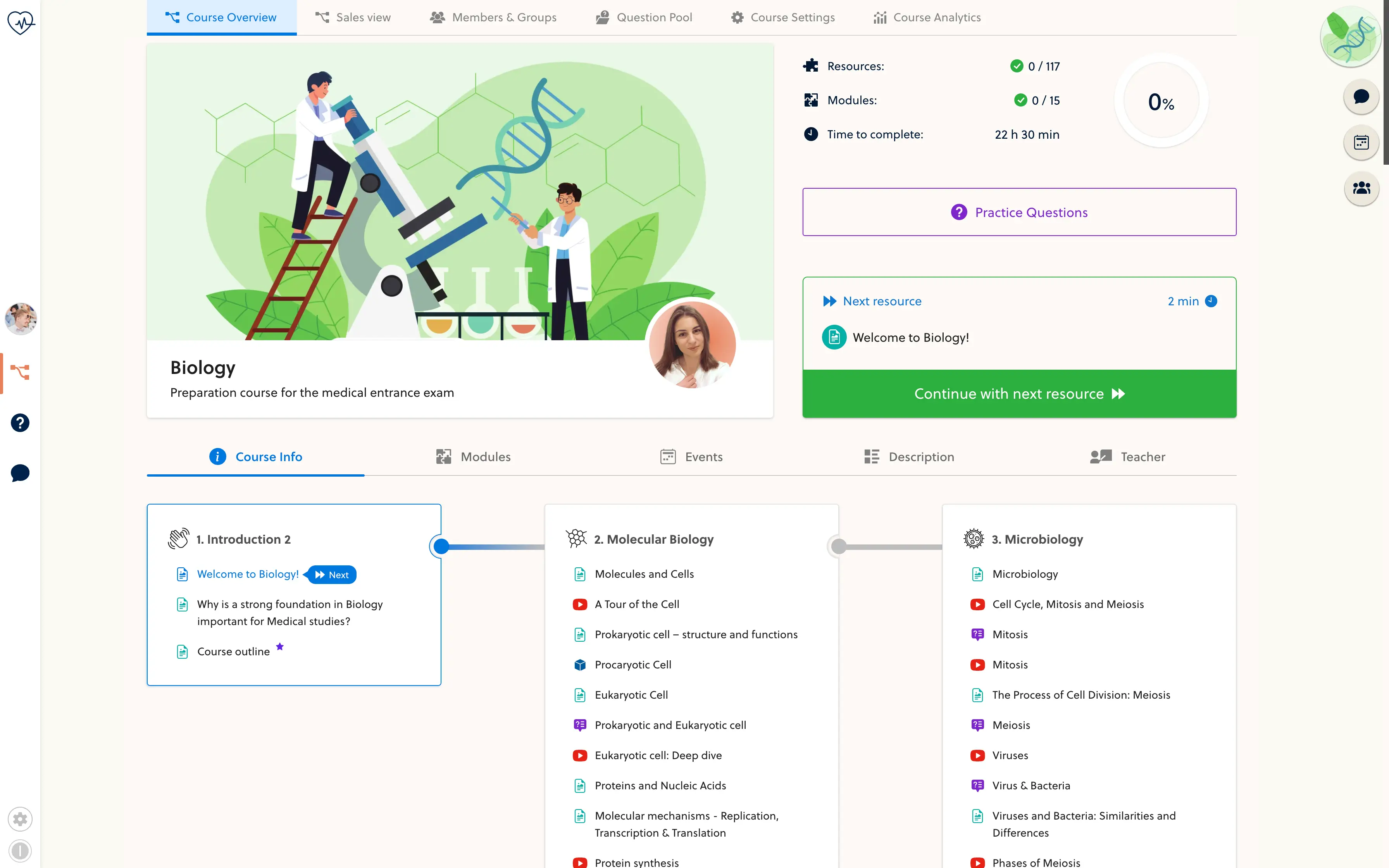
Turn a broad instruction such as 'revise this topic' into a specific task. State the objective, explain what to work through and give an estimated study time alongside the lesson.
- Learning objective
- Task instructions
- Estimated study time
- Worked examples
- Supporting documents
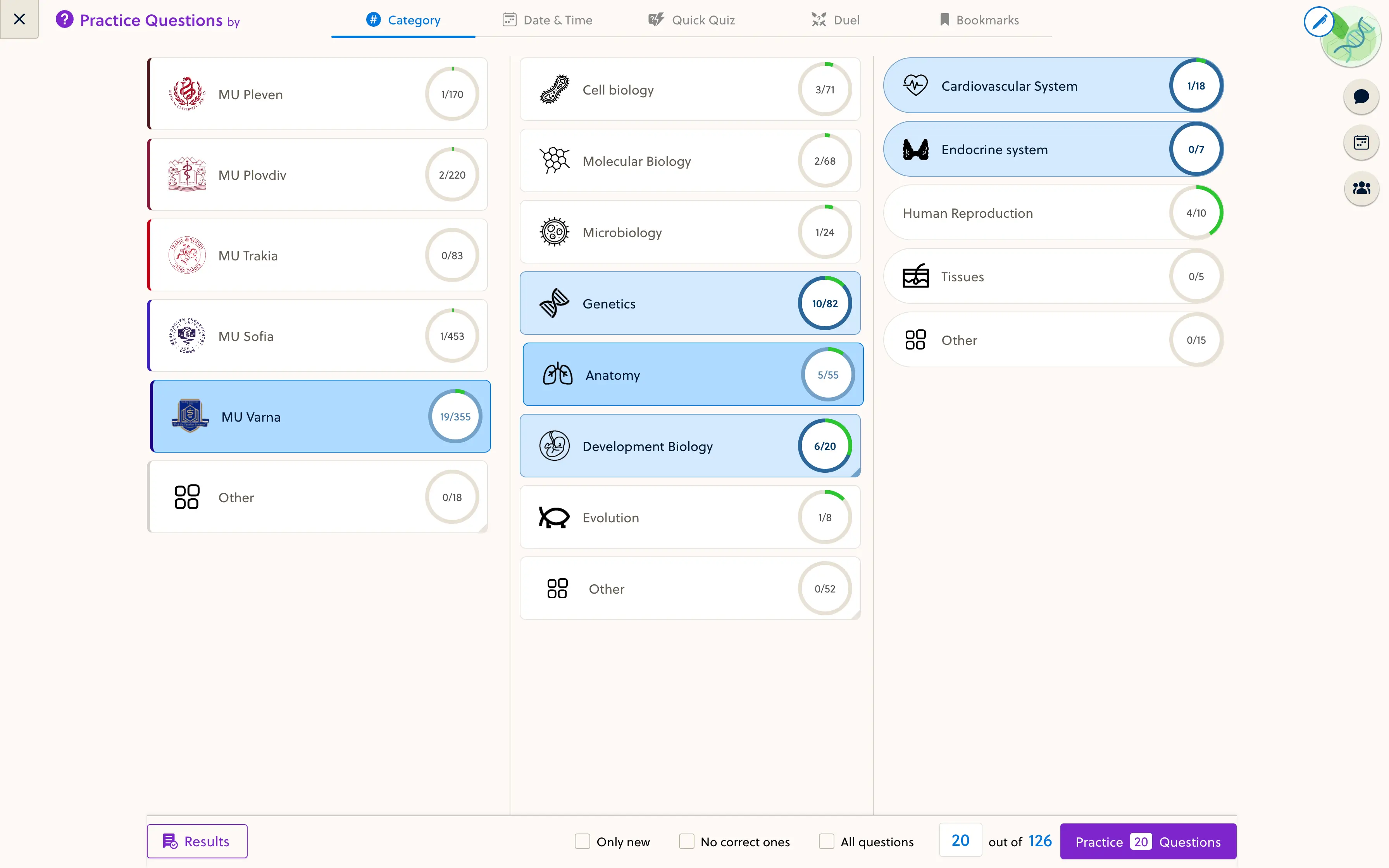
- Practice questions
This page covers lesson-based tasks. File submissions, deadlines and rubric grading are not a standard self-service workflow in the current editor.
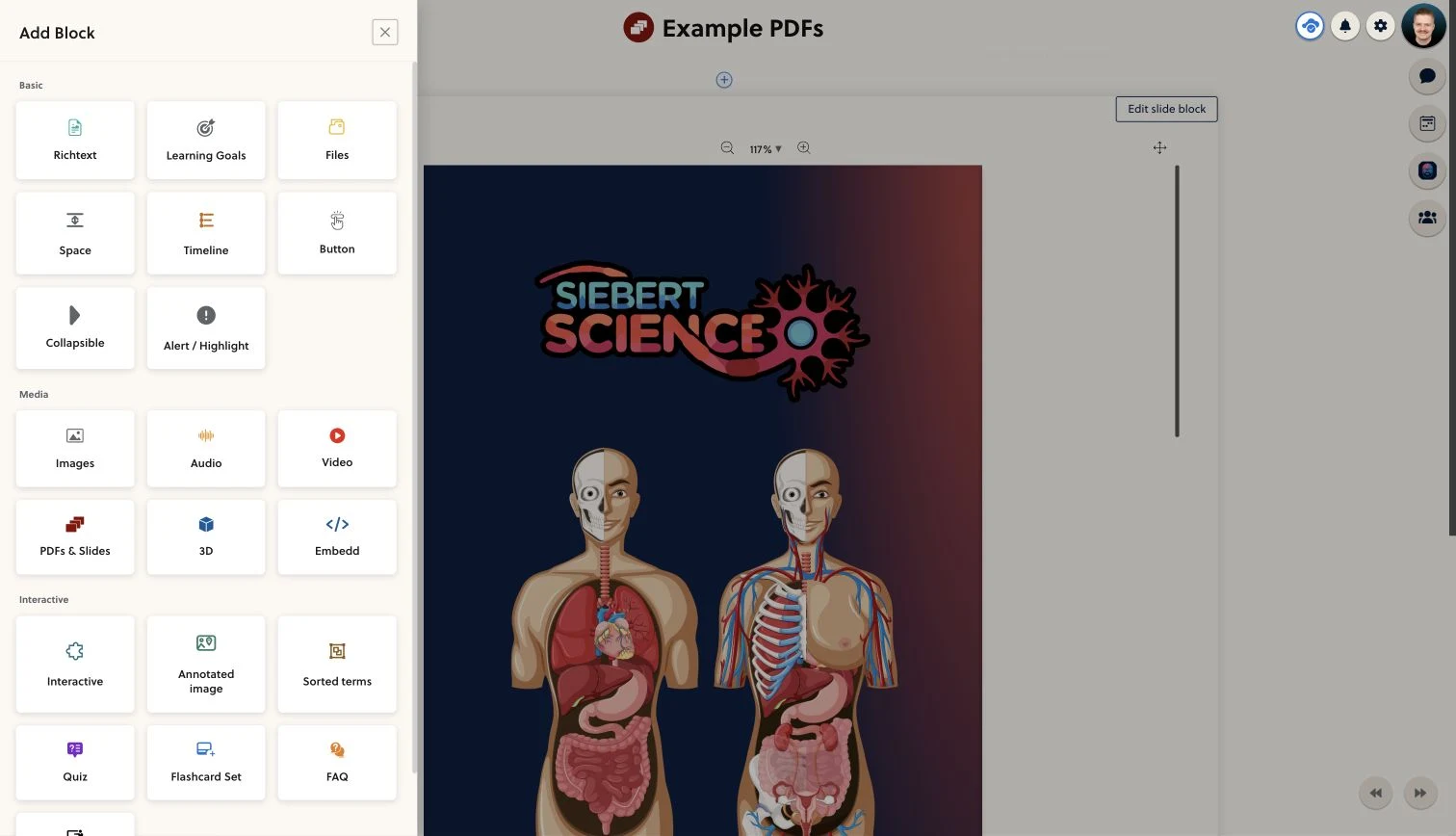
Put the work beside the explanation.
Give students the reading, video or document they need before asking them to apply it. A case question or knowledge check can turn the lesson into a focused piece of independent work.
- Keep instructions close to the source material
- Break larger topics into manageable tasks
- Provide a way to check understanding
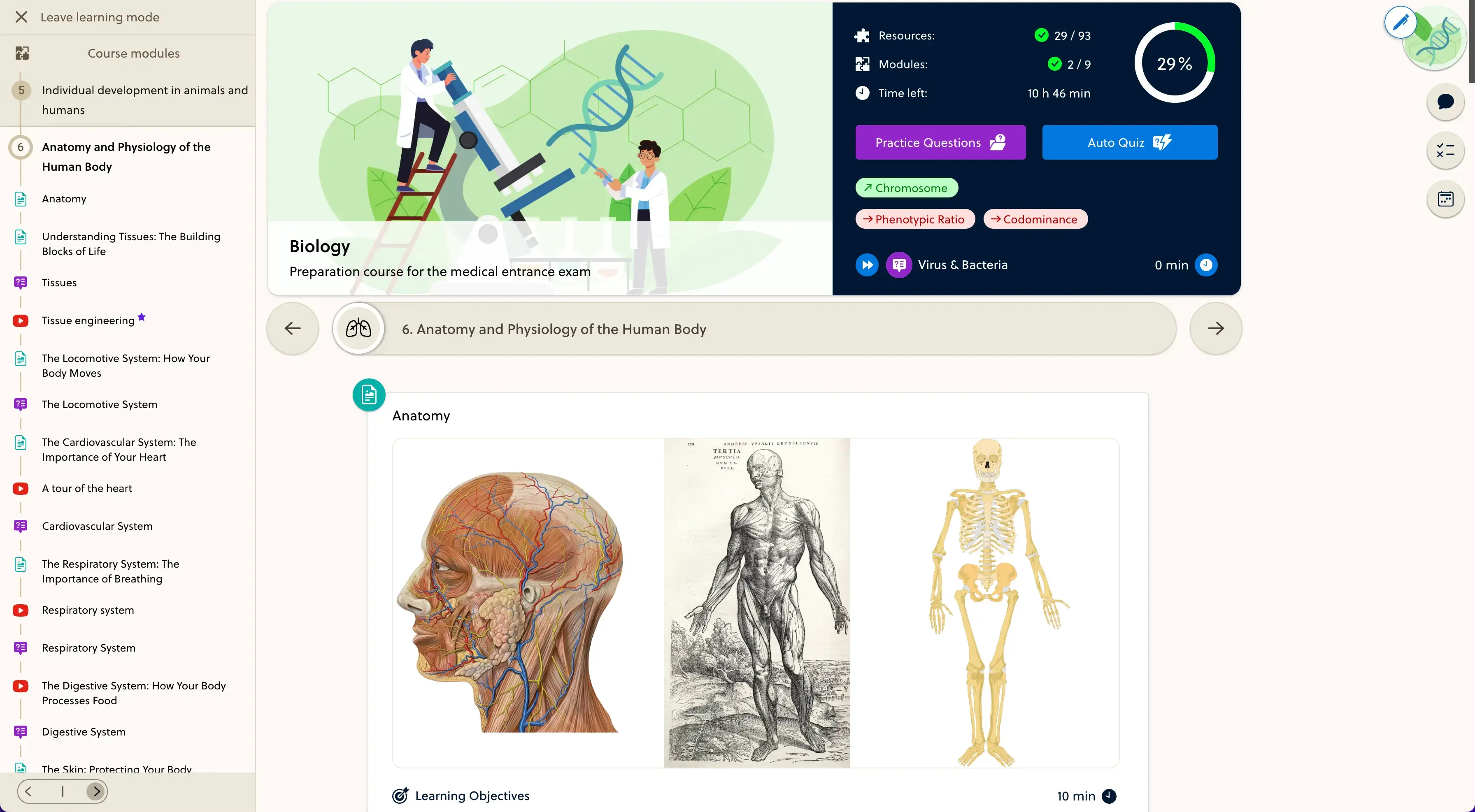
Make the task part of the course.
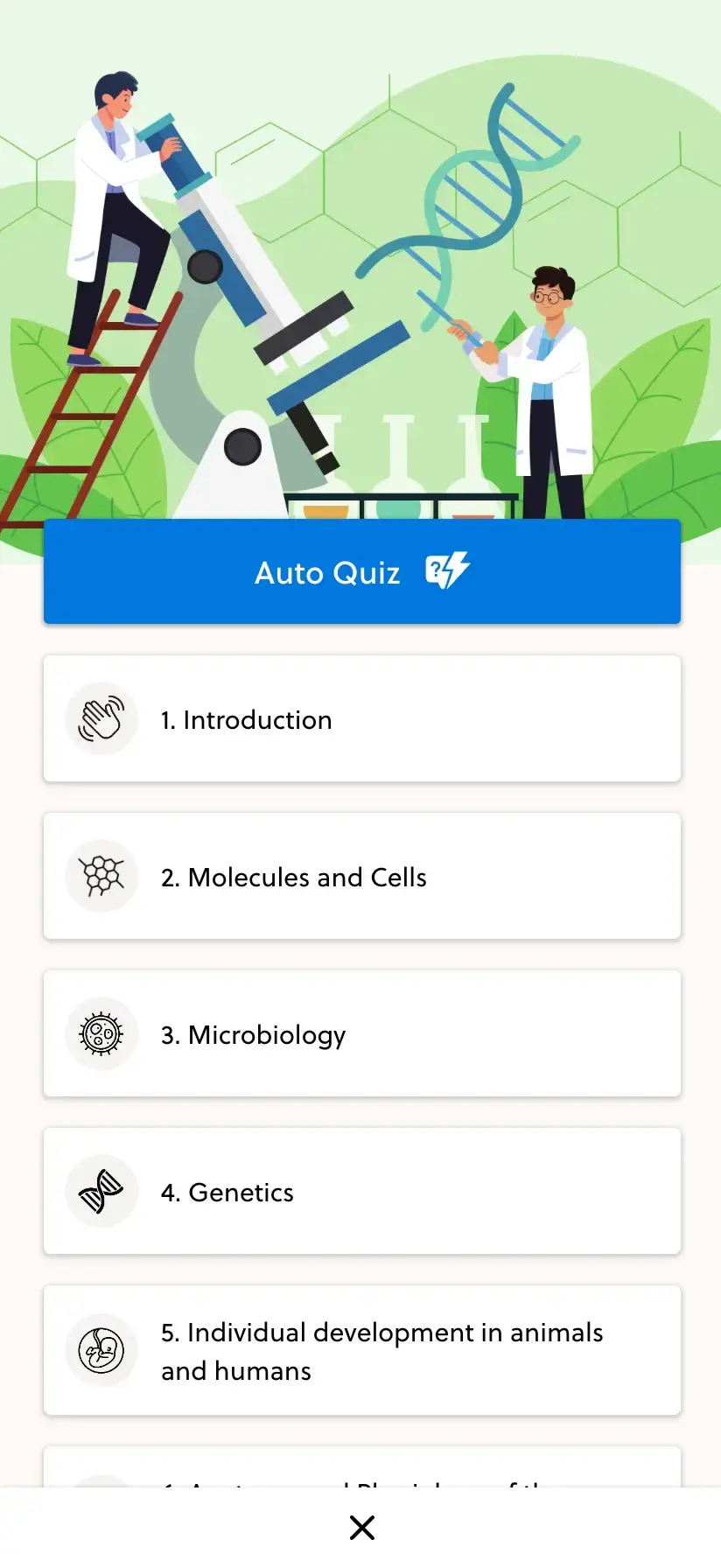
Place the resource in the right module so students can find it in sequence. Review the instructions as a learner and use a quiz when the task needs assessed questions rather than a completion check.
- Place the task in the module sequence
- Check the brief and linked material
- Choose completion or a configured quiz
Frequently asked questions
What does an assignment mean here?
A lesson-based task with instructions and supporting content. It can ask a student to read, watch, work through cases or complete practice within the course.
Can students submit files for grading?
A file-submission inbox with deadlines and rubric grading is not a standard self-service workflow in the current editor. Discuss those requirements before choosing PrepOS for that process.
Can I include a worksheet or video?
Yes. Add supported documents or video content beside the task. Use material you have the rights to share and check that students can open it on their devices.
Does marking a task done mean it has been graded?
No. Completion and assessment are different. A completion check records the learner action; use configured quiz questions when you need scored answers.
Can I use tasks for independent study?
Yes. Give the task a clear objective, a realistic time estimate and a way to review the answer. Explain any work that students should do outside the platform.
Bring one task. Make the next step clear.
Walk through your assignment brief with the founder and confirm how the learning and assessment workflow would work.