Management
Multiple Languages
Make the learning space feel familiar.
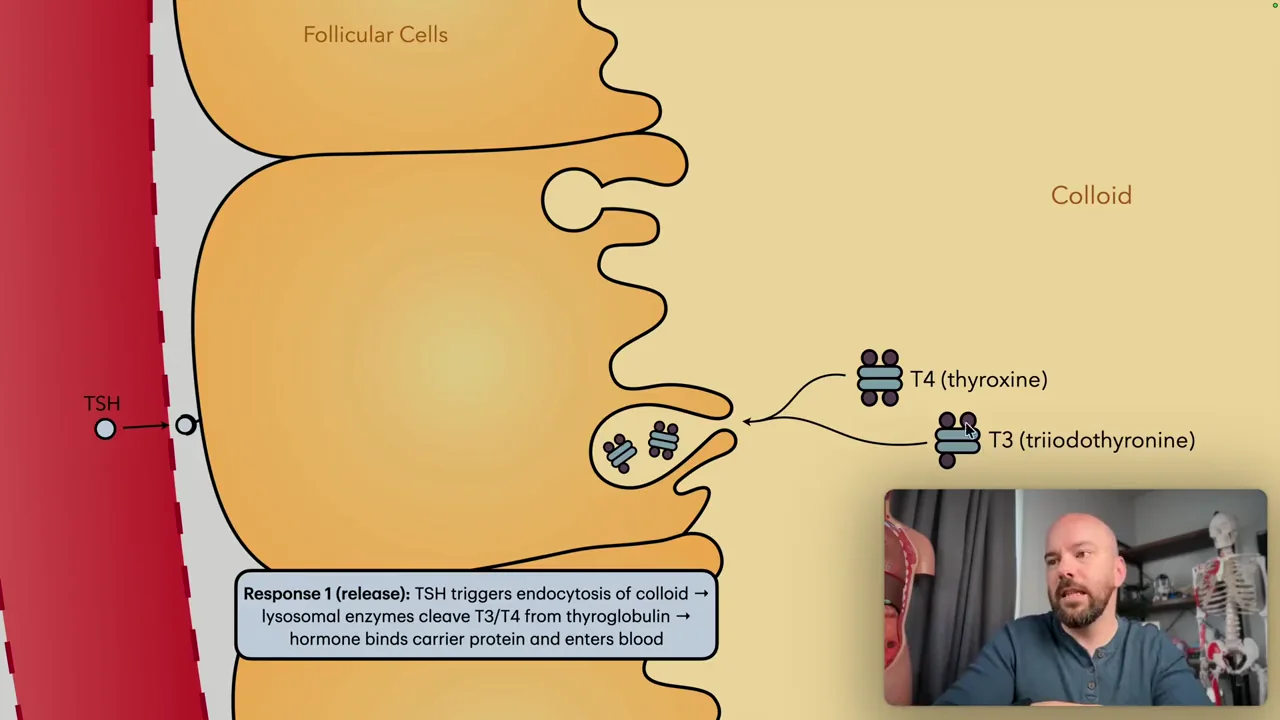
Course materials
- Interface language
- Course content
- Student experience
Familiar words around your courses.
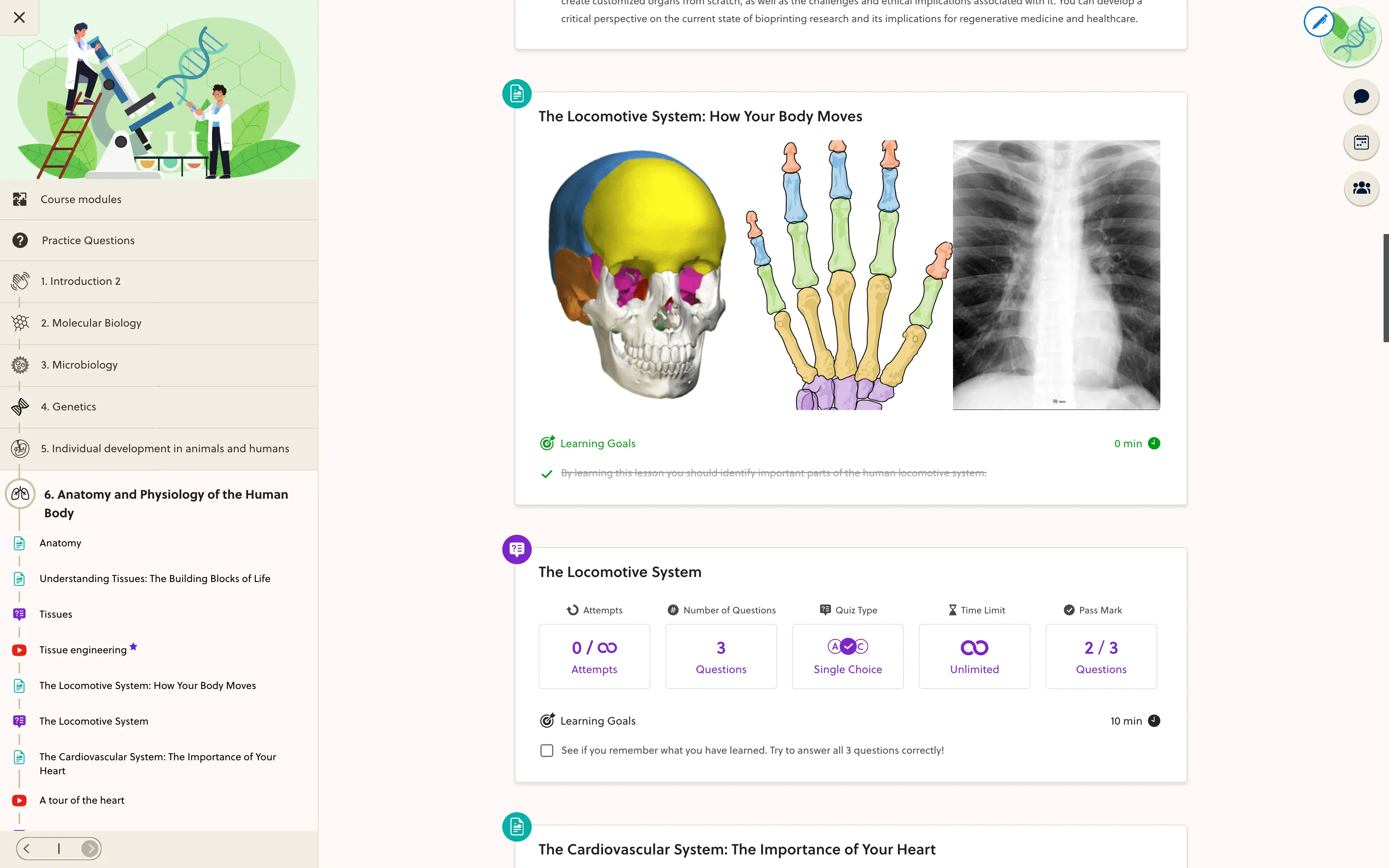
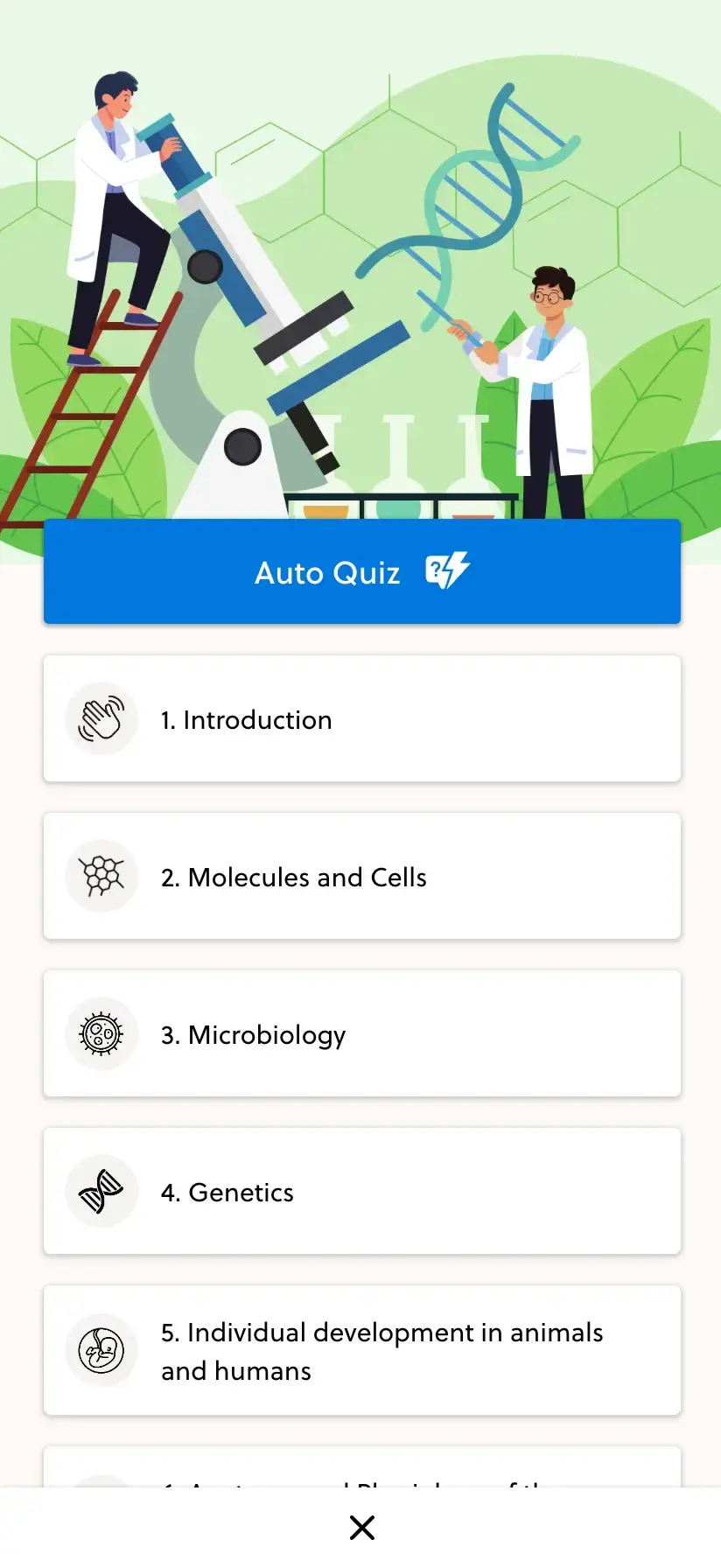
The app's language choices cover the surrounding interface, from navigation to common actions. The current language list includes English, German, Czech, Slovak, Brazilian Portuguese and Russian; review coverage in your own space.
- English
- German
- Czech
- Slovak
- Brazilian Portuguese
- Russian
Course materials
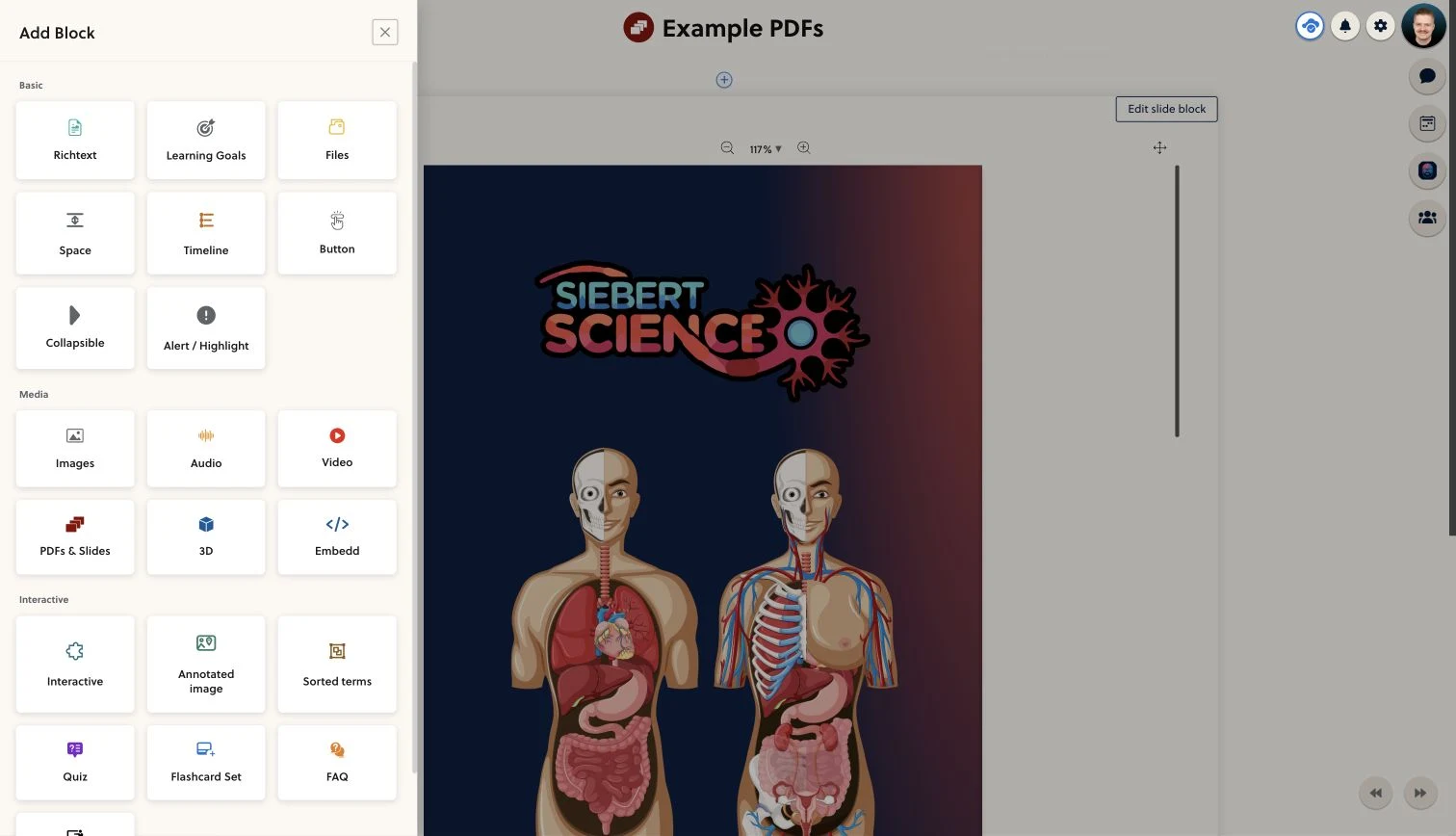
Your curriculum keeps its own language.
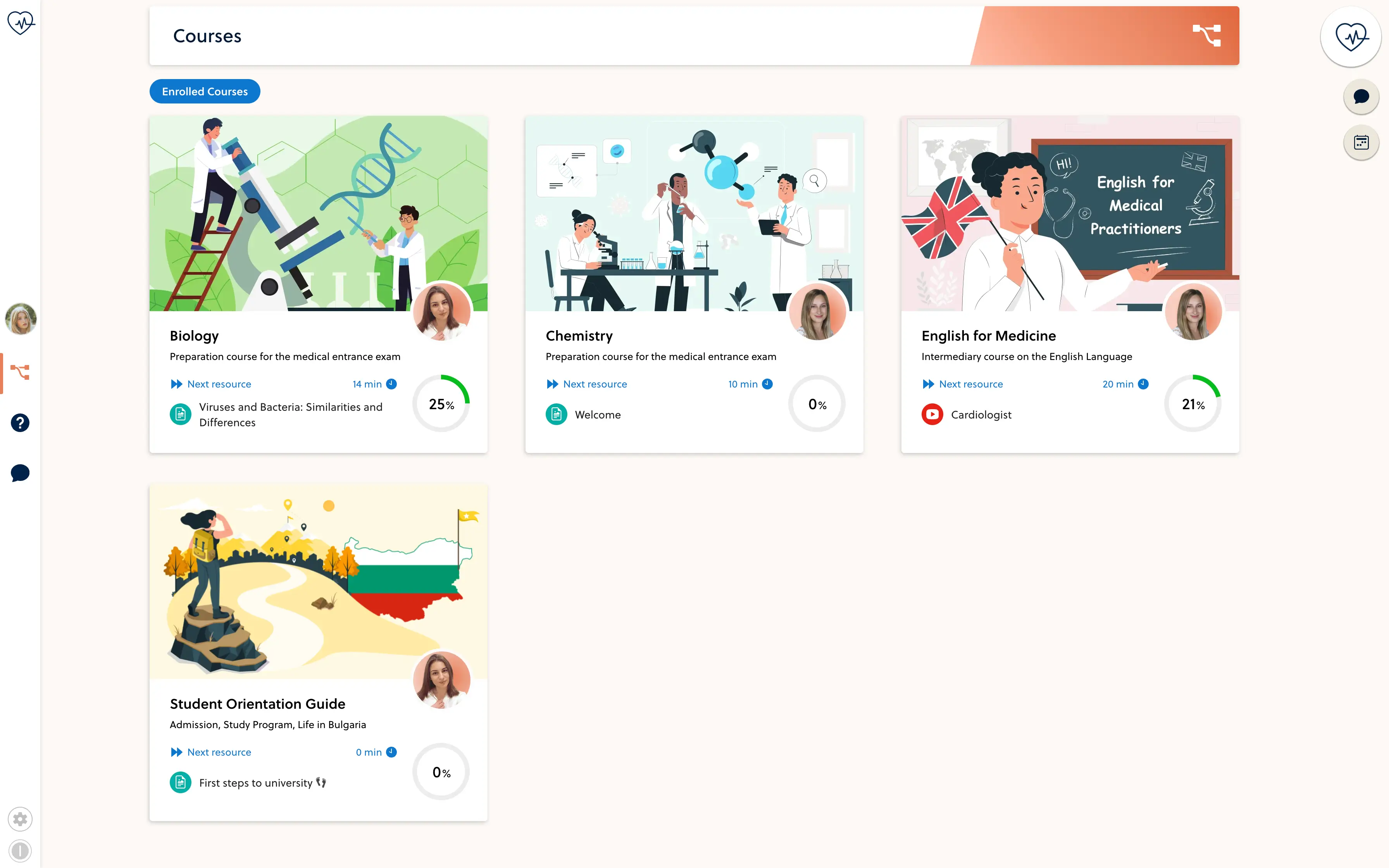
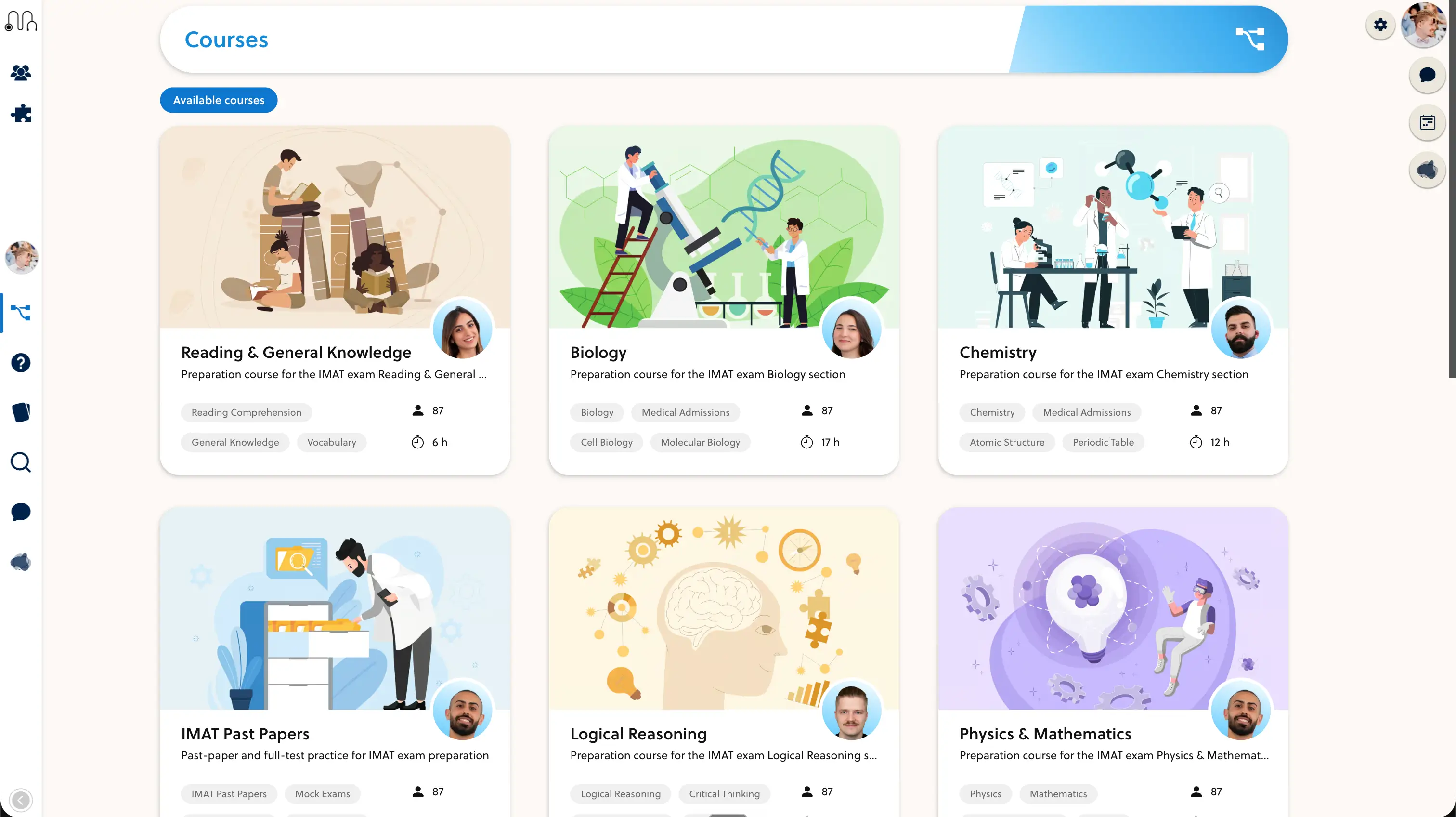
Course titles, explanations, questions and recordings are authored content. Prepare the versions your audience needs, with the right terminology and examples, rather than relying on an interface setting to translate them.
- Write materials for your audience
- Review terminology and instructions
- Check videos and supporting documents
Review the whole journey in context.
Walk through a real course with a learner who uses your target language. Check navigation, assessment instructions and content together, including any external video or payment steps used by your academy.
- Confirm the supported interface language
- Review the course content with a fluent speaker
- Test the complete learner journey
Frequently asked questions
Which interface languages are listed in the app?
The current app list includes English, German, Czech, Slovak, Brazilian Portuguese and Russian. Confirm coverage for your screens and configuration during setup.
Are the website languages the same as the app languages?
No. This marketing website is available in English, German, French and Spanish. That does not mean every website language is available in the learning app's interface.
Does switching language translate my courses?
No. The interface language and authored course content are separate. Prepare and review translations of lesson text, questions, documents and recordings as part of your content workflow.
Can I teach in a different language?
You can author course materials for your audience. Review text display, instructions and any language-specific requirements in the actual lesson and assessment types you plan to use.
What if my language is not listed?
Bring the language and the screens you need to the setup review. Additional language coverage needs an explicit scope and review; it is not automatically included or instantly available.
Build a familiar learning experience.
Bring your target languages and a lesson example. We will review the interface and content together.