When you teach customers as well as staff, access boundaries matter. Compare the learner groups, administration and reporting required by your actual course business.
Start with the audience boundary
Absorb’s public offering includes customer and partner education as well as employee training. It should not be described as an internal-training-only product.
Draw the groups your programme needs. For example, distinguish your own teachers from learners belonging to two client organisations. Decide who may invite people, see results and change content.
Test access with separate accounts
Create a small test group for each audience. Have a teacher review one group’s work, then verify that they cannot open another group’s private results. Repeat the check using a saved link, not just menu visibility.
Test a learner changing groups and a course access period ending. Record who performs each step and what remains visible afterwards.
Inspect the report before accepting it
Ask the person who will use the report to find incomplete work and explain the measurements. Do not substitute an attractive dashboard for a demonstrated reporting requirement.
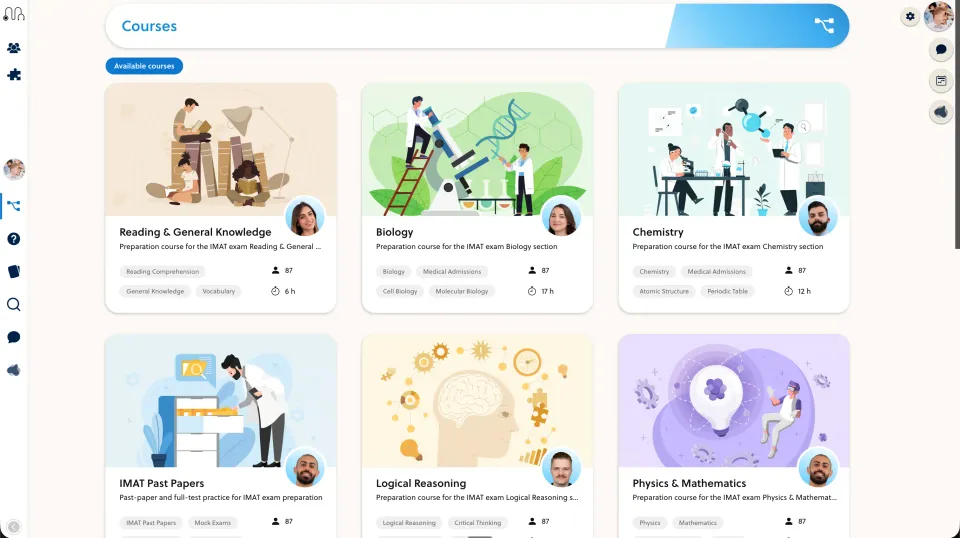
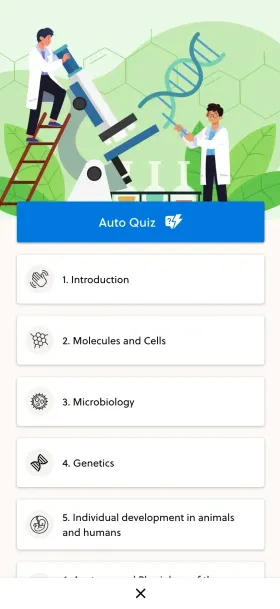
Compare the exact packages and implementation scope. If Absorb already supports your audience model well, that is a reason to keep it on the shortlist. Evaluate PrepOS against the same requirements for your academic course offer.
Sources and next steps
Check Absorb’s official information and the PrepOS comparison against the exact packages you are evaluating. This is a PrepOS-authored pilot checklist, not an independent benchmark or a claim that the competitor lacks every workflow discussed. Product references reviewed on September 8, 2026.