A mobile app label does not show how your lesson works. Compare a learner's complete session, including diagrams, practice, community links and interruptions.
Use the material that is hardest to read
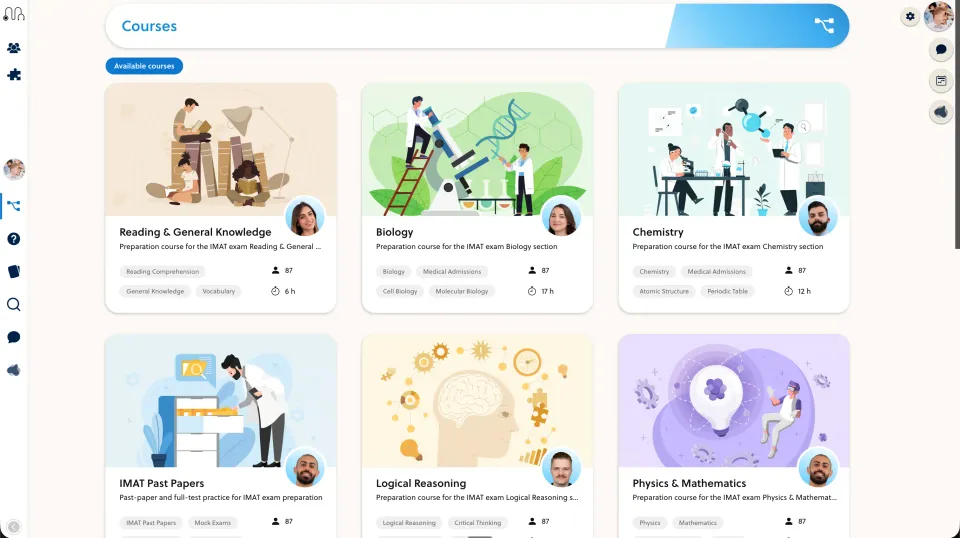
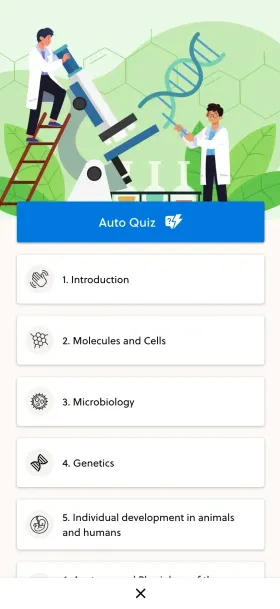
Choose a labelled diagram, a short explanation and a practice task from your course. Test the actual mobile surfaces available in the packages you are considering, not a desktop page narrowed to phone width alone.
Mighty Networks combines community and courses. Confirm the current mobile offering directly rather than assuming every plan includes the same app or branding options.
Interrupt the learning session
Open the lesson from a message, switch to a discussion and return. Then lock the phone briefly and resume. Check orientation, saved position and whether the learner knows the next action.
Repeat with a slower connection. Distinguish browser behaviour from native-app behaviour and record which one you tested. Do not infer offline support from a page that happened to stay open.
Include notification control
Try a course-related notification and a community notification. Ask whether the learner can find useful settings without disabling the teaching communication they need.
Compare these observations in Mighty Networks and the proposed PrepOS experience. Include content preparation and support responsibility in the decision. Mobile engagement figures do not establish that learners understand your subject better; use a separate teaching activity to assess that.
Sources and next steps
Check Mighty Networks’s official information and the PrepOS comparison against the exact packages you are evaluating. This is a PrepOS-authored pilot checklist, not an independent benchmark or a claim that the competitor lacks every workflow discussed. Product references reviewed on September 8, 2026.