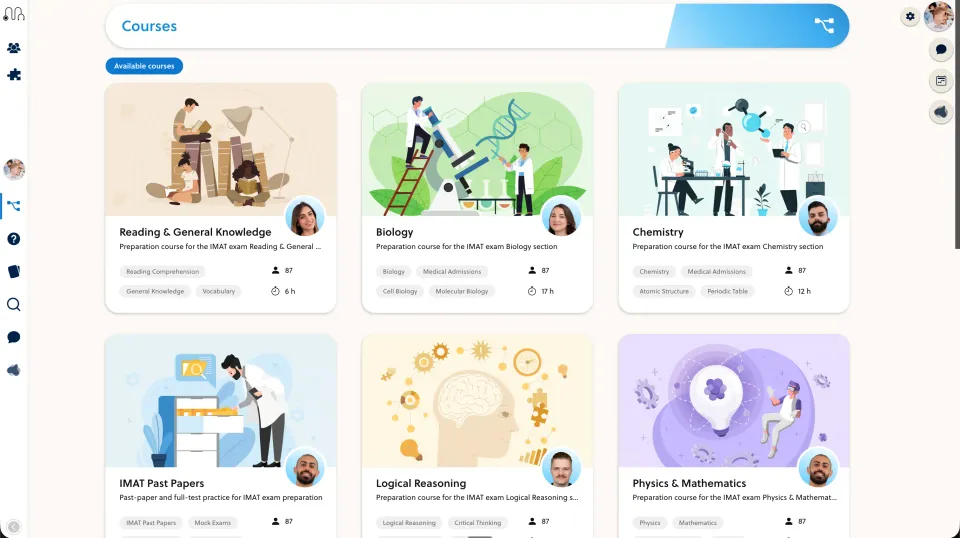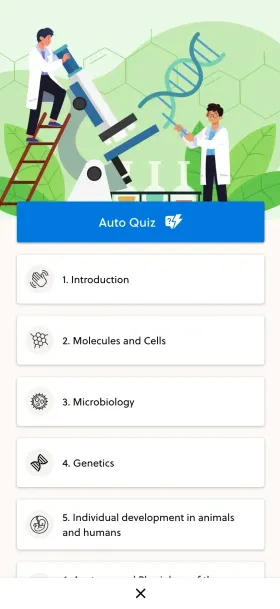
Test what happens after enrolment as carefully as the offer page. Compare the student's first lesson, quiz feedback and next practice task alongside your marketing needs.
Start with accurate assumptions
Kajabi supports graded and ungraded course quizzes and course completion certificates. It is inaccurate to describe these as PrepOS-only capabilities.
For an academic course, the decision is how the teaching workflow fits alongside course sales and marketing. A certificate also needs clear meaning: completing lessons is not the same as passing an externally accredited exam.
Follow one learner through the course
Use a test learner with access to a small sample module. Check the route from the welcome message to the first lesson, the first question, the answer explanation and the next task.
Try this with an incorrect answer and an interrupted session. Ask whether the learner can resume easily and whether the teacher has enough information to offer useful support. Use the same teaching material in both platforms.
Test maintenance, not just creation
A course changes after launch. Revise an explanation, replace a diagram and reuse a question in a second lesson. Establish which changes are shared, which create copies and which require manual checks.
List any separate tools still needed for your marketing, teaching or support workflow. Do not count an integration as a failure; record its cost, owner and failure-recovery process.
Choose from your actual requirements
Kajabi is worth evaluating when its combined course and business tools suit your offer. PrepOS is worth evaluating when academic content and repeated practice are central and you want to discuss course setup or migration support.
Confirm the package, access limits and support responsibilities in writing. See the Kajabi comparison, PrepOS editor and launch packages. This is a PrepOS-authored buying guide, not a measured claim of higher completion or revenue. Documentation checked on September 8, 2026.