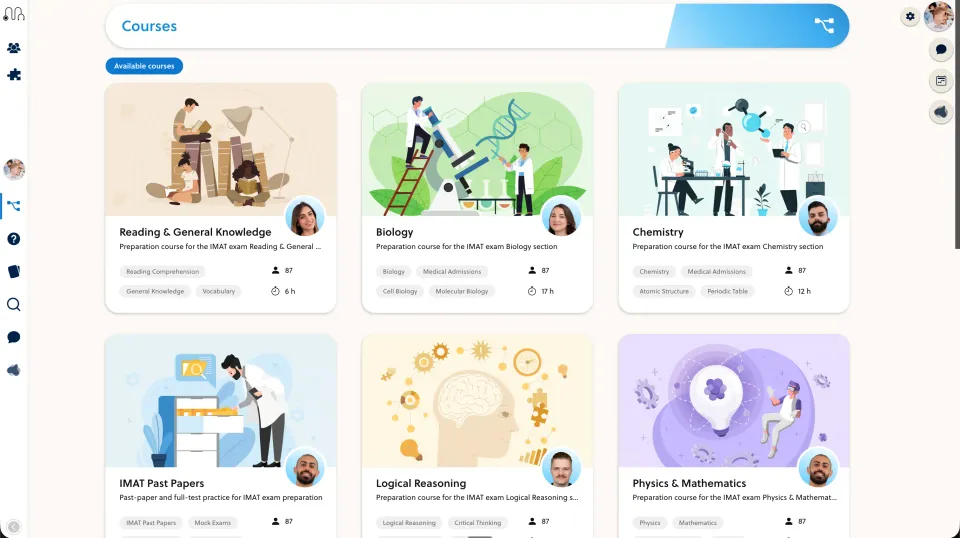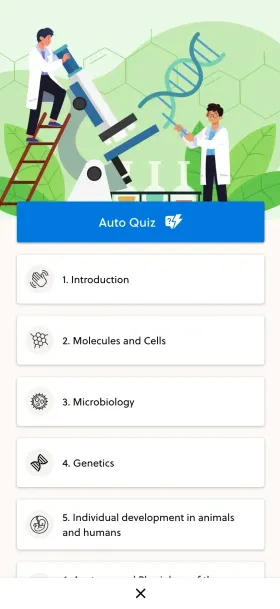
A downloadable resource and a taught course can need different workflows. Use one worksheet to compare how explanations, practice and support fit around the material.
Define what changes for the buyer
Podia’s public offering includes courses, community and coaching, not only downloadable files. Avoid choosing from an outdated simple-downloads-versus-real-learning contrast.
Take one worksheet you already sell or teach. Specify the additional service: an explanation, guided practice, teacher feedback or scheduled support. More software features do not by themselves create a better course.
Build the smallest complete lesson
Add an introduction, a worked example and a short question set. Have a test learner complete it and identify where they would ask for help.
Compare the authoring and learner sequence in Podia and the proposed PrepOS setup. Check the exact assessment formats you need rather than assuming a generic quiz feature is sufficient or absent.
Revise the original resource
Correct a worksheet and verify which learners receive the new version. Decide how your team communicates a material correction and handles copies already downloaded.
Compare the package price together with your teaching and maintenance time. A simple resource offer may need fewer tools than a coached programme. Choose for the service you will actually deliver; neither platform can guarantee transformation or course completion.
Sources and next steps
Check Podia’s official information and the PrepOS comparison against the exact packages you are evaluating. This is a PrepOS-authored pilot checklist, not an independent benchmark or a claim that the competitor lacks every workflow discussed. Product references reviewed on September 8, 2026.