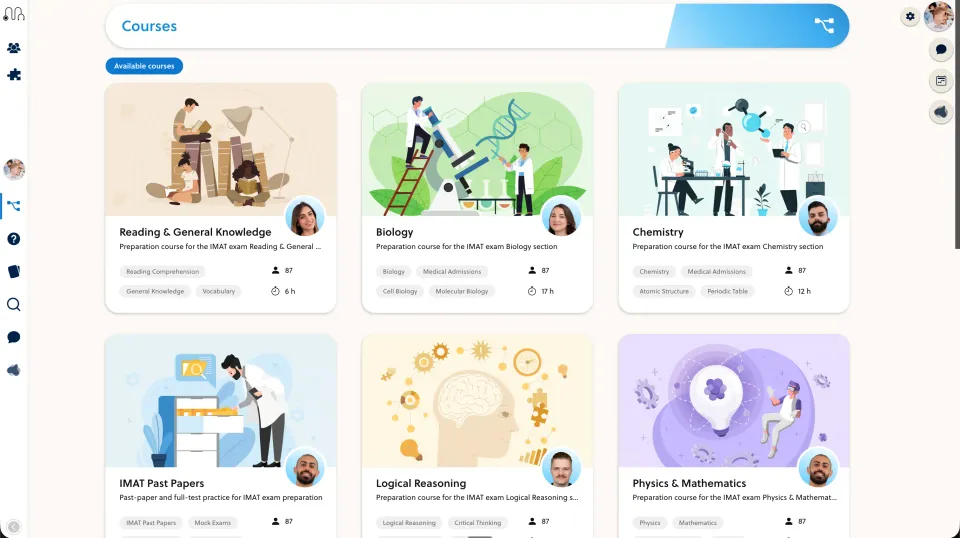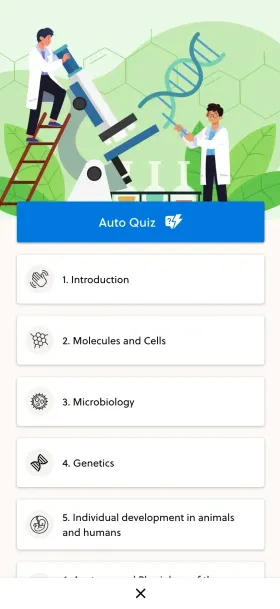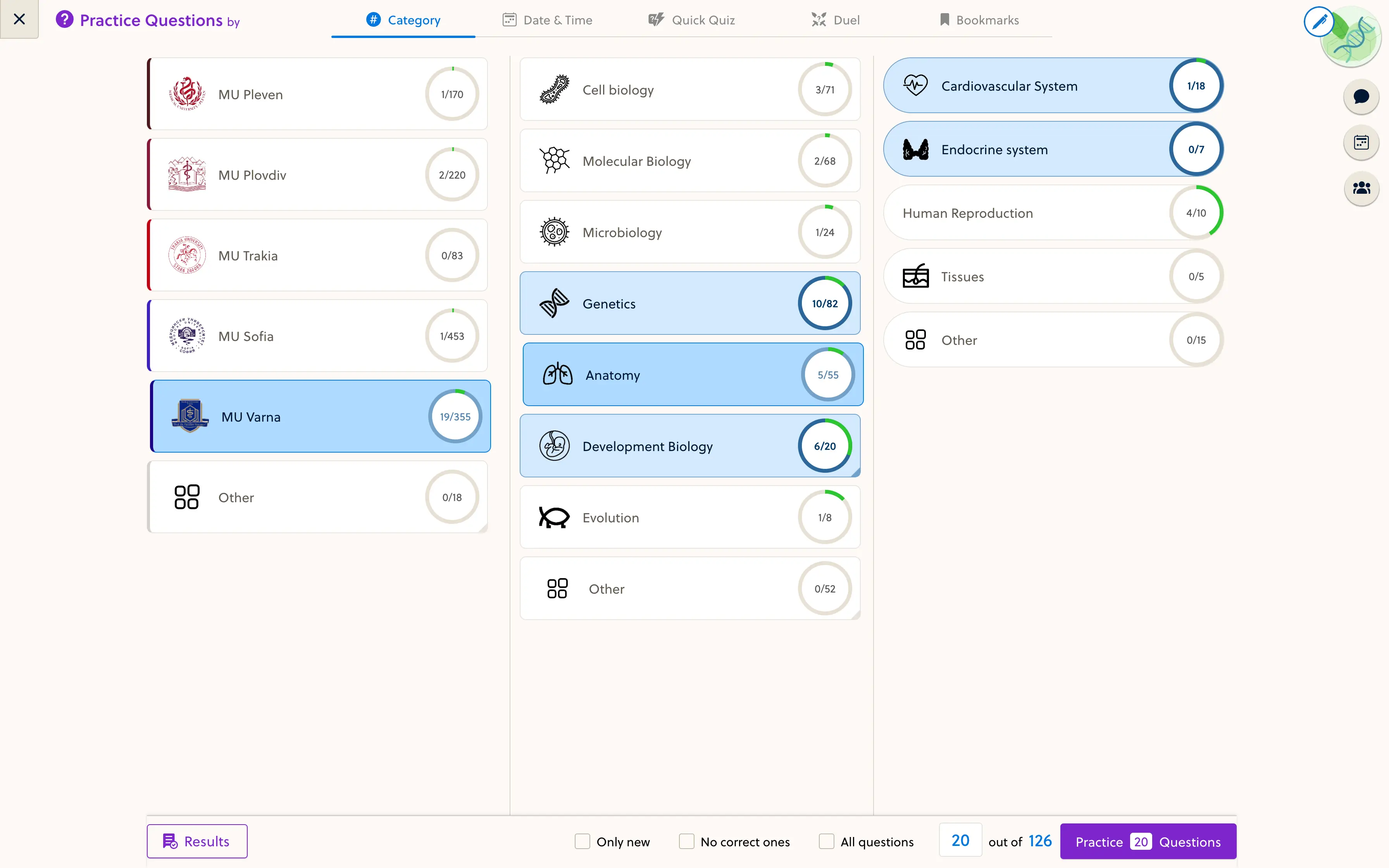
Start with the explanation you repeat every week. A worksheet, worked example and a few well-chosen questions can become a useful between-session lesson, without turning your tutoring business into a video-production studio.
Choose one recurring teaching problem
Look at your recent sessions. Which topic do you explain repeatedly? Which worksheet do students ask you to resend? Where do they struggle between lessons?
Choose one of those problems for your first online unit. For example, a tutor teaching algebra could build a unit on solving linear equations rather than trying to publish an entire mathematics course at once.
Decide when students should use it: before a session, after a session or as part of a short guided program. That decision determines how much explanation and feedback the lesson needs.
Turn the worksheet into a learning sequence
A PDF may be a good teaching aid without being a complete independent lesson. Students working alone need to know what to do, how to check their work and what to try next.
For the algebra example, the sequence could be:
- State the skill: solve a linear equation and check the answer.
- Show one worked example with each step explained.
- Ask the student to complete a similar problem.
- Explain the answer and the common sign error.
- Add a slightly different problem to check whether the method transfers.
- Ask the student to bring one unresolved question to the next session.
Your existing worksheet can remain as a download. The online lesson adds the instructions and feedback that usually come from you in person.
Use the right format for each task
Use lesson text or a short video for an explanation. Use practice questions when students need to apply a method. Use flashcards for focused recall, not as a substitute for solving a multi-step problem.
An image activity can help when students need to identify a structure or read a diagram. Add it because it serves the topic, not because every lesson needs an interactive element.
Review imported text, mathematical notation and answer explanations before students see them. You remain the subject expert, whether the material was typed directly, imported from slides or prepared with setup support.
Make the content reusable for the next group
Give each lesson a topic, a clear title and a place in the course sequence. Keep a record of the source worksheet and its current version. Separate the core explanation from instructions that apply only to this week’s class.
Decide how you will correct a question that appears in more than one course. Ask the platform provider whether you are reusing one maintained item or creating independent copies.
For a teaching team, name the person who approves each subject’s content. A reusable curriculum saves less time if teachers cannot tell which version is ready for students.
Define the support that comes with access
A course can support your tutoring without replacing personal teaching. You might include it with a cohort, sell a guided topic program or give existing students access between sessions.
Be clear about what students receive. Does the offer include live sessions, marked work, answers to questions or only self-paced practice? Who responds, and through which channel?
Do not describe a self-paced course as unlimited personal support. Clear expectations protect your teaching time and help students choose the right offer.
Test one unit with a small group
Ask students to complete the unit on their usual device. Notice where they stop, what they ask you to clarify and whether they can find the next task. Revise those points before converting the rest of your materials.
If your main need is booking appointments, a scheduling tool may be enough. A course platform becomes relevant when you want structured lessons, reusable practice and a consistent student experience across groups.
Explore PrepOS for tutors and teaching teams, the content editor and interactive learning resources. To discuss a first unit, send us a sample worksheet and your teaching context.