A standalone course business and an institutional LMS can have different obligations. Identify which requirements belong to your school and which belong to the course you plan to sell.
Identify the system you are comparing
Record the Blackboard product, configuration and institutional services you actually use. A label such as “legacy LMS” does not tell you whether its current learner experience or assessment workflow meets your needs.
If a school manages identity, grading or records centrally, those dependencies belong in the evaluation before any visual redesign.
Trace one completed assignment
Follow a learner from sign-in to submission, teacher feedback and the final record. List every system involved and the owner of each transfer. Ask what happens when an account is disabled or a submission needs correction.
Do not assume a new course platform replaces an institutional identity system or grade-record process without integration work.
Define the standalone course boundary
For an independent academic offer, build a small pilot that needs only the agreed course services. Keep it separate from institutional records unless a supported connection is explicitly approved.
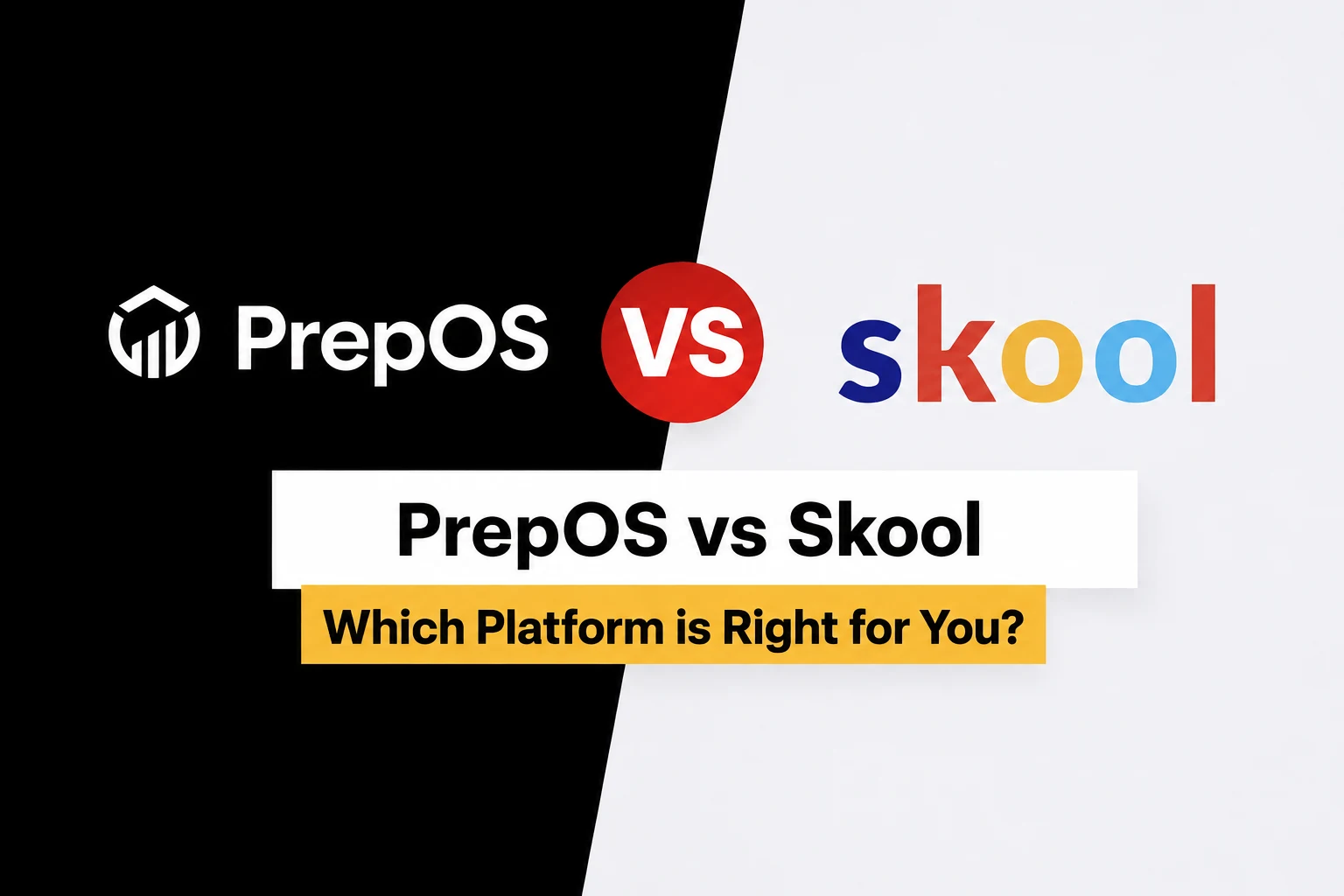
Compare Blackboard and PrepOS using that boundary, the same lesson and the same reviewer. Choose on demonstrated fit and support responsibilities, not a blanket assertion that one platform is modern and the other is not.
Sources and next steps
Check Blackboard’s official information and the PrepOS comparison against the exact packages you are evaluating. This is a PrepOS-authored pilot checklist, not an independent benchmark or a claim that the competitor lacks every workflow discussed. Product references reviewed on September 8, 2026.