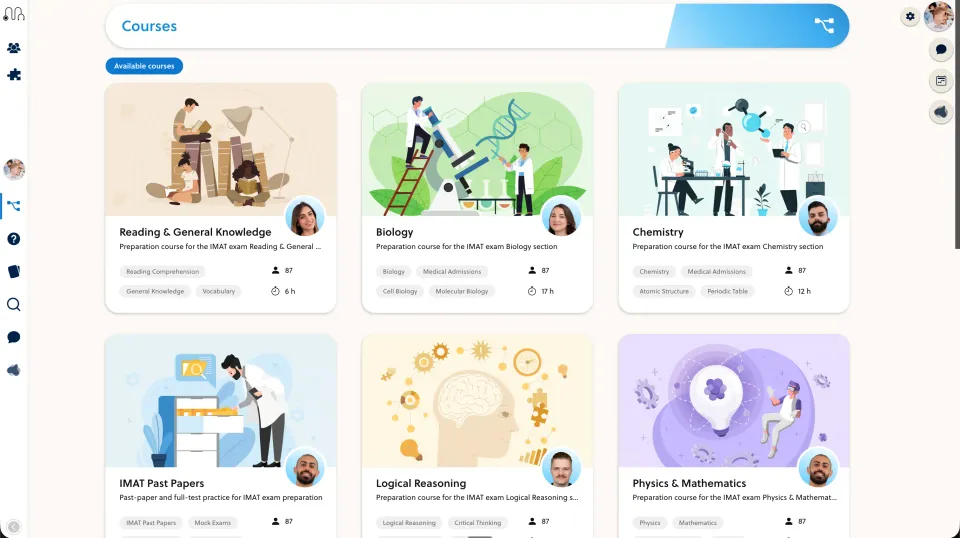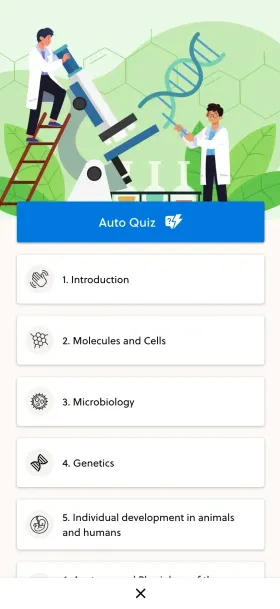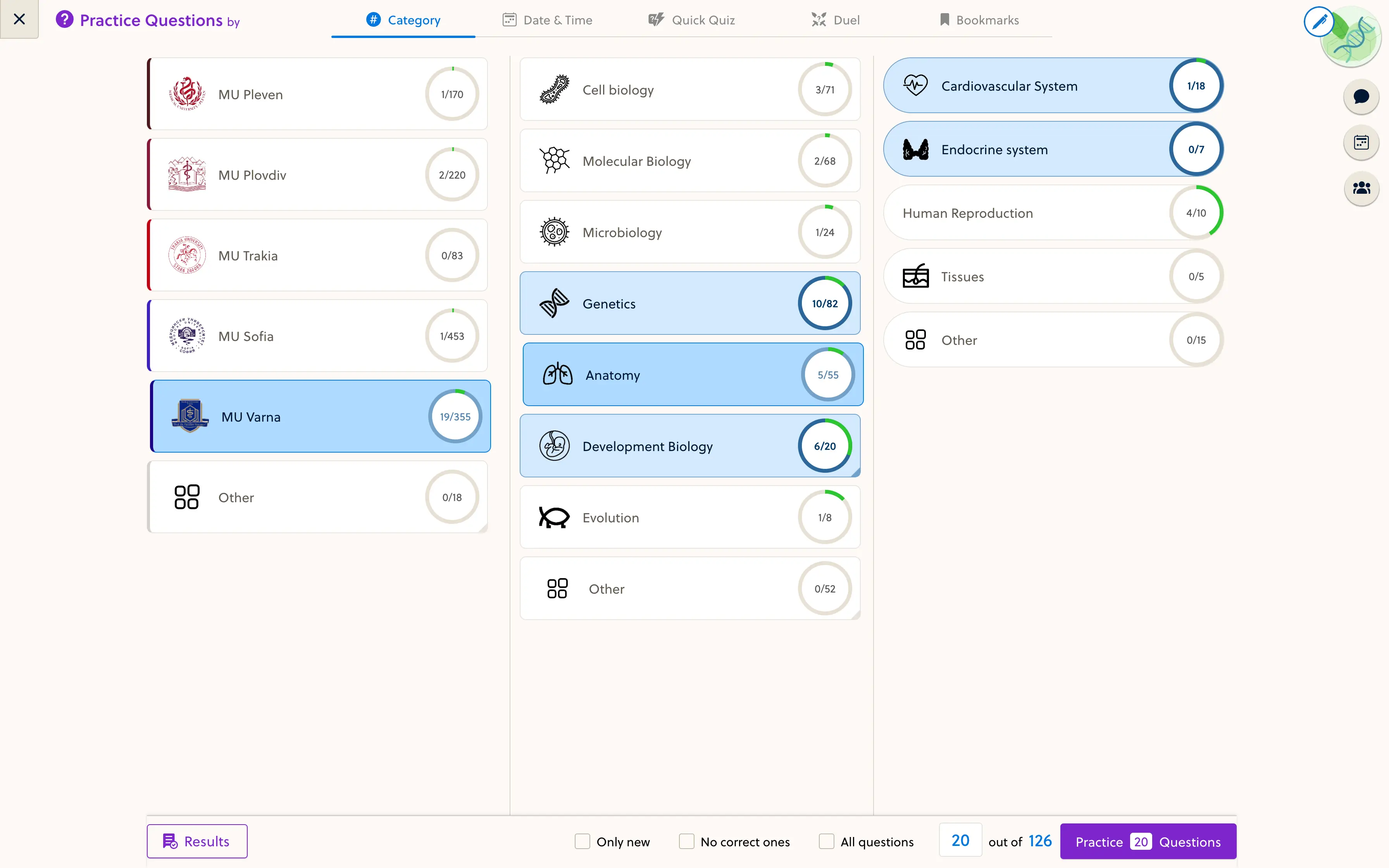
Begin with the teaching sequence rather than the folder structure. Map each topic to a lesson, useful practice and a review owner before converting the full course.
Build the curriculum map
List the topics in the order learners need them. For each topic, record the objective, source material, prerequisite and practice activity. A collection of uploaded files is not yet a teaching sequence.
Mark material as reuse, revise or exclude. Keep source references and the version of the syllabus you are working from.
Choose the format after the teaching purpose
Use text for an explanation that needs close reading, a diagram for spatial relationships and a video where a demonstration helps. Avoid turning every page into a separate video or interactive activity.
Confirm supported conversion formats before preparing the whole course. Existing authoring packages, ordinary documents and learning-activity tracking are different concerns; ask for a representative sample to be converted rather than assuming compatibility.
Connect lessons to practice
For each objective, include a task that can reveal a misunderstanding. Check that its answer explanation uses the same notation and assumptions as the lesson.
Use the question-bank import preparation guide for question IDs, answer keys, media and review.
Pilot one complete module
Have a teacher revise it and a learner complete it on desktop and phone. Check missing media, topic order, feedback and the route to the next lesson. Record unsupported formats explicitly.
Assign responsibility for future syllabus changes and content corrections. The PrepOS editor and migration service can help scope implementation, but conversion does not replace subject review or prove improved examination results.