Moving a prep program is not just uploading courses to a new LMS. Active students, paid access, question banks and exam dates all need a plan. Use this checklist to scope the move before choosing a rollout date.
Start with the students who are already studying
List your active cohorts, their next exam dates and the material they still need. Identify which groups can move between courses and which should finish on the current system.
Avoid choosing a migration date because the new site looks ready. For students approaching an exam, predictable access matters more than a redesigned dashboard.
Appoint one person to own the rollout checklist. Content review, access testing and student communication may involve different people, but each needs a clear sign-off point.
Separate the migration into four inventories
Content: courses, lessons, videos, PDFs, slides, worksheets and downloads. Record where the current version lives and who can approve it.
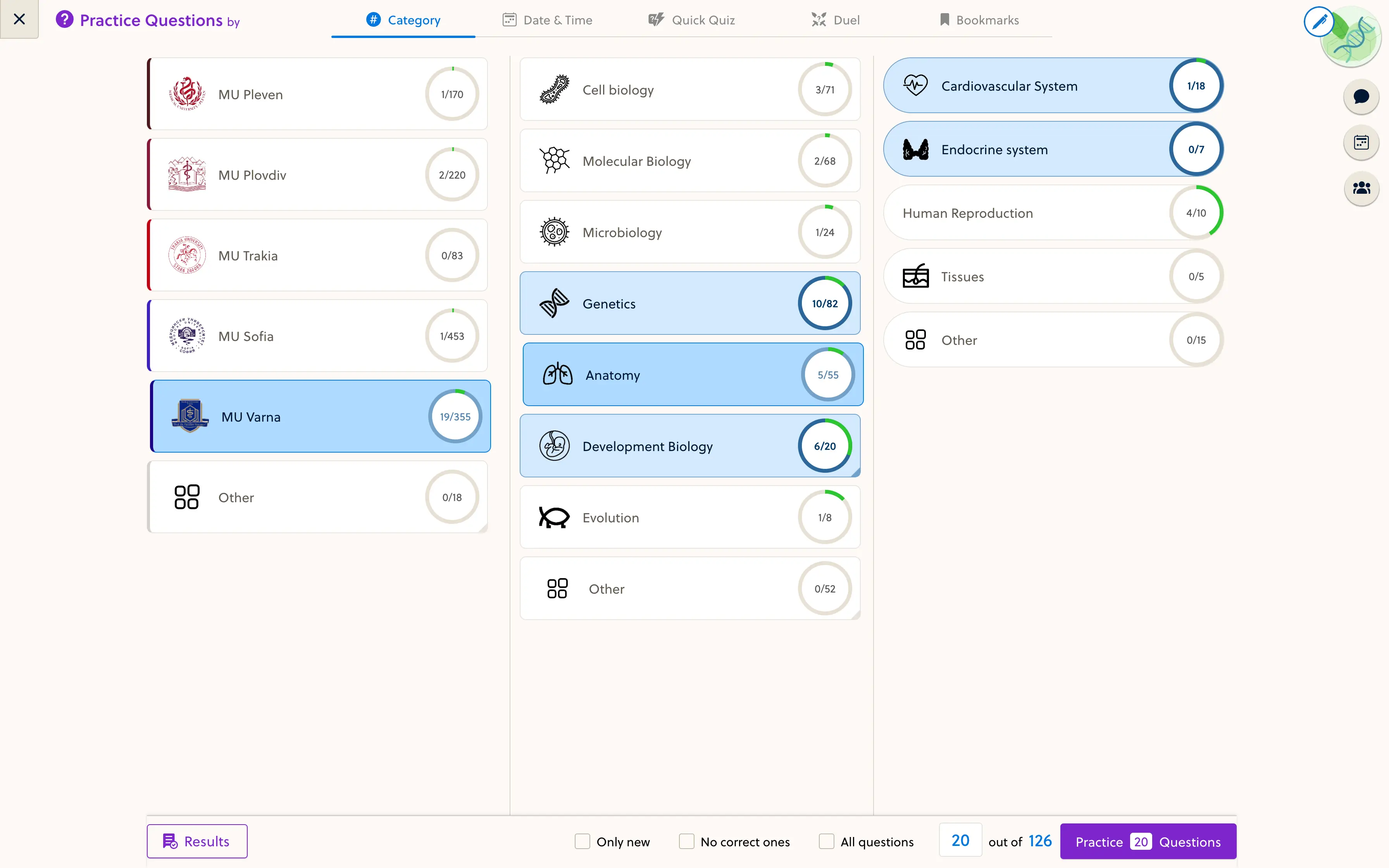
Practice: question sets, flashcards, explanations, topic tags, diagnostics and mock-exam settings. Check whether question images and answer explanations export with the questions.
Access and payments: students, groups, purchased courses, access end dates and recurring billing arrangements. Moving a student list does not automatically move a subscription or authorize a new charge.
Progress and results: lesson completion, past attempts and scores. Ask what can be transferred accurately, what should remain available in the old system and what students will need explained.
These are separate workstreams. A successful course import is not proof that access or learning history has migrated.
Prepare a small question-bank sample
Before cleaning thousands of questions, agree on an import format using a representative sample. Include questions with images, mathematical notation and multiple answer choices where relevant.
A useful content inventory records:
- A stable question ID and source.
- Subject, topic and any subtopic.
- The question text and associated images.
- Answer options and the correct answer.
- An explanation, including why a tempting wrong answer is wrong.
- Review status and the person responsible for final accuracy.
Agree how reused questions will be updated. Copying the same item into several files without an identifier makes later corrections harder to track.
Check practice, diagnostics and mocks separately
A topic practice set should help students work on a defined area. A diagnostic helps identify where to start. A mock exam needs the intended timing, question selection and review rules.
Test each workflow with your own content. Verify scoring, answer explanations, topic labels and the student’s results view. Do not assume that a platform’s generic quiz feature covers the exact exam experience you sell.
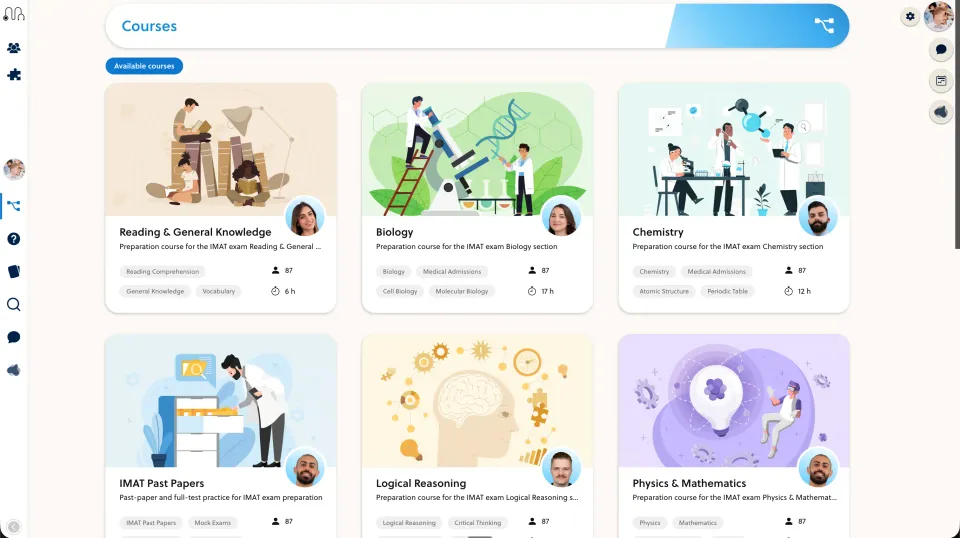
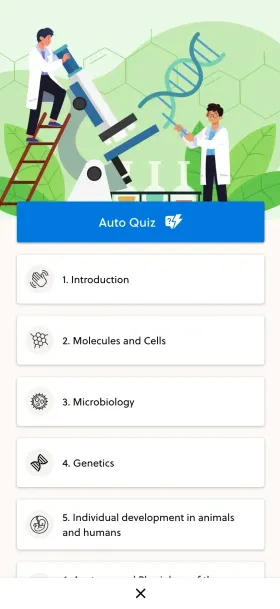
See PrepOS’s exam and practice capabilities for the workflows to discuss during a demo.
Run a pilot before moving every cohort
Use test accounts to check the path from purchase or invitation to the correct course access. Include an active student, an expired enrollment and a teacher account. Confirm that each can see only the intended material.
Then invite a small pilot group to try a lesson, a practice set and a mock on desktop and mobile. Keep a written list of blocking issues and who will resolve each one.
Do not retire the old system until you have verified the required exports, access rules and support plan. Define how students can continue studying if the switch needs to be delayed. A staged move reduces the size of a problem; it does not justify promising zero downtime.
Explain the change in student terms
Your announcement should answer four questions: where to sign in, when to switch, what happens to existing access and where to get help. Be explicit about any progress that will not transfer.
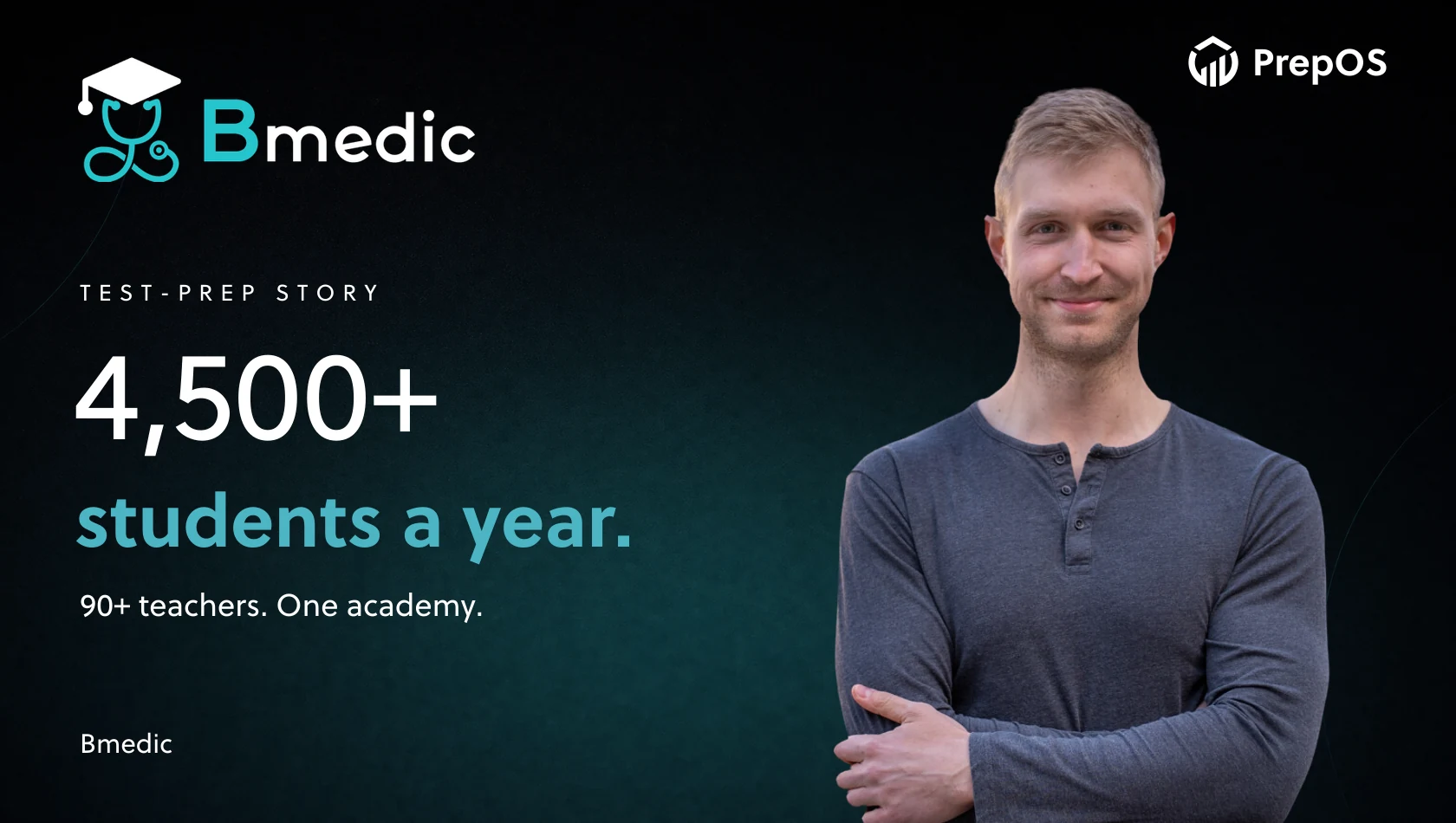
For an example of an academy operating at a larger scale, see Bmedic’s academy with 4,500 students per year and 90+ teachers. The case is business context, not a claim that every migration follows the same process.
Bring your current tools and one representative course to a migration conversation. We can review the content and access requirements against PrepOS for test-prep teams before agreeing on a scope.