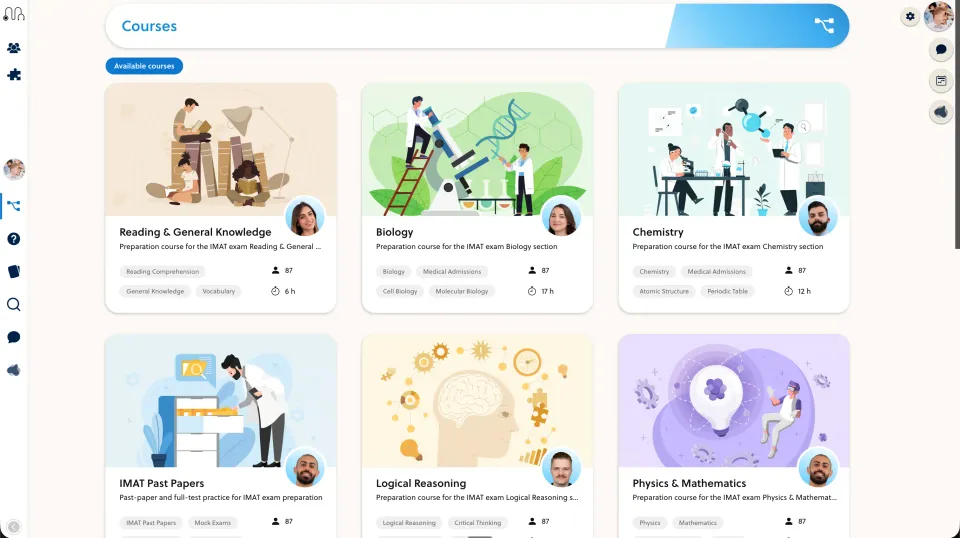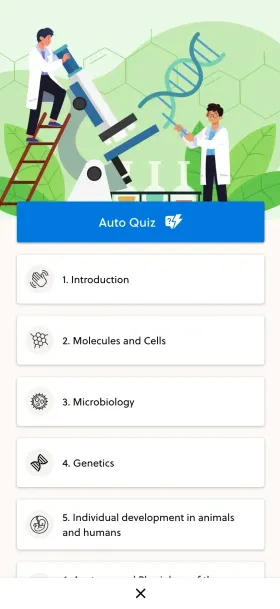
When a course serves paying customers, evaluate its access and teaching workflow directly. Do not assume an organisational LMS is limited to internal HR training.
Define one customer course
Write down who enrols, who teaches and who needs progress information. LearnUpon’s public platform includes multiple learning audiences, so an internal-HR-only description is not a sound basis for comparison.
Build a small customer course with one lesson and a meaningful review activity. Use the same material in the proposed PrepOS setup.
Rehearse delegated administration
Ask a customer contact to perform only the actions they should own, such as viewing their group’s progress. Verify that they cannot change course content or inspect another customer’s records unless that access is intended.
Invite a late learner and remove a test learner. Check the resulting access and notifications rather than assuming the group list tells the whole story.
Check the next content revision
Correct a lesson after one learner has completed it. Decide whether previous completion should remain valid and how your team explains the change. Ask both providers to demonstrate the chosen process.
Compare required reporting, support coverage and implementation tasks. Select the platform that fits the teaching and customer-management model. A product’s enterprise positioning does not make it unsuitable for external learners, and PrepOS’s academic focus does not remove the need to test permissions.
Sources and next steps
Check LearnUpon’s official information and the PrepOS comparison against the exact packages you are evaluating. This is a PrepOS-authored pilot checklist, not an independent benchmark or a claim that the competitor lacks every workflow discussed. Product references reviewed on September 8, 2026.