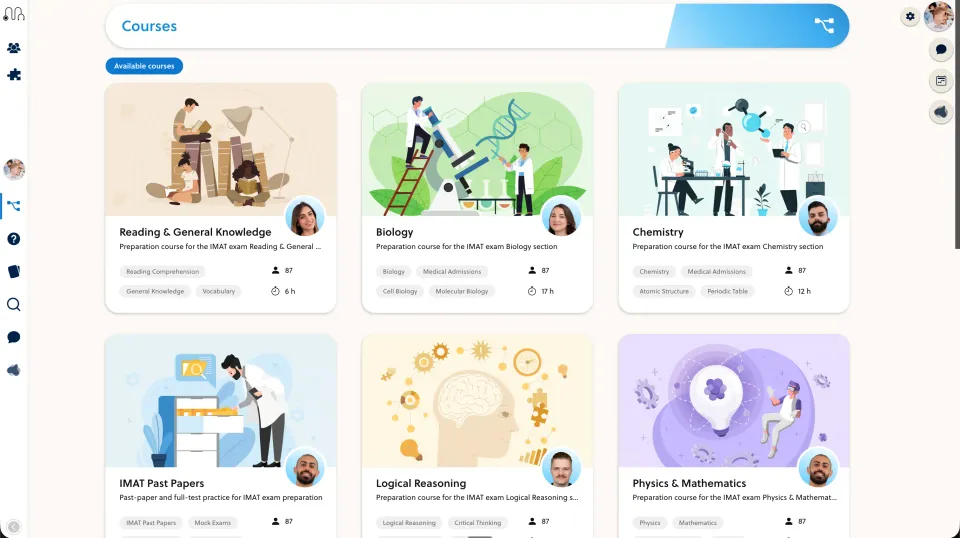
Compare the responsibilities behind your course, not a managed-versus-plugin slogan. Identify who owns updates, access, backups and content changes in each option.
Name the actual WordPress stack
WordPress LMS is a category, not one product. Record the LMS plugin, theme, checkout integration, hosting and extensions you would use. Evaluate their exact versions and the support arrangement behind them.
LearnDash is one example of a WordPress LMS, not a proxy for every plugin. Its product page is a starting point for checking the proposed stack. Do not assume WordPress cannot support serious assessment or a polished learner experience.
Map the responsibilities
Create a short ownership list for both options:
- Who tests an update before it reaches students?
- Who restores content and access after an incident?
- Who investigates when a paid learner cannot enter a course?
- Who checks that a revised question displays and scores correctly?
- What support is included, and what needs a separate agreement?
A managed platform changes who performs some work. It does not remove all security, continuity or content-quality responsibilities.
Rehearse a course change
Use a staging or test course. Replace a video, edit a question and change a learner’s access period. Check the learner-facing result and the administrator’s recovery path.
For an existing WordPress business, also identify public URLs that must remain available. Moving the student portal does not necessarily require rebuilding the public website. Keep redirects and search visibility in the migration plan when URLs do change.
Compare the complete cost of operation
Include the platform or plugin fee, hosting, required extensions, implementation and the team’s maintenance time. Ask both providers to define usage limits and support scope. Do not equate an open-source component with zero operating cost, or a subscription with unlimited service.
Keep WordPress if the stack fits and ownership is clear. Evaluate PrepOS if you want a managed academic course workflow and a scoped implementation plan. Use the WordPress comparison and migration checklist to prepare that discussion.
This is a PrepOS-authored evaluation guide, not a security benchmark or a claim that every WordPress installation has the same risks. Product reference checked on September 8, 2026.