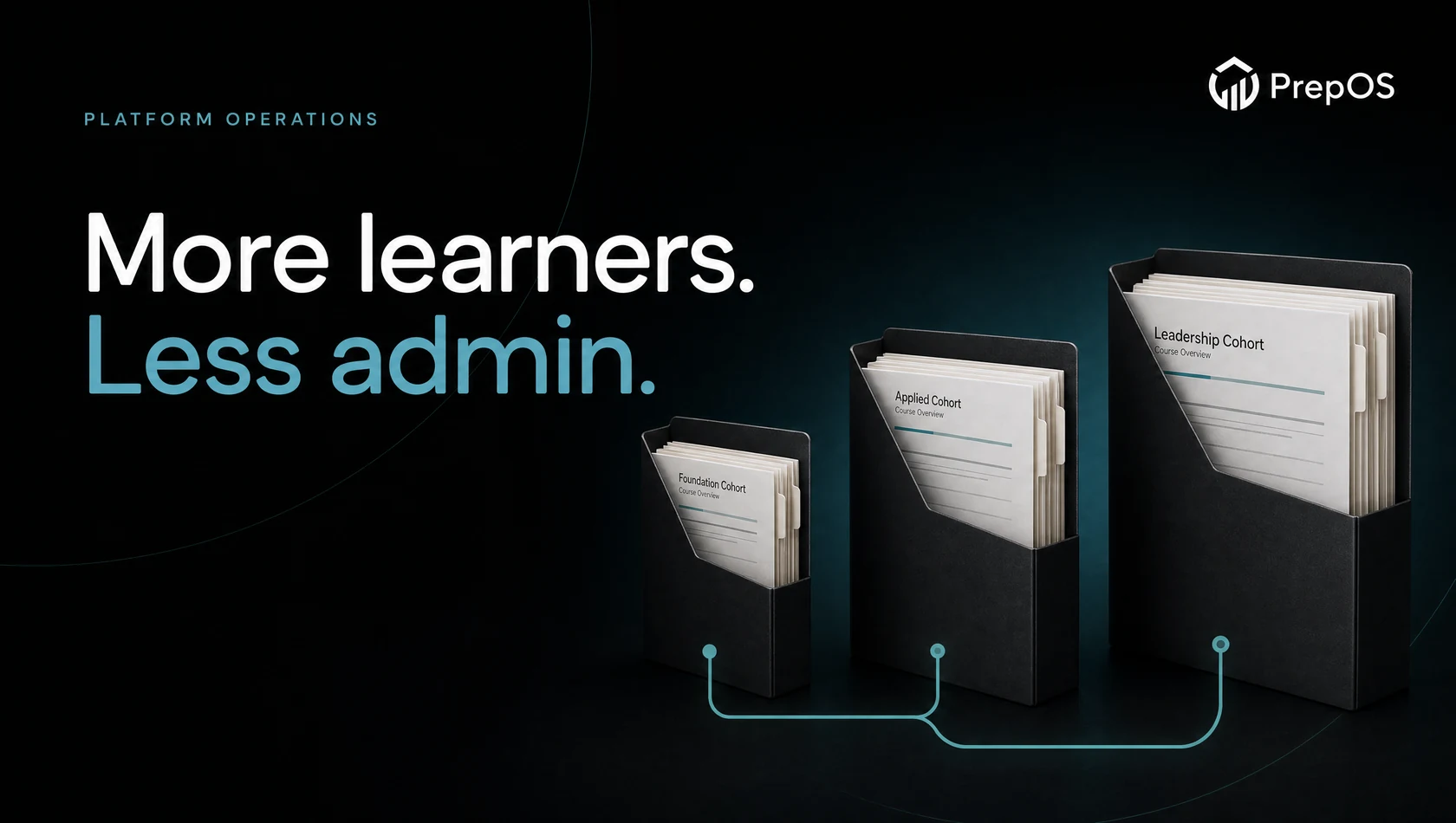
The same lesson may appear in a standalone course and a larger programme. Compare how access, content changes and learner progress behave across those offers.
Write the offer rules first
Teachable’s public platform includes more than video hosting. Evaluate its current course and business tools against your actual offer instead of assuming assessments or broader product types are absent.
Describe a standalone course and a programme that includes it. Specify access duration, support and what happens when a learner already owns part of the bundle.
Follow one learner through both offers
Use a test learner with access to the standalone course, then add the programme through an approved test path. Check whether they see duplicate course entries and whether existing progress remains understandable.
Repeat the workflow in the proposed PrepOS setup. Record differences between access rules and content organisation rather than treating them as the same feature.
Revise a shared lesson
Change an explanation used by both offers. Verify which version each learner sees and how the team communicates important corrections.
Finally, end test access and inspect what remains available. Compare administration, support and package limits in addition to the editor. Choose the platform that matches the offer rules you can actually maintain; a richer bundle is not evidence of better learning outcomes or higher revenue.
Sources and next steps
Check Teachable’s official information and the PrepOS comparison against the exact packages you are evaluating. This is a PrepOS-authored pilot checklist, not an independent benchmark or a claim that the competitor lacks every workflow discussed. Product references reviewed on September 8, 2026.