Compare the complete lesson, including any external media or exercise tools it relies on. A short setup process is useful only if the ongoing teaching workflow also fits.
Build a dependency list for one lesson
Start with a video, a diagram and a practice activity. For the Teachery setup you are considering, establish where each item is hosted and whether it is native, embedded or linked.
Check the current product documentation rather than assuming a particular question type is included or unavailable. Do the same for the proposed PrepOS package.
Test the learner-facing boundary
Open the lesson with a learner account. Follow every external link and check whether a separate login, a new consent prompt or an unexpected navigation step appears.
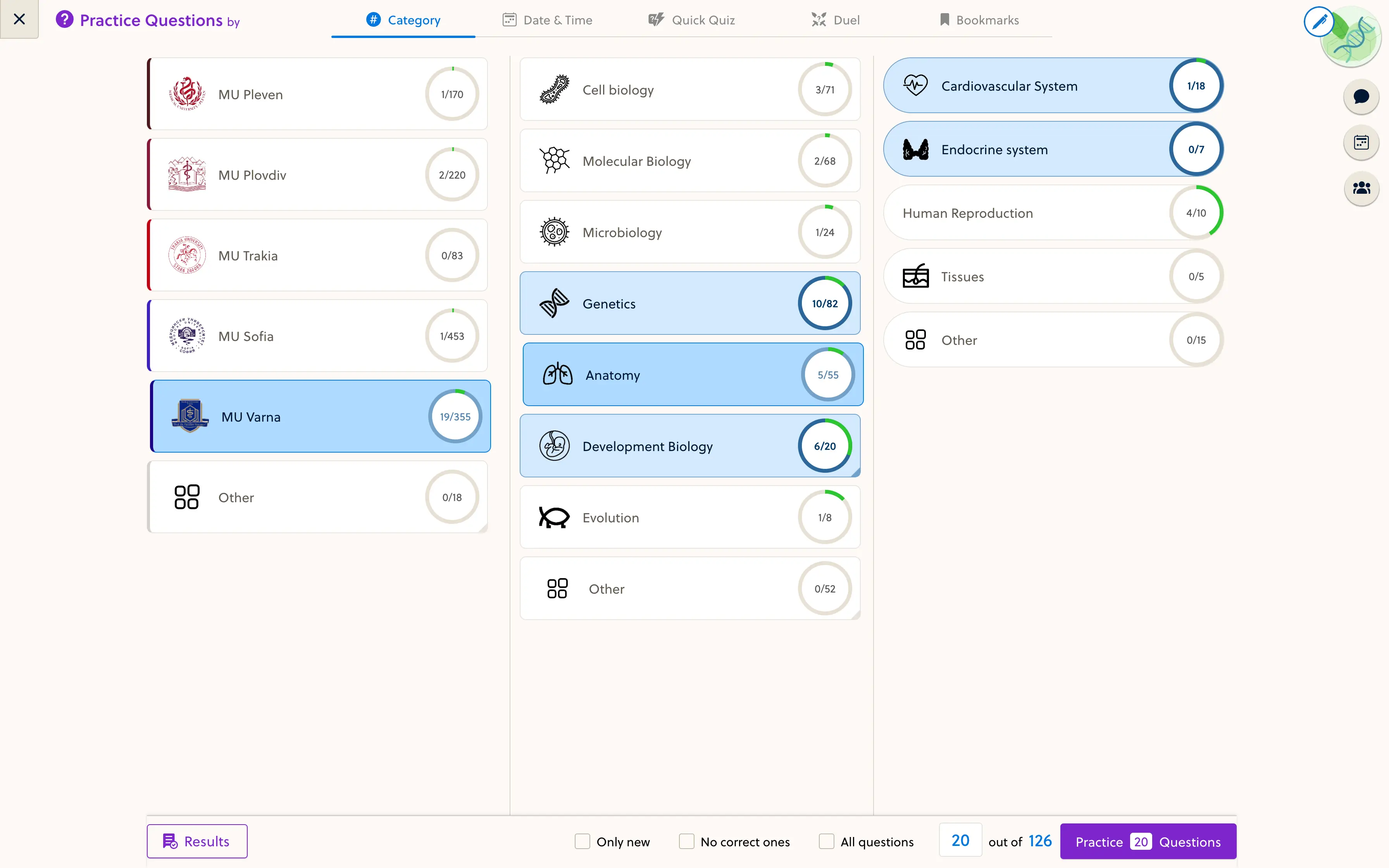
Submit the practice activity and identify where feedback and progress are recorded. If a separate tool is required, that can be acceptable when ownership and learner access are clear.
Rehearse a broken dependency
In a test lesson, replace or remove a media link and check how the failure appears. Establish who receives the report, who can repair it and whether the corrected resource reaches all intended courses.
Include media hosting, exercise tools, implementation and maintenance time in the comparison. Keep Teachery on the shortlist if the complete workflow fits. Evaluate PrepOS when its academic resource workflow addresses an observed need. Neither simplicity nor feature count is a substitute for this test.
Sources and next steps
Check Teachery’s official information and the PrepOS comparison against the exact packages you are evaluating. This is a PrepOS-authored pilot checklist, not an independent benchmark or a claim that the competitor lacks every workflow discussed. Product references reviewed on September 8, 2026.